What You're Getting
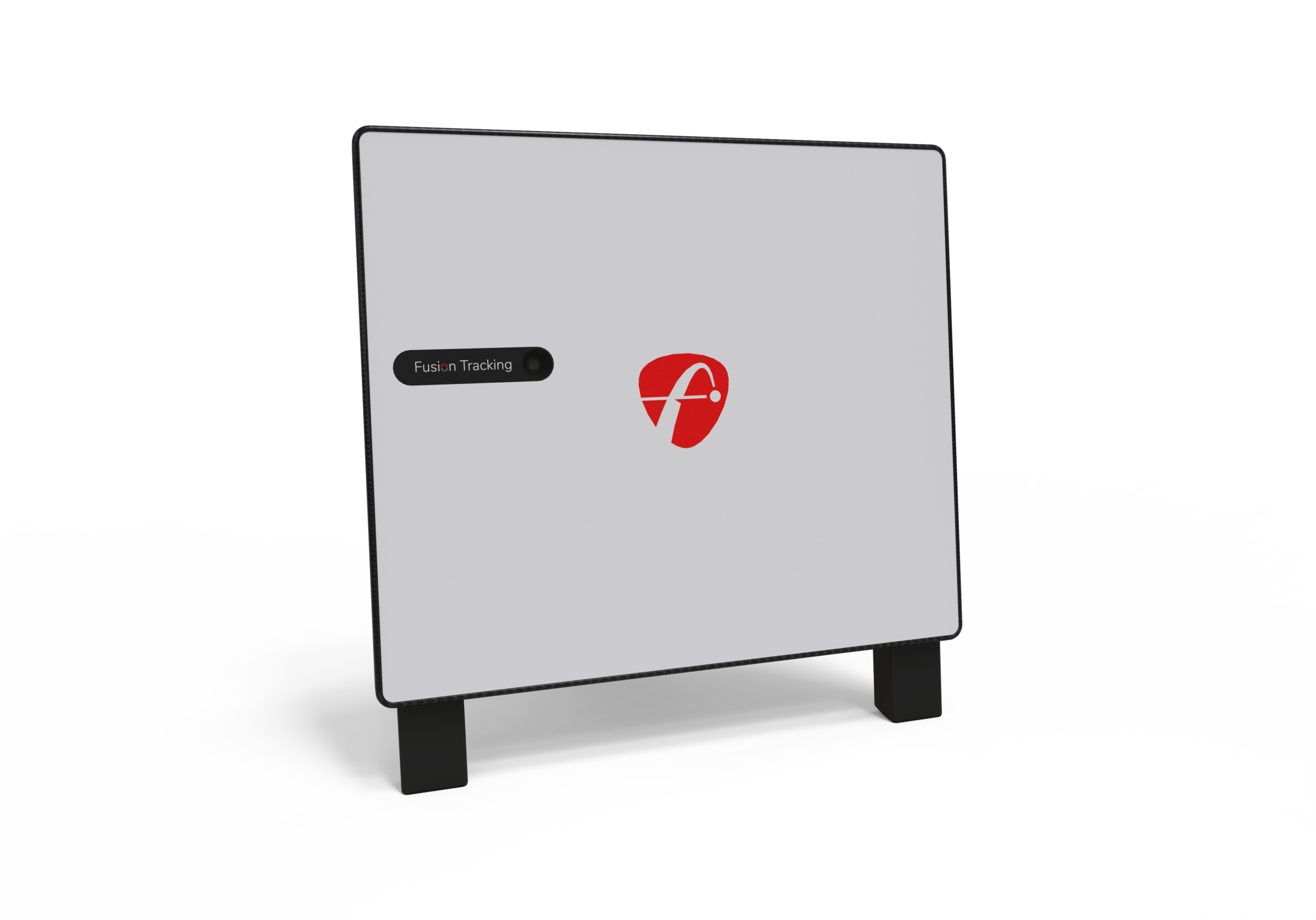
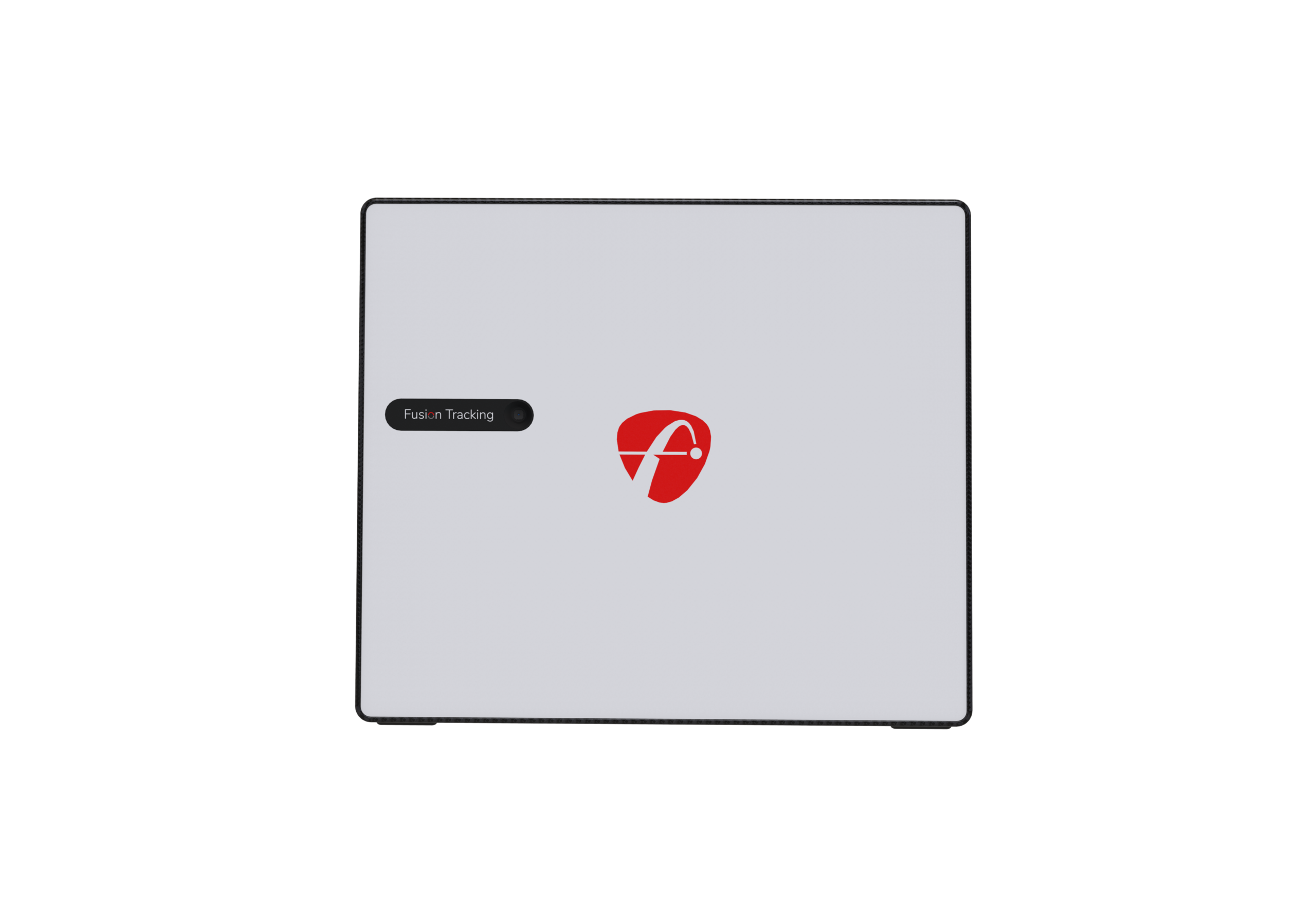
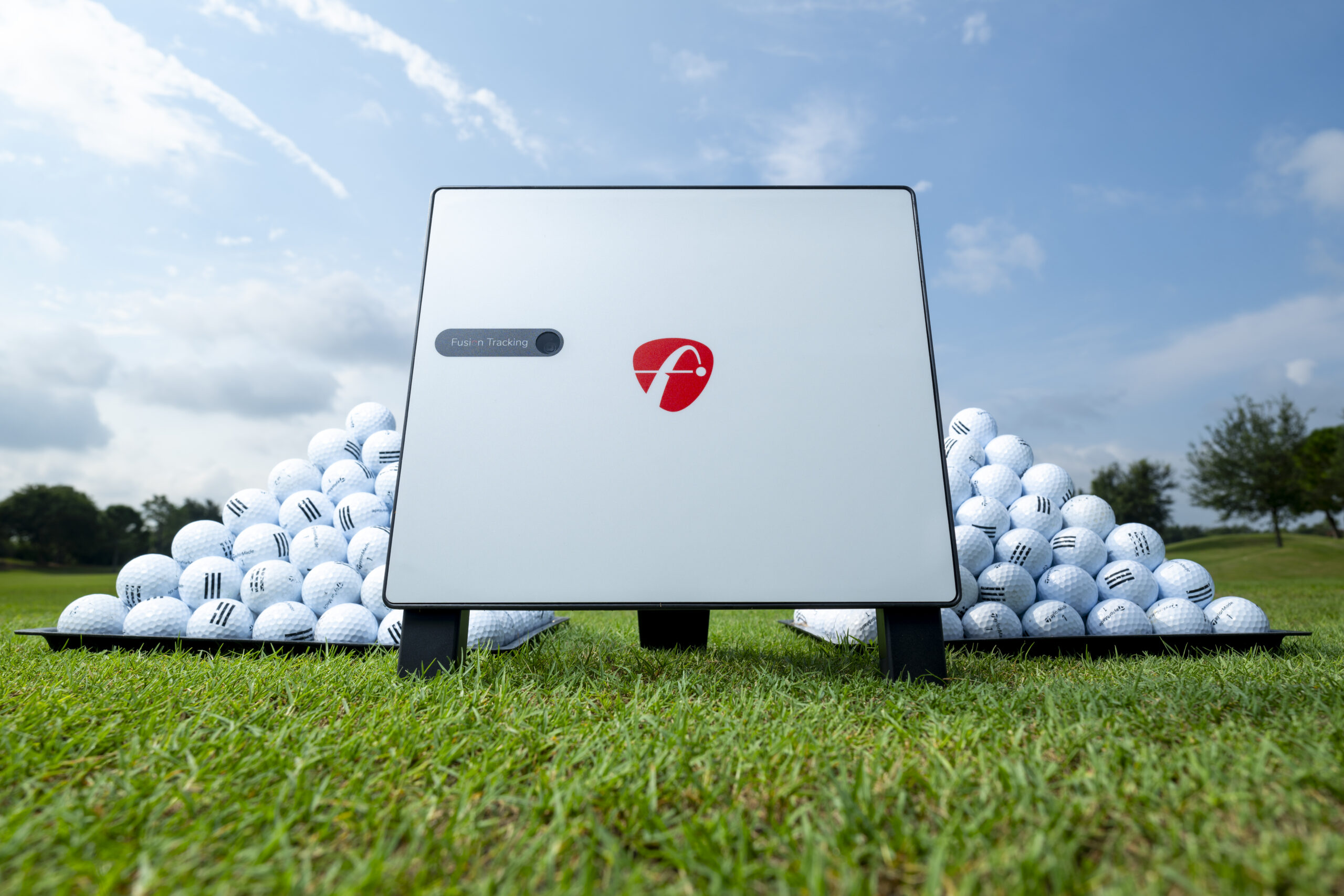
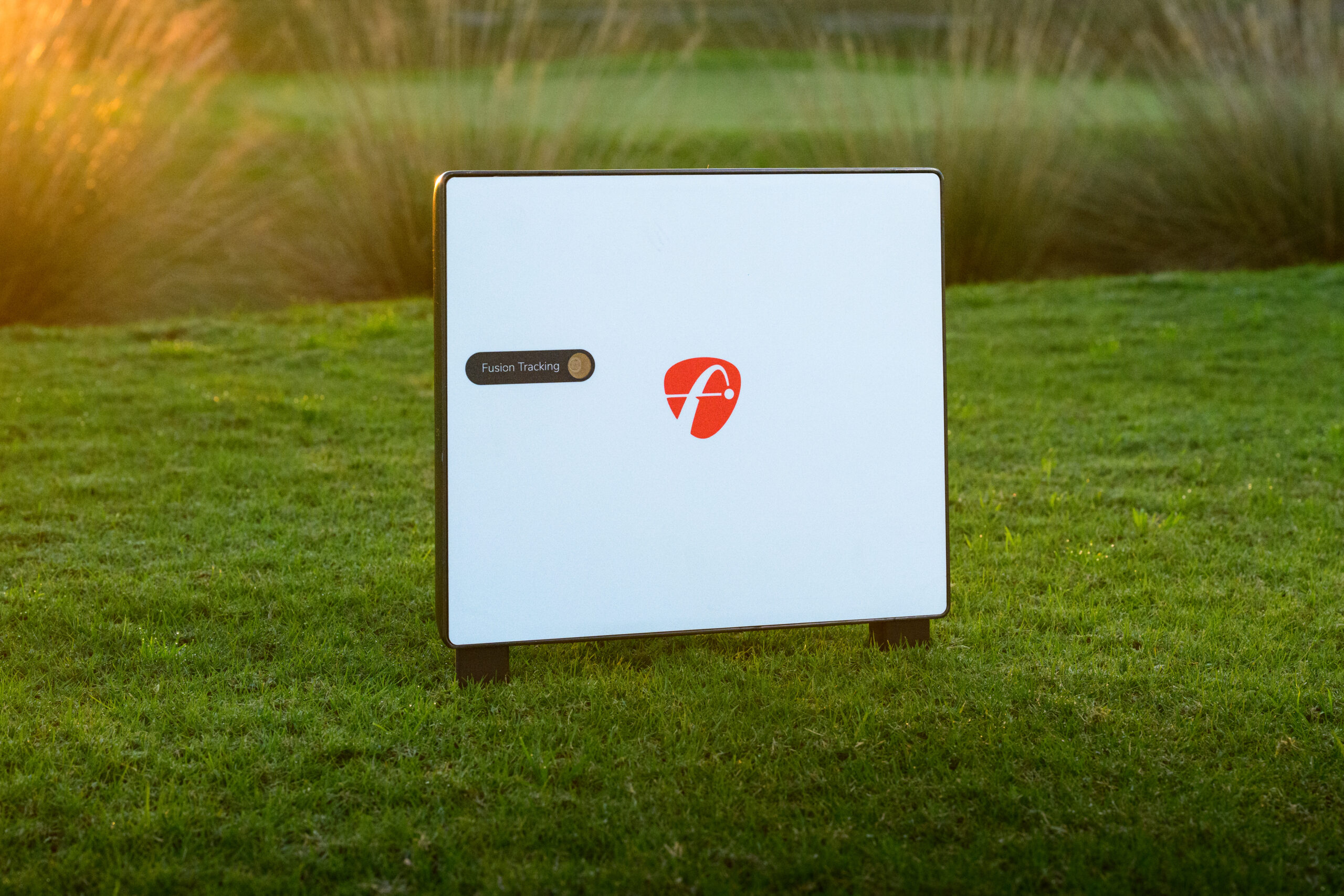
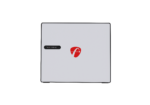
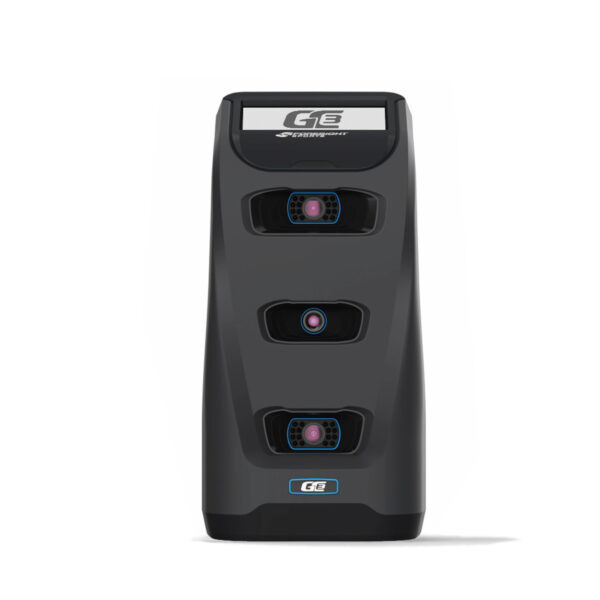
The FlightScope X3C Golf Launch Monitor with Advanced Radar Technology is a professional launch monitor built for golfers, coaches, club fitters, training facilities, and simulator users who need detailed ball and club data indoors and outdoors. It provides 50 data parameters and uses FlightScope’s patented Fusion Tracking technology.
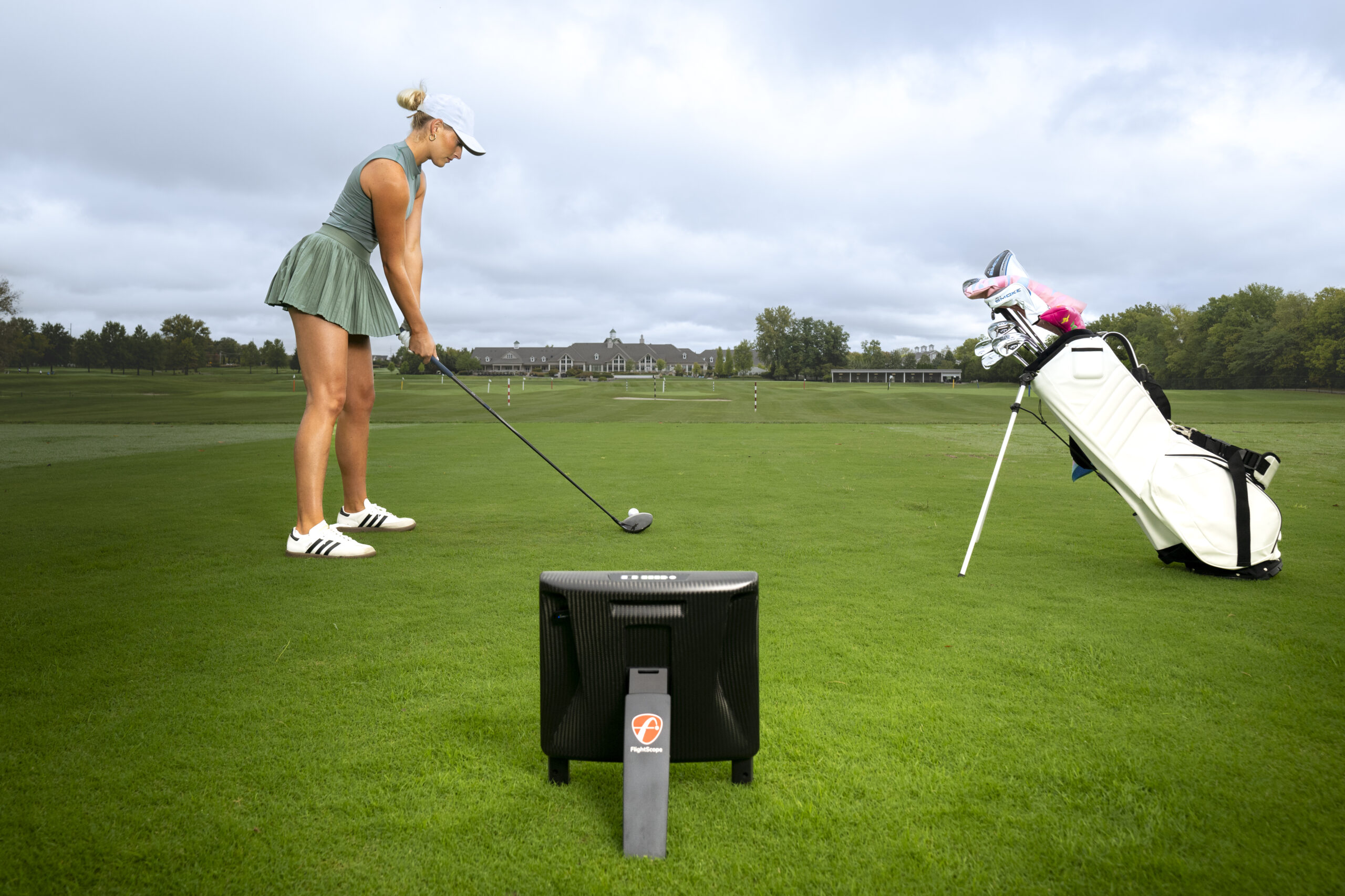
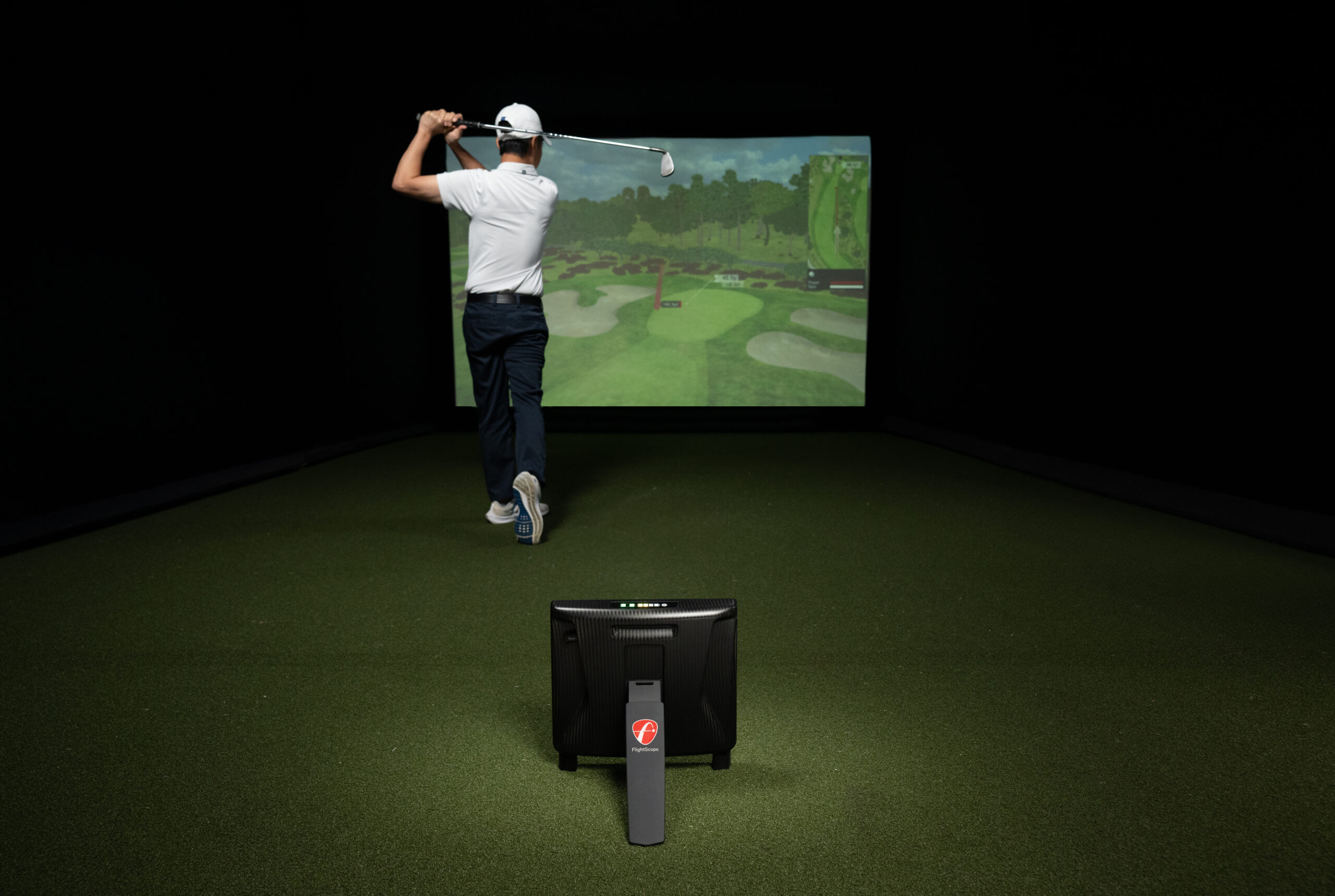
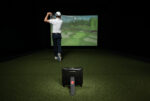
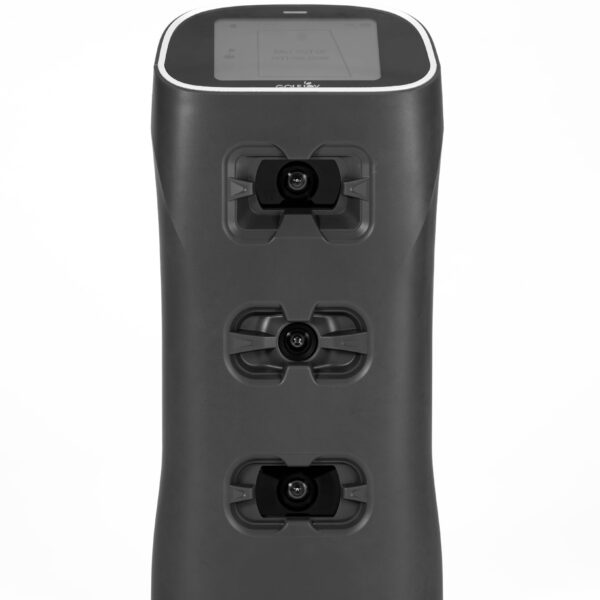
The X3C combines 3D Doppler radar with synchronized image processing. Outdoors, its full-tracking radar follows the ball from impact through landing. Indoors, Fusion Tracking provides accurate ball and club measurements in limited-flight spaces.
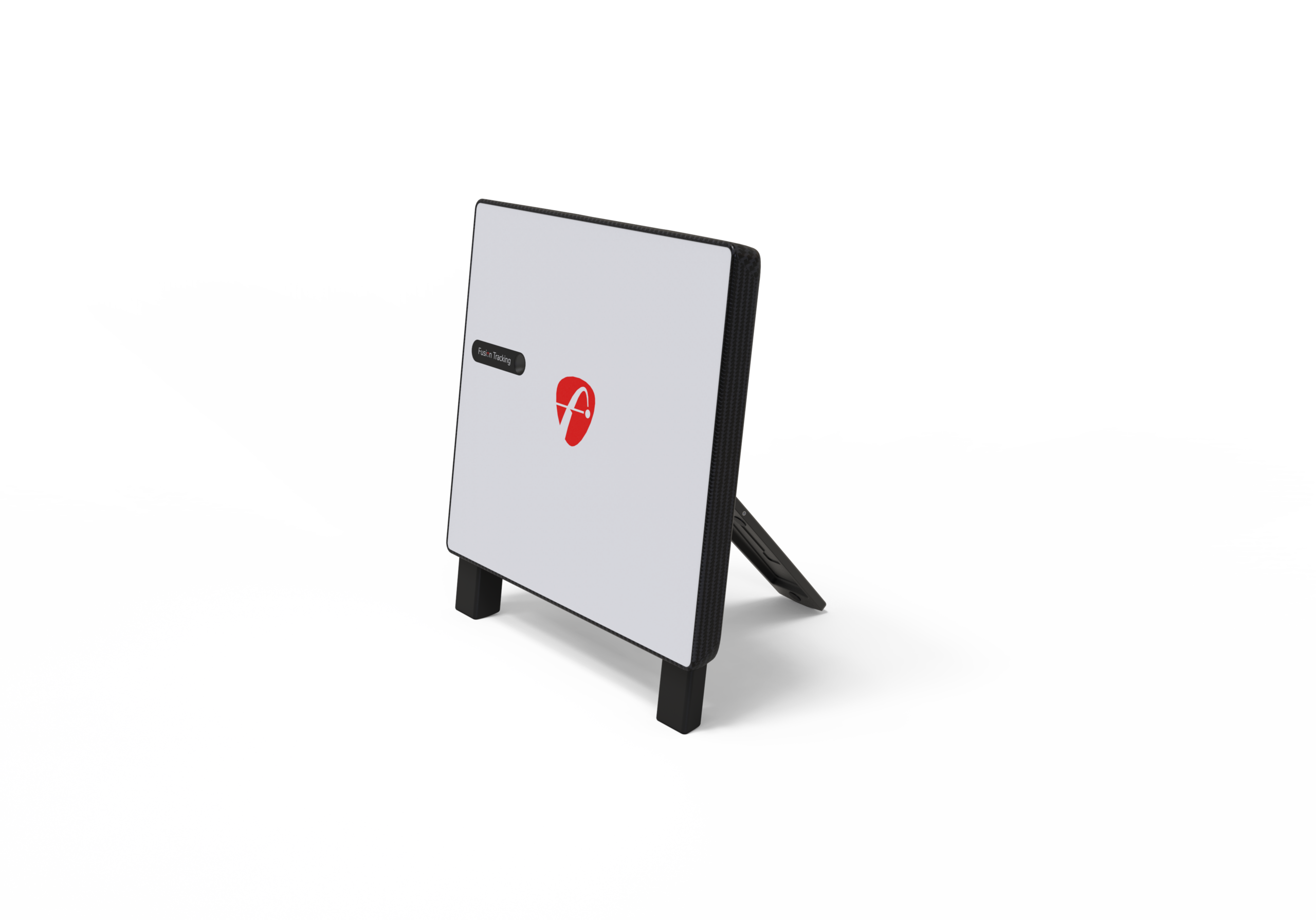
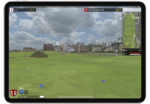
The X3C also includes action video clips with data overlay, auto-leveling feet, an internal camera for setup, and support for both indoor and outdoor practice. It is designed for users who want FlightScope’s most extensive radar-based performance data for coaching, fitting, practice, and simulator applications.
At a Glance
| Spec | Detail |
|---|
| Tracking Technology | 3D Doppler radar + synchronized image processing (Fusion Tracking) |
| Data Points | 50 data parameters across full swing, chipping, and putting |
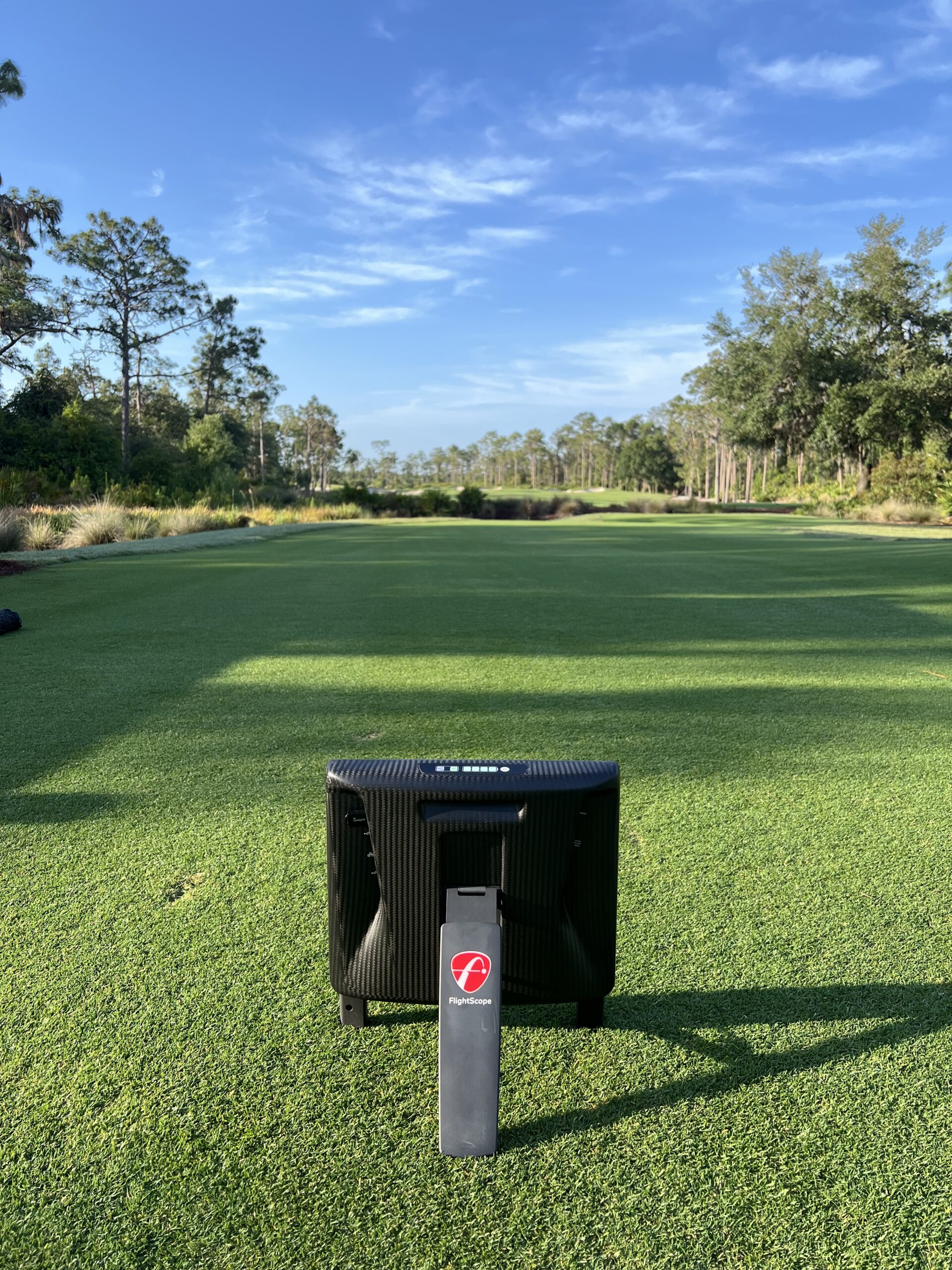
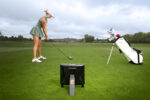
| Position | Behind the tee, 8–12 ft for full-swing setup |
| Indoor & Outdoor | Yes — full-flight tracking outdoors; Fusion Tracking indoors |
| Handedness | Right and left handed, no repositioning needed |
| Battery | 7+ hour battery life |
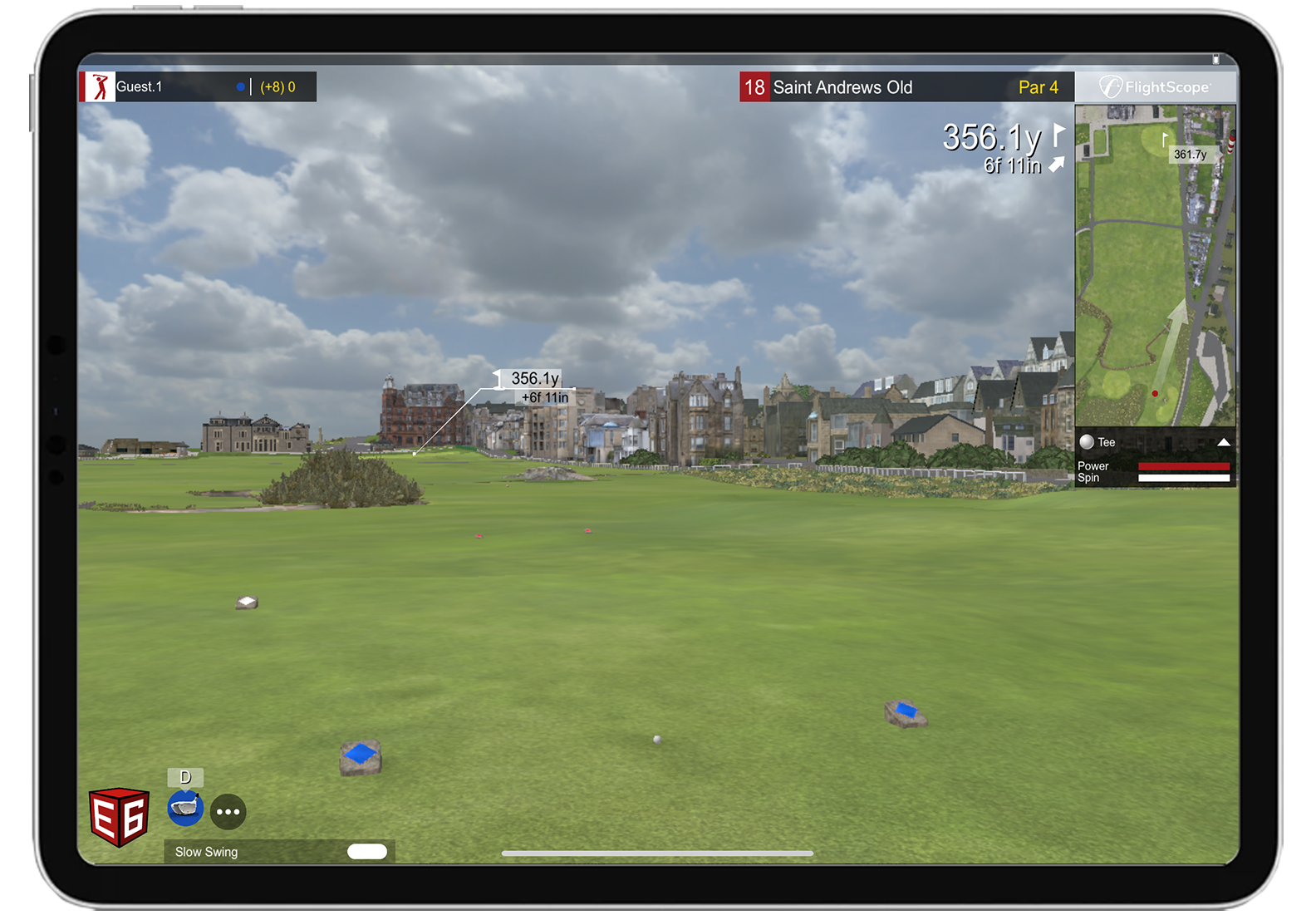
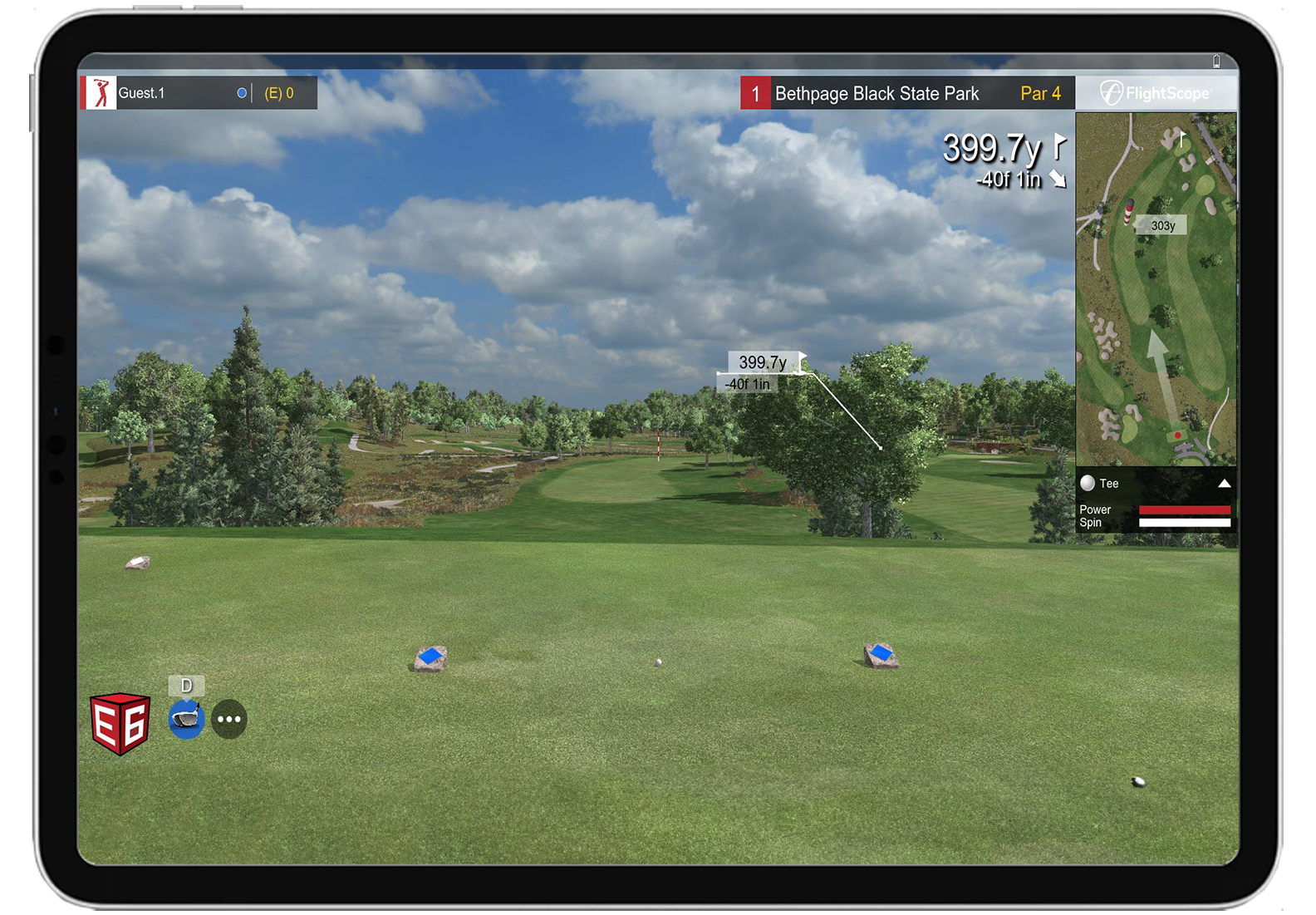
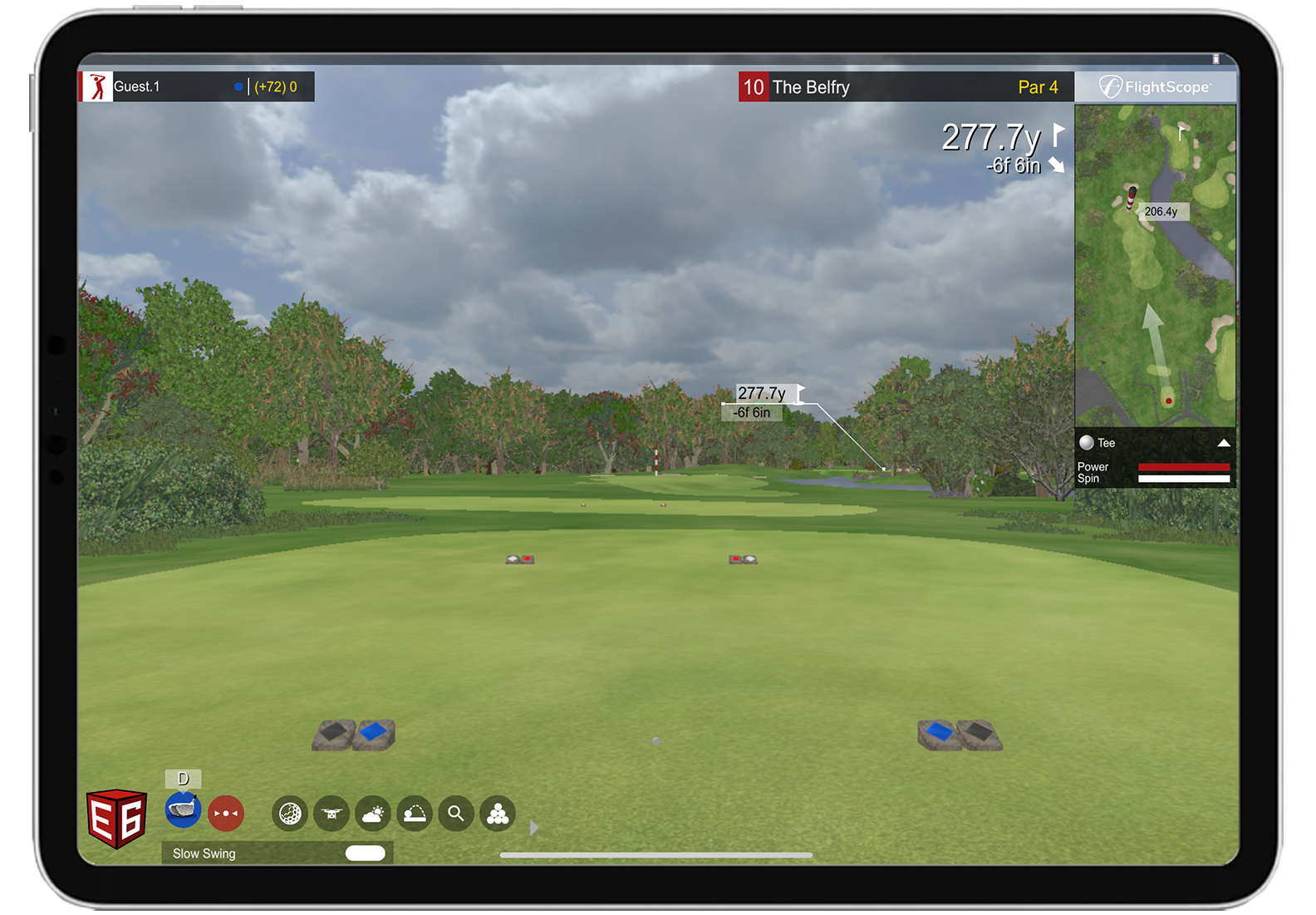
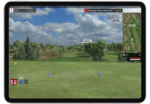
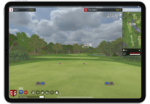
| Included Software | E6 Connect 12-course bundle, FS Golf app |
| Subscription Required | No for included software |
Will It Work in Your Space?
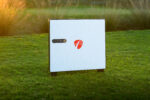
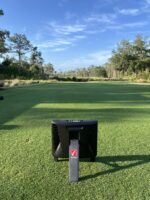
The FlightScope X3C doesn’t have the ceiling-mounting requirements of an overhead launch monitor. It sits on the floor behind the tee. For indoor full-swing use, FlightScope recommends positioning the sensor 8–10 feet behind the tee with at least 8 feet of ball flight.
| Measurement | Required | Notes |
|---|
| Indoor tracking space | 16–18 ft minimum | 8–10 ft sensor-to-tee plus at least 8 ft of ball flight |
| Ceiling height | No X3C tracking minimum | Allow enough height for a safe, unrestricted golf swing |
| Surface | Stable hitting-area setup | Auto-leveling feet help compensate for surface slope during startup |
What Comes in the Box
- X3C unit
- Power adapter
- USB and Ethernet cables
- 100 aluminum stickers
- Carrying case
- 12-course iOS E6 Connect license
- User manual
- Tape measure
Data Points — Key Metrics
Ball Data
| Metric |
|
| Ball Speed |
✅ |
| Vertical Launch Angle |
✅ |
| Horizontal Launch Angle |
✅ |
| Spin Rate |
✅ |
| Spin Axis |
✅ |
| Smash Factor |
✅ |
Club Data
| Metric |
|
| Club Speed |
✅ |
| Club Path |
✅ |
| Face to Path |
✅ |
| Face to Target |
✅ |
| Dynamic Loft |
✅ |
| Angle of Attack |
✅ |
| Spin Loft |
✅ |
| Vertical Swing Plane |
✅ |
| Horizontal Swing Plane |
✅ |
| Low Point |
✅ |
| Club Speed Profile |
✅ |
| Club Acceleration Profile |
✅ |
| Face Impact Location |
✅ |
Trajectory Data
| Metric |
|
| Carry Distance |
✅ |
| Total Distance |
✅ |
| Roll Distance |
✅ |
| Apex Height |
✅ |
| Flight Time |
✅ |
| Vertical Descent Angle |
✅ |
| Curve |
✅ |
| Shot Type |
✅ |
| Lateral Landing |
✅ |
| Shot Dispersion |
✅ |
Software
| Platform |
Cost |
What It Gets You |
| FS Skills App |
Included |
Combines, customized challenges, skill assessment, and benchmarking |
| FS Golf App |
Included |
Shot data, practice sessions, video, 3D trajectories, and challenges |
| E6 Connect |
12-course bundle included; optional plans available |
Simulator course play; optional Basic and Expanded subscriptions add additional content |
| GSPro |
$250/year |
Realistic ball physics, practice features, and a wide course library |
| TGC 2019 |
Separate license |
Large course selection and detailed simulator visuals |
Device Requirements
| Platform |
Minimum |
Recommended |
| iOS / iPadOS |
iOS 17.0 or later / iPadOS 17.0 or later |
Use a current compatible iPhone or iPad capable of running the latest FS Golf App |
| Android |
Compatible Android device running the current FS Golf App |
Use a current Android phone or tablet with sufficient performance for video and 3D trajectory features |
| Windows |
Compatible Windows PC running FS Golf PC 2.0 |
PC specifications should also meet the requirements of any third-party simulator software you plan to use |
What Else You'll Need for a Full Simulator Setup
💡 At this price point, most buyers are building a full facility or coaching bay. Want a room-specific setup recommendation? Email portersgolf@gmail.com or use the free Custom Recommendation form.
FlightScope X3C vs Other Premium Launch Monitors
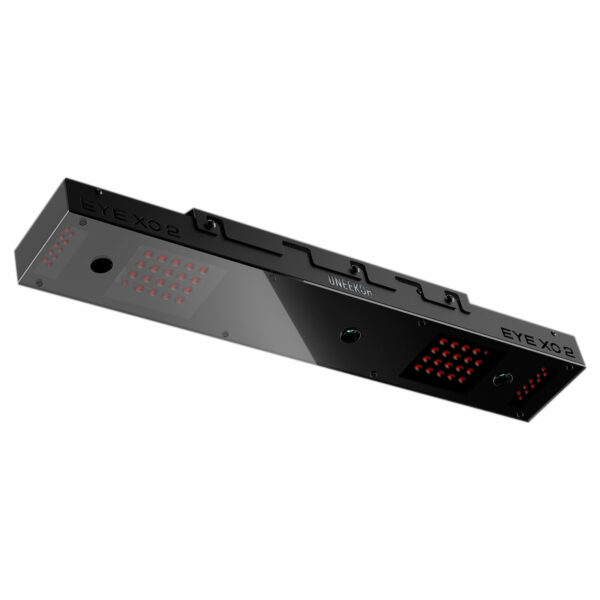
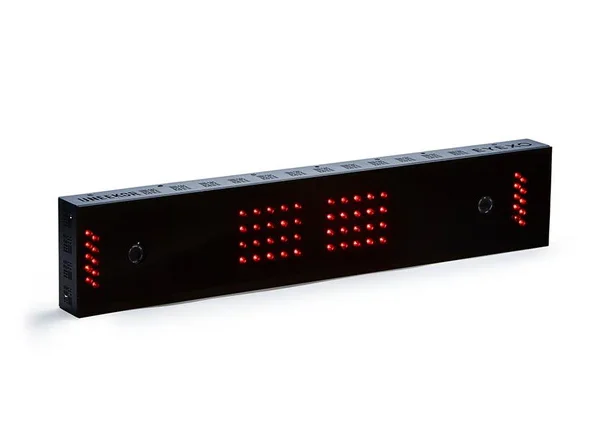
| | X3C ($13,495) | Foresight GCQuad Launch Monitor ($14,499) | EYE XO2 ($10,999) | EYE XR ($6,999) |
|---|
| Technology | 3D Doppler radar + synchronized image processing | 4-camera quadrascopic high-speed imaging | 3 high-speed infrared cameras | High-speed infrared cameras |
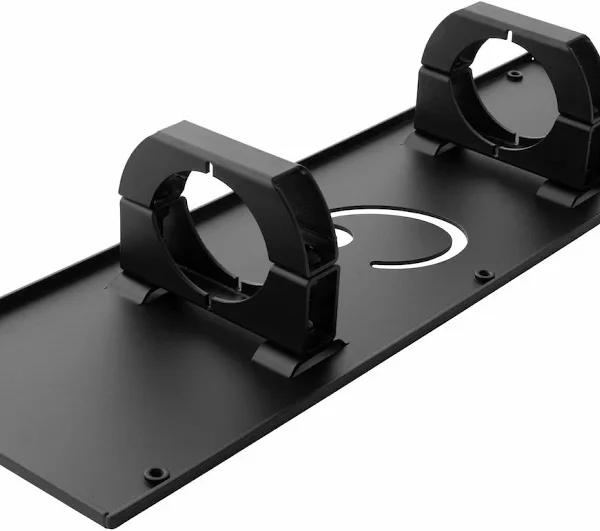
| Position | Floor unit behind the tee | Portable floor unit beside the hitting area | Front overhead | Rear overhead |
| Ball marking | Limited flight: aluminum sticker or Titleist RCT ball | Not required | Not required | Not required |
| Ceiling requirement | No sensor mounting requirement — allow enough height for a full swing | No sensor mounting requirement — allow enough height for a full swing | 10 ft minimum recommended | 10 ft minimum recommended |
| Full-flight outdoor tracking | Yes — tracks the ball from impact to landing | Yes — designed for indoor and outdoor use | No — designed for indoor installation | No — designed for indoor installation |
| Indoor space | 8–10 ft sensor-to-tee + at least 8 ft ball flight | No radar ball-flight distance requirement — allow sufficient room for a safe swing and simulator setup | 13 ft wide × 16 ft deep × 10 ft high recommended | 13 ft wide × 16 ft deep × 10 ft high recommended |
| Best for | Coaching, fitting, practice, and indoor/outdoor professional use | Professional coaching, club fitting, indoor/outdoor practice, and users who prefer camera-based tracking | Premium permanent indoor simulator rooms with a large hitting zone | Permanent indoor setups wanting overhead tracking at a lower price |
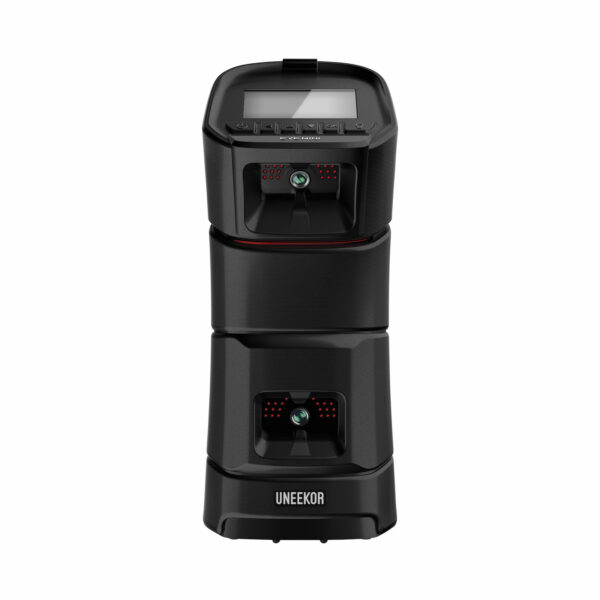
💡 If you want a permanent indoor overhead setup, the EYE XO2 offers a premium option, while the EYE XR gives you overhead tracking at a lower price. If you want a portable camera-based launch monitor for indoor and outdoor use, the Foresight GCQuad is a strong alternative. If you need full-flight radar tracking outdoors along with serious indoor coaching, fitting, and simulator capability, the X3C stands out.




Reviews
Clear filtersThere are no reviews yet.