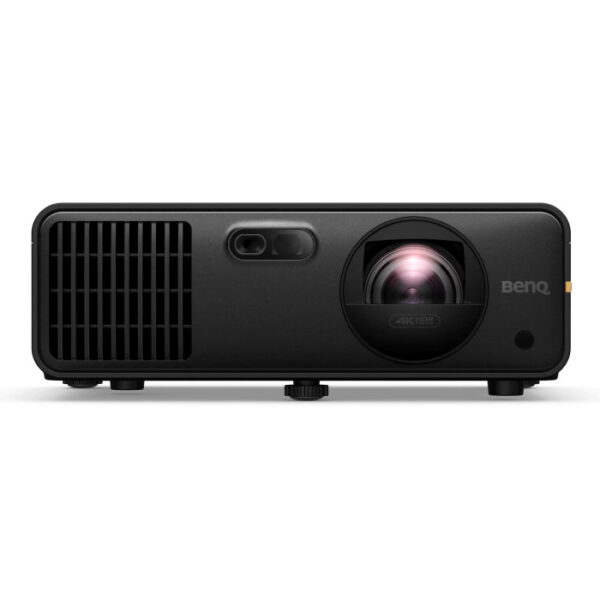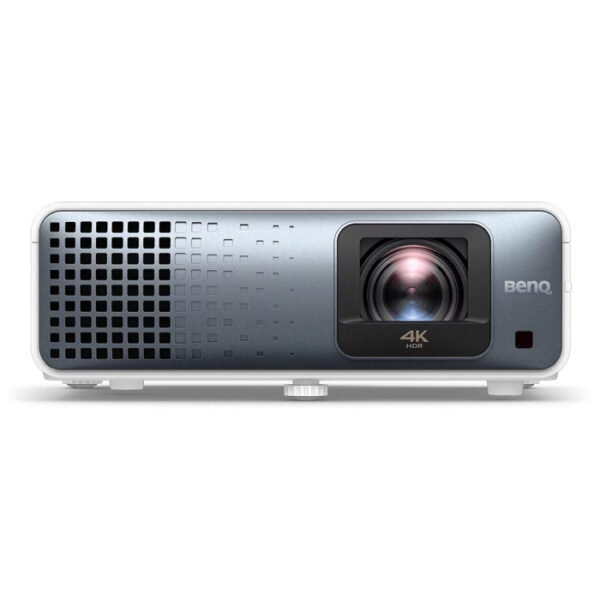
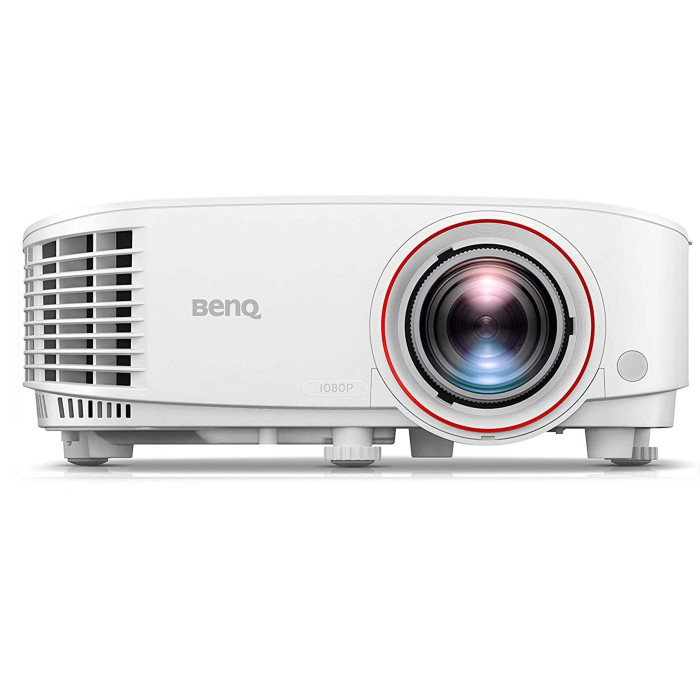
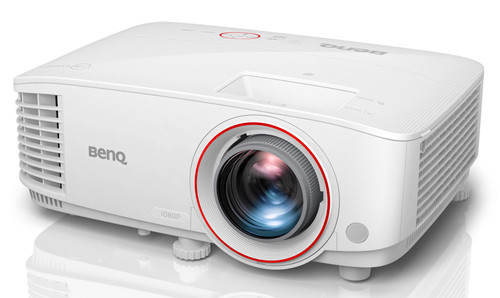
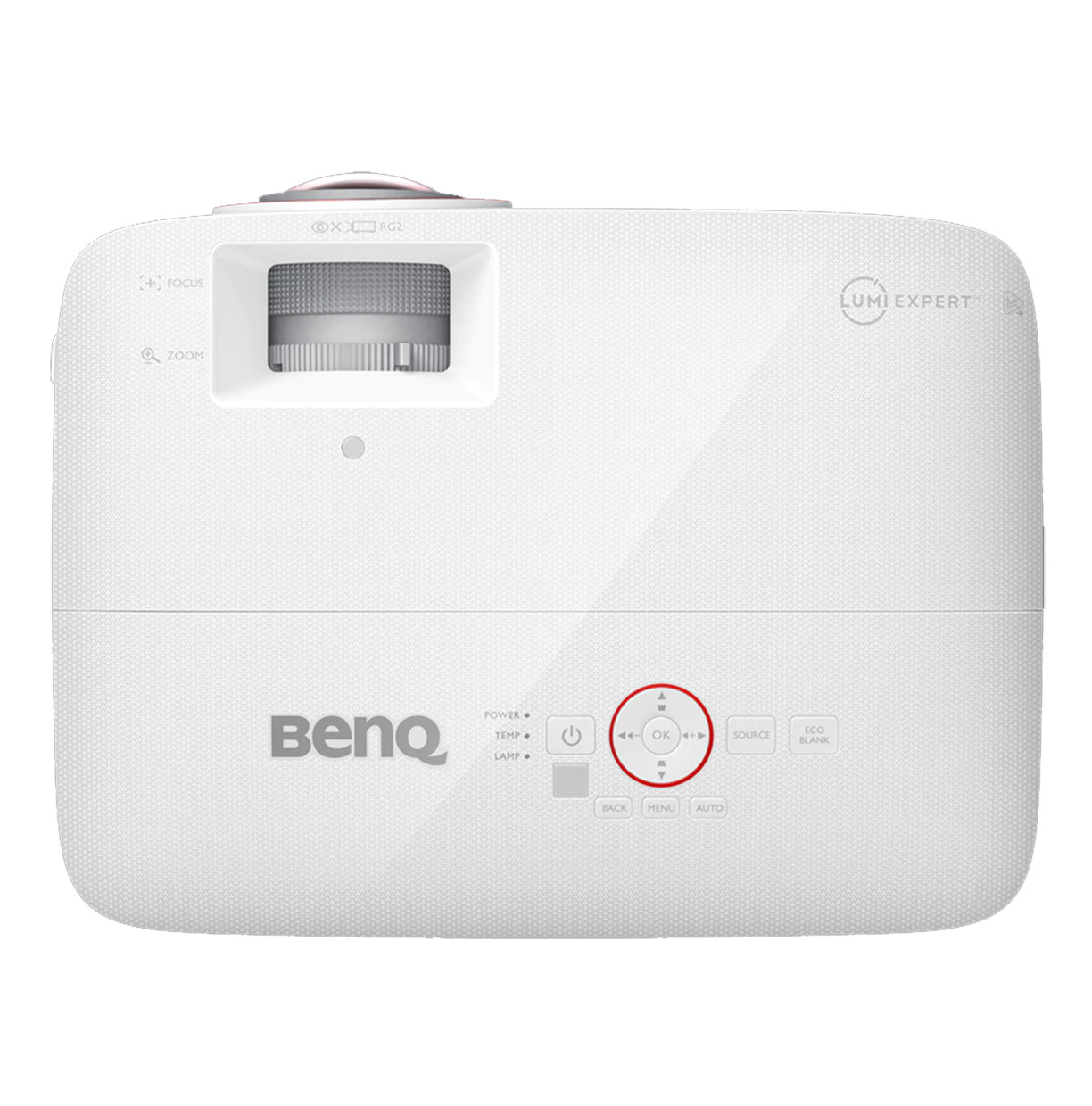
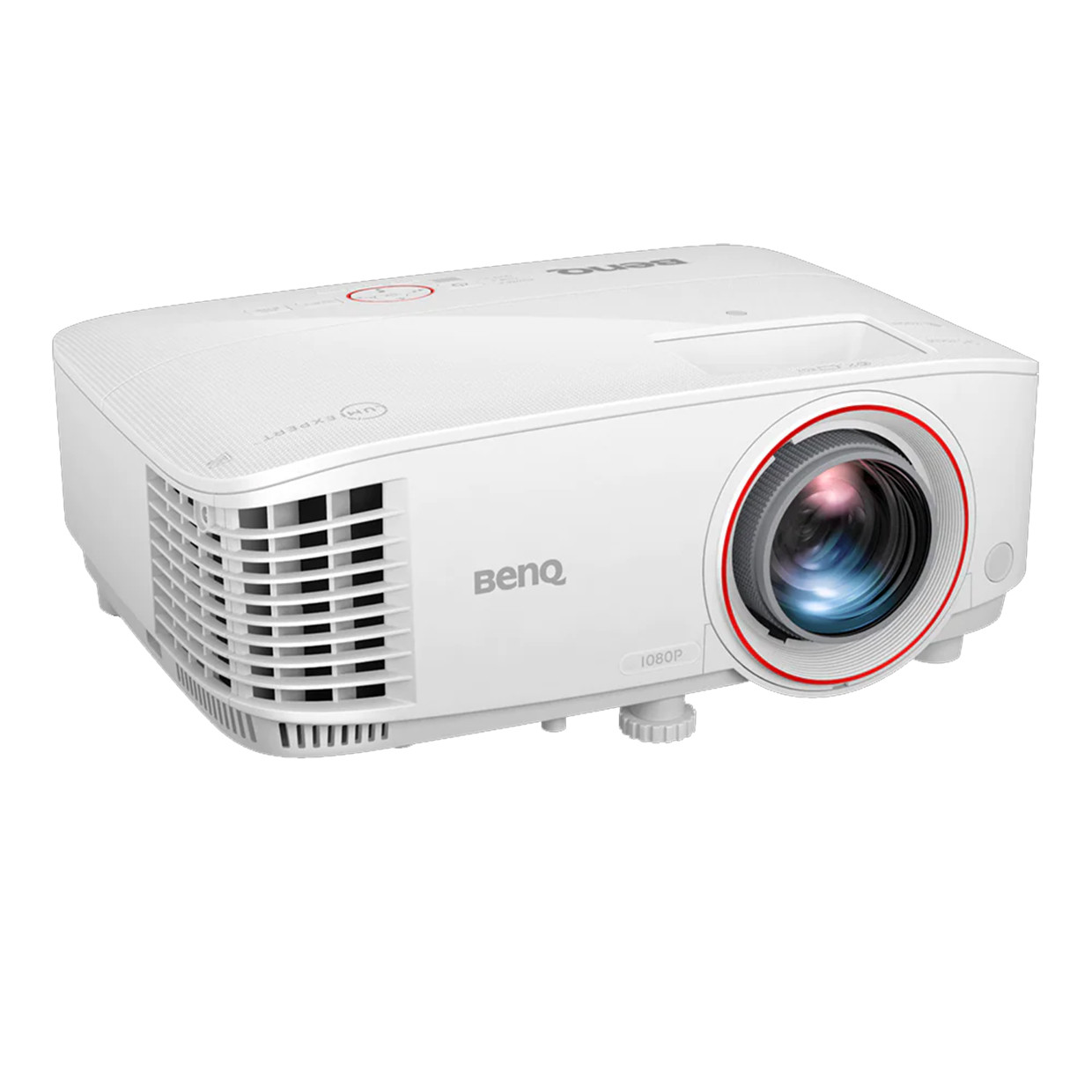
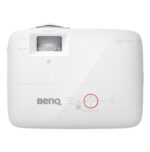
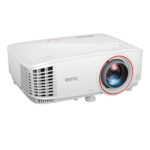
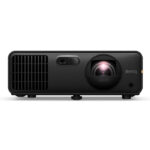
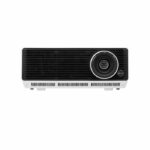

BenQ TH671ST Golf Simulator Projector

$949.00

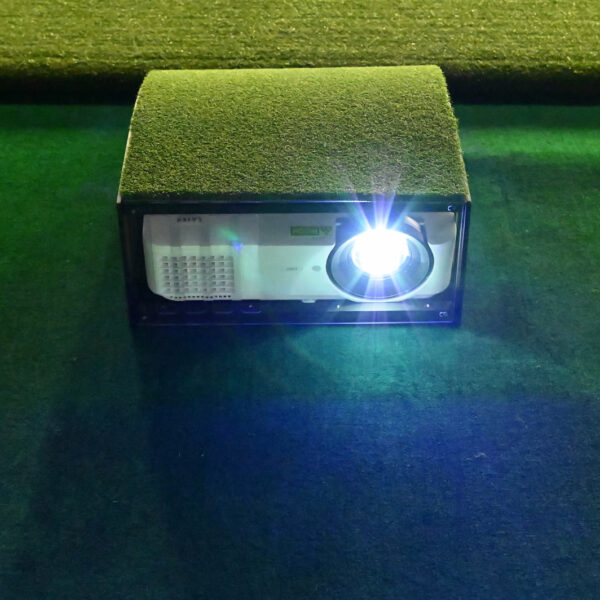
The TH671ST is a short-throw 1080p projector that sits close to the screen — roughly 6 to 7 feet away — and fills a standard simulator screen cleanly. It’s the most straightforward projector in our lineup. Mount it, aim it, plug it in, and you’re playing. No automated calibration, no extra setup steps. Connect your PC over HDMI and you’re done.

Works in rooms where you can control the lighting. Uses a replaceable lamp rather than laser — plan for lamp replacement every few years. Best fit for golfers who want a solid, no-fuss projector at an honest price.

At a Glance:
Price $949
Resolution 1080p Full HD
Brightness 3,000 lumens
Light Source Lamp — replaceable, not laser
Throw Type Short-throw — sits 6–7 ft from a standard screen
Screen Size Fills up to 120″ diagonal
Auto Screen Fit — Vertical keystone auto-adjusts
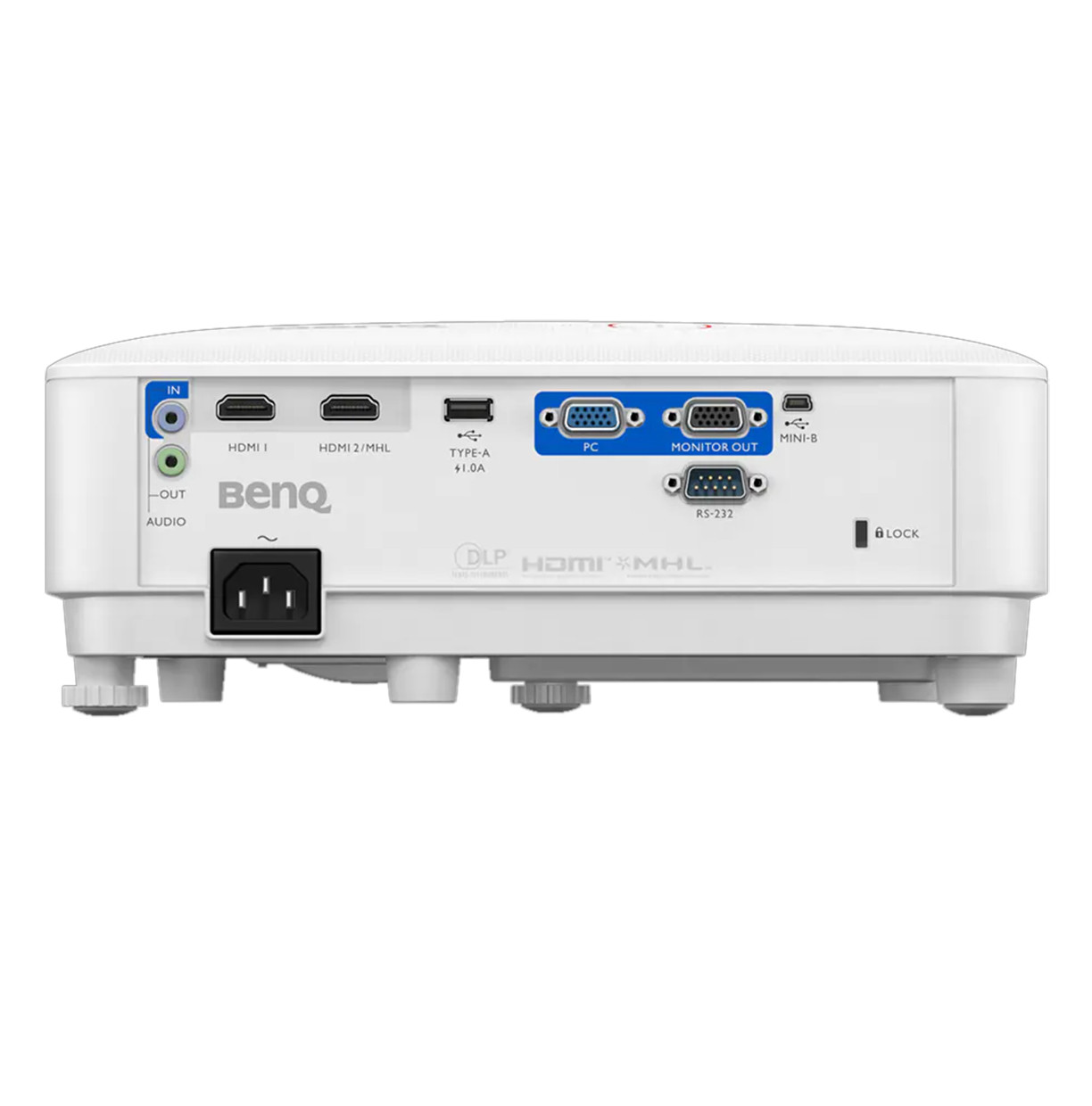
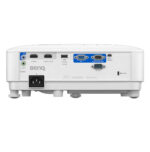
HDMI Inputs 2 × HDMI

Description

What You're Getting

The TH671ST is BenQ’s entry point into golf simulator projection. It’s a short-throw lamp projector that mounts close to the screen, keeps cables tidy, and stays out of the swing zone. 1080p resolution fills a standard simulator screen clearly enough that you’ll read every fairway and green without squinting.

The difference between this and the laser models above it is the light source. The TH671ST uses a replaceable lamp — it’ll run for a few thousand hours before you need to swap it. If you’re building your first simulator and want to keep the upfront cost manageable, this is where most people start.

Key Specs

MeasurementSpecNotes
Throw ratio0.69–0.83:1Short-throw — projector sits close to the screen
Distance for 120″ screenApprox. 6–7 ft from screenMeasure your room before mounting
Screen size rangeUp to 120″ diagonalFits standard home simulator screens
Keystone adjustmentAuto verticalSelf-adjusts for a squared image
MountingCeiling or shelfStandard projector mount works — not included

Installation — What to Know Before You Mount It

Measurement

Spec

Notes

Throw ratio

0.69:1

Short-throw — projector sits close to the screen

Distance for 120″ screen

Approx. 6–7 ft from screen

Measure your room before mounting

Screen size range

Up to 120″ diagonal

Fits standard home simulator screens

Keystone adjustment

Manual

You adjust it by hand during setup, not automatic

Mounting

Ceiling or shelf

Standard projector mount works — not included

ℹ️  Manual keystone means you’ll spend 10–15 minutes aligning the image when you first set it up. Not a dealbreaker — it’s a one-time task. But if you want the projector to align itself automatically, step up to the AH700ST or AK700ST.

ℹ️ The zoom range gives you some flexibility in exact placement, but distance still matters for image size. Not sure if this fits your room? Email [email protected] with your dimensions and we’ll confirm.

Connections

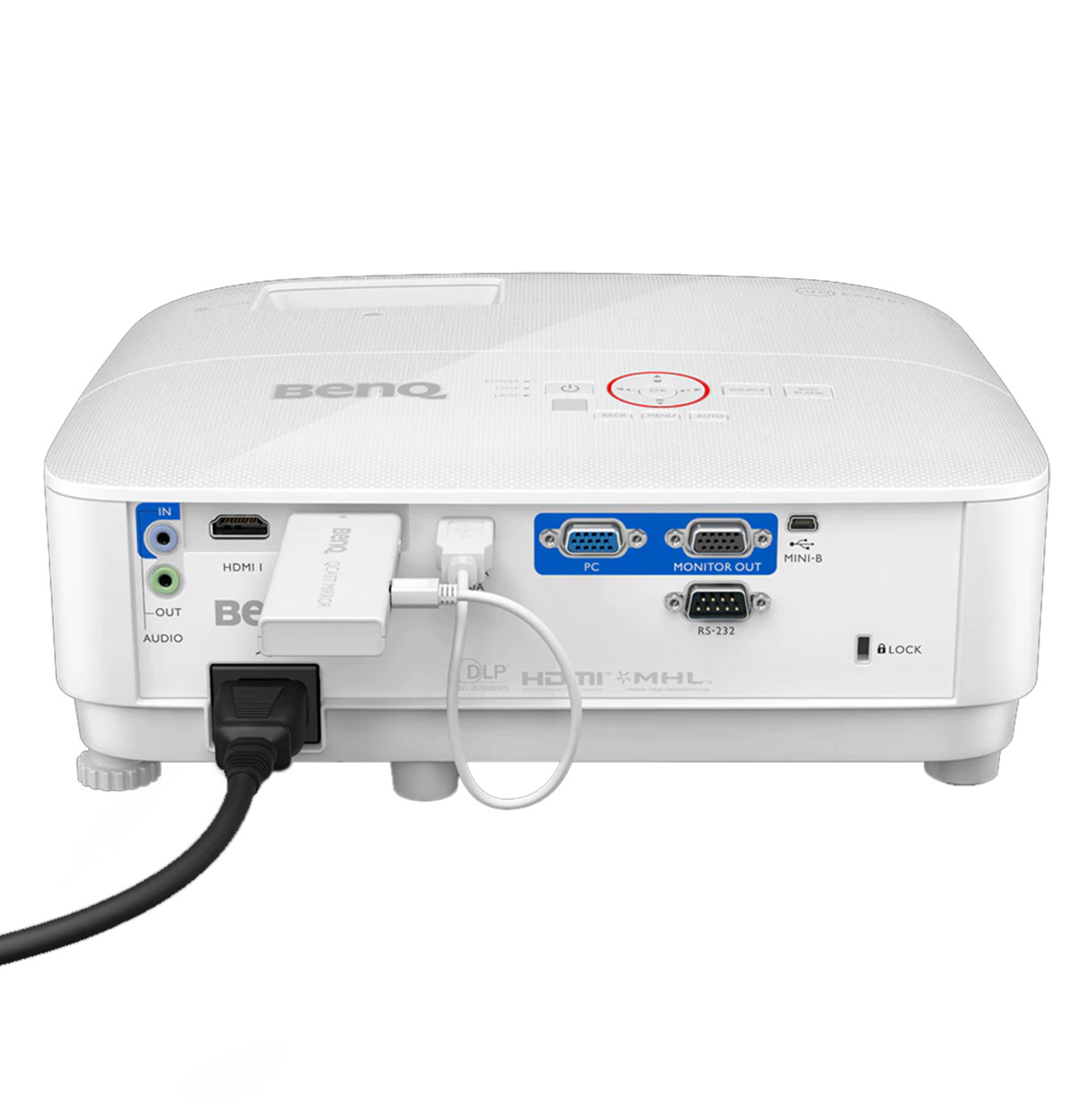
  • 2 × HDMI — connect your PC to one, leave the other free
  • USB — for power accessories
  • 5mm audio out

The Lamp vs Laser Question

The TH671ST uses a lamp, not a laser. Here’s what that means in plain terms:

 TH671ST (Lamp)Laser models (AH700ST, TK710STi, AK700ST, LK936ST)
Upfront costLower — $949Higher — $2,199 to $4,899
Light source life4,000–15,000 hrs depending on mode20,000+ hours
Replacement needed?Yes — lamp replacement every few yearsNo — laser doesn’t need replacement
Brightness over timeDims slowly as lamp agesStays consistent throughout lifespan
Best forBudget-conscious builds or first-time setupsLong-term permanent installations
💡  If you plan to use your simulator heavily — daily or near-daily — the lamp cost adds up over time. For occasional use, the TH671ST is excellent value. Use our Custom Recommendation form at portersgolf.com/request-a-custom-recommendation/ if you want help choosing.

What Else You'll Need

The TH671ST is the projector. To build a complete simulator setup around it you’ll also need:

COMPONENTWHAT IT DOESFIND IT AT PORTERSGOLF
Launch monitorTracks ball and club dataLaunch Monitors
Enclosure / frameContains shots, holds screenCarl’s Place DIY Enclosure
Impact screenBall target and projection surfaceImpact Screens
Hitting matTurf surface to swing fromHitting Mats
Simulator PCRuns the softwareComputers & Monitors
💡 Not sure if this projector fits your room? Email your room dimensions and screen size to [email protected] and we’ll confirm the right throw distance and mounting position before you order.
Additional information
Weight10 lbs
Dimensions15 × 12 × 8 in
Reviews (0)
0 reviews
0
0
0
0
0

There are no reviews yet.

Only logged in customers who have purchased this product may leave a review.

Returns & Policy

Returns & Policy

Full details of our returns, refunds, and arbitration policy for all products.

View Full Terms »