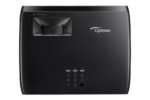
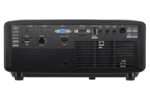
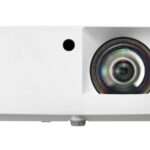
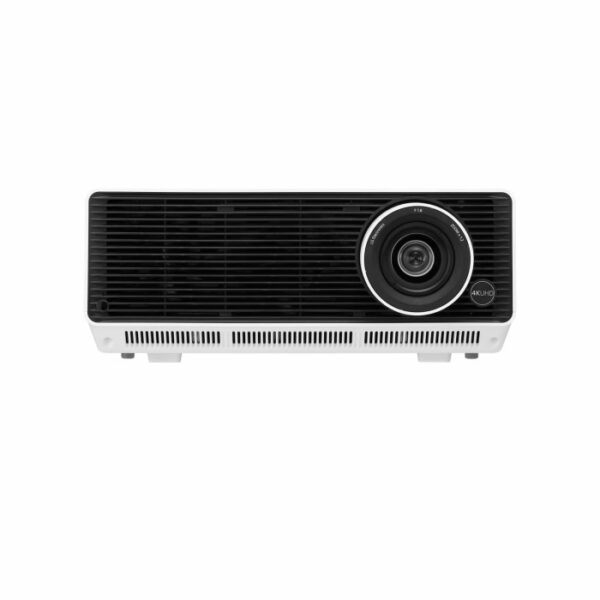
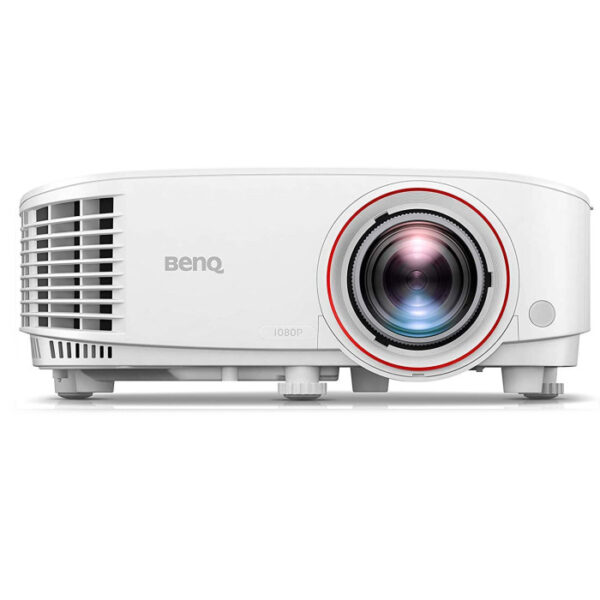
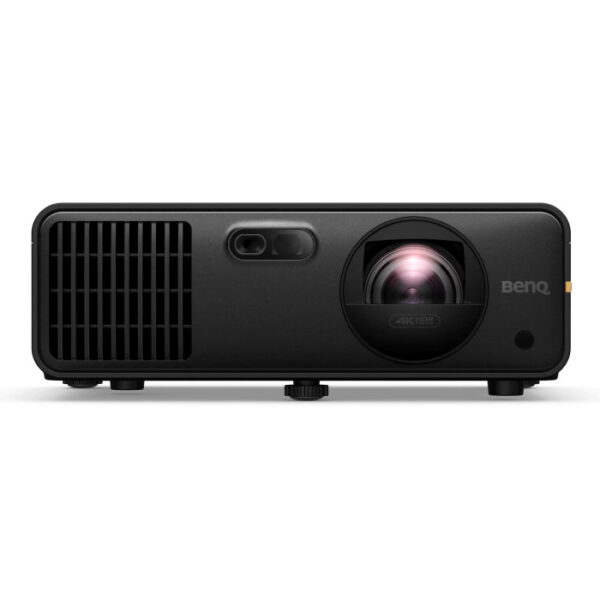
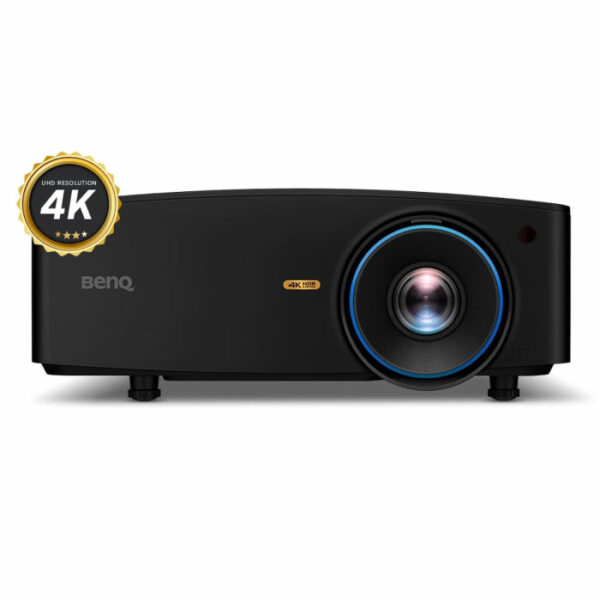
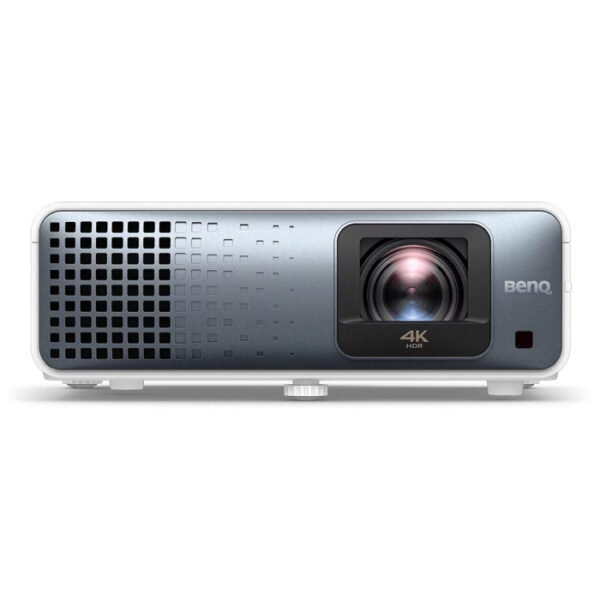
Optoma GT2400HDR Golf Simulator Projector
$1,299.00
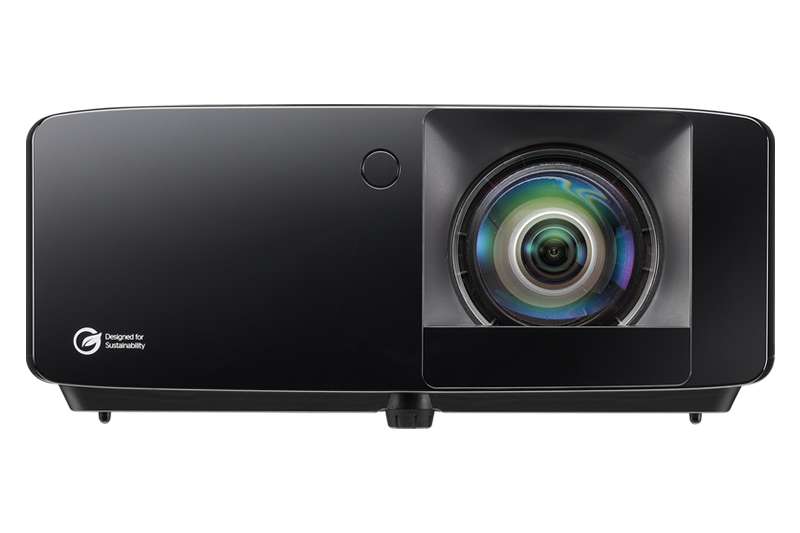
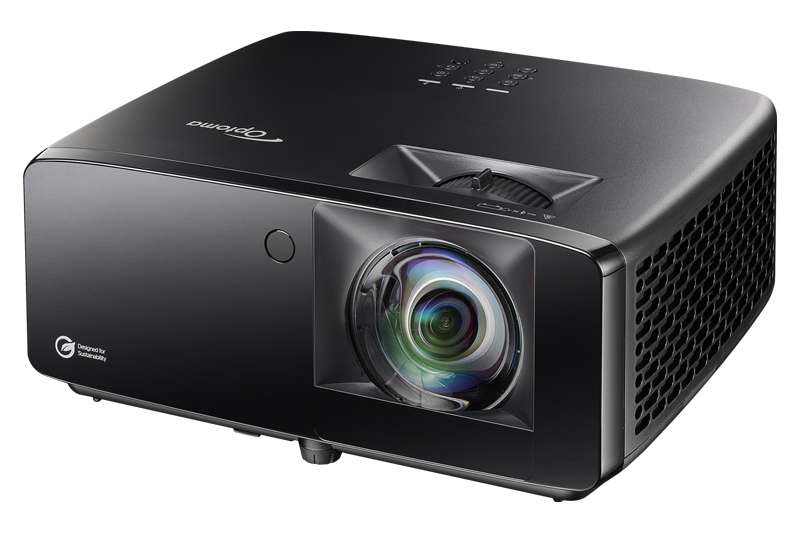
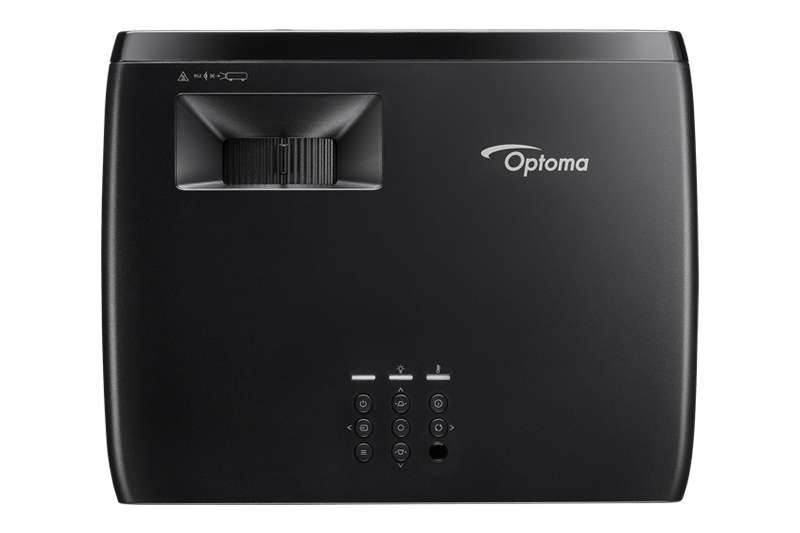
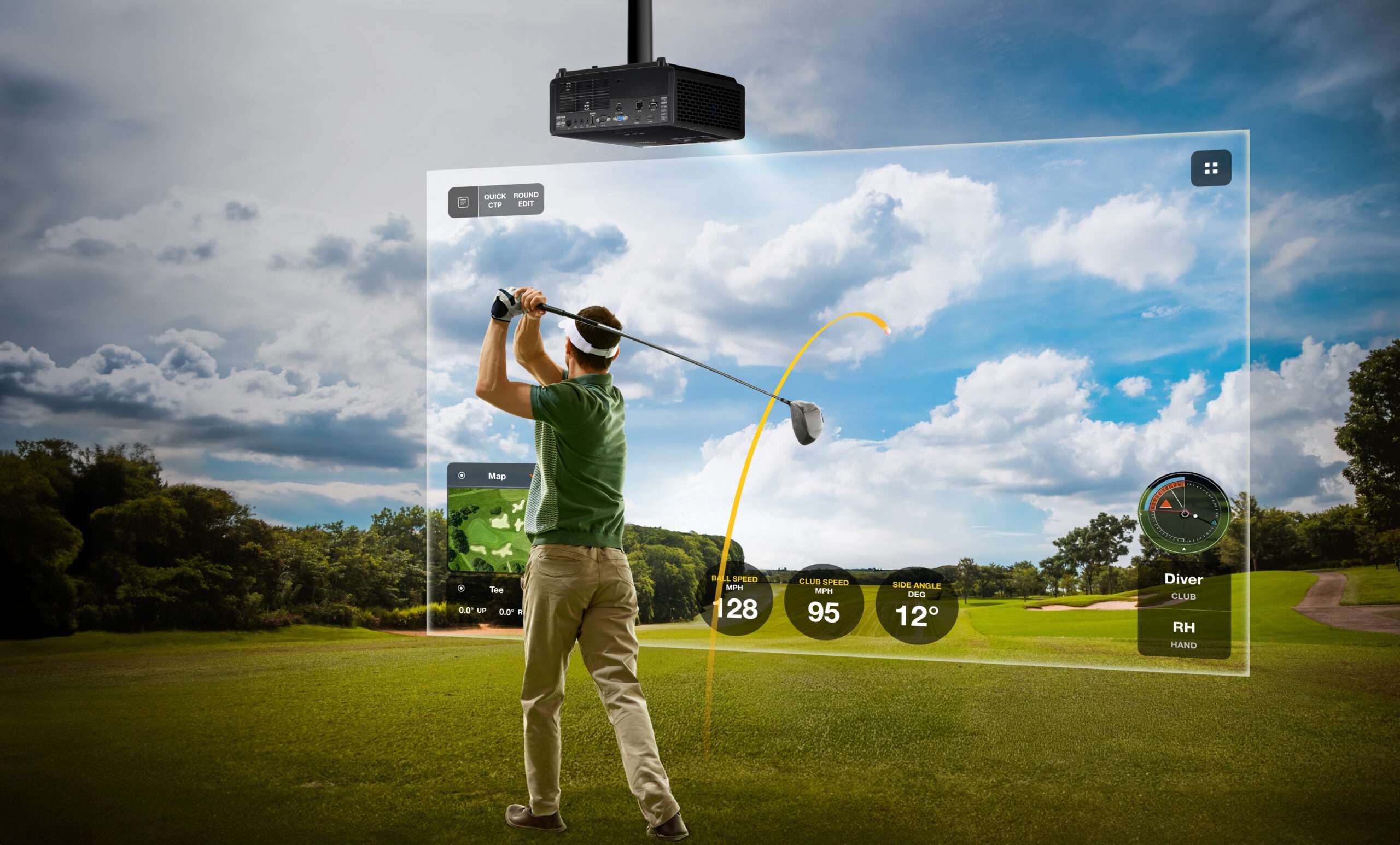
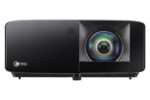
The Optoma GT2400HDR is the brightest projector in Optoma’s compact short-throw lineup — 4,200 lumens, HDR10/HLG support, and 8.4ms input lag for essentially instant ball-flight response after impact. A dedicated Golf Sim picture mode and app-based Smart Fit geometry adjustment make it built specifically with simulator use in mind.
Optoma GT2400HDR Golf Simulator Projector
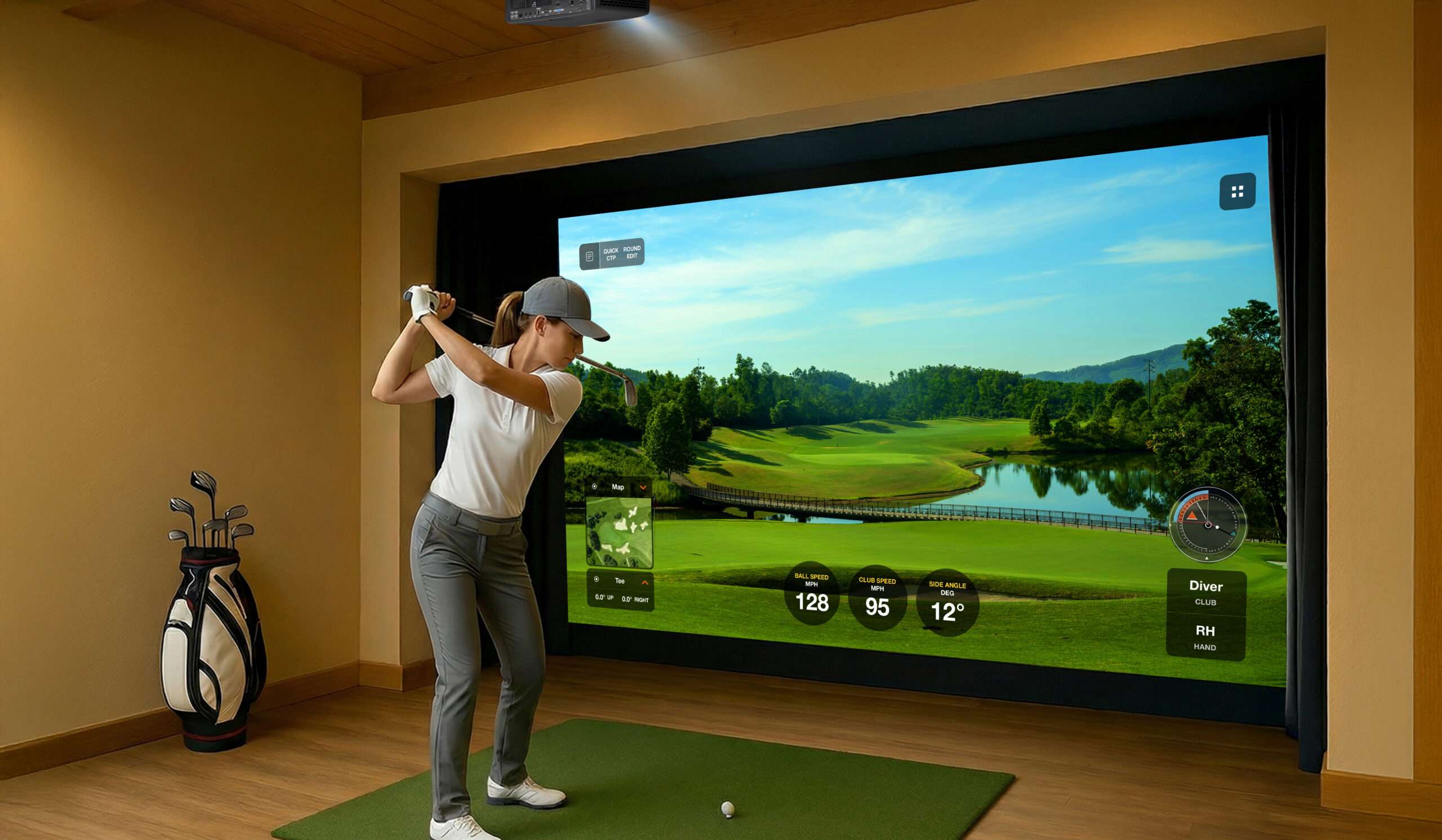
Optoma GT2400HDR Golf Simulator Projector is built for indoor golf simulator rooms that need short-throw placement, bright projection, and a cleaner visual setup. It is a strong option for home golf rooms, garage simulator bays, basement builds, training studios, and commercial simulator spaces where projector placement and image clarity matter.
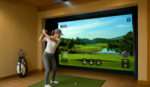
A golf simulator projector is an important part of the full room because it controls what the player sees on the impact screen. The launch monitor tracks the shot, the simulator computer runs the software, and the projector displays the course, driving range, shot shape, ball flight, targets, and feedback. When the projector is matched correctly with the room, the simulator feels more complete and easier to enjoy.
The Optoma GT2400HDR Golf Simulator Projector is a good fit for golfers who want a larger projected image instead of relying only on a monitor or small display. A full-screen simulator image can make practice sessions, virtual rounds, family golf, and off-season training feel more realistic. It helps turn the hitting area into a more finished indoor golf space.
Short-throw projector placement can also make simulator planning easier. In many rooms, the projector needs to sit closer to the screen to reduce shadows and avoid interfering with the swing area. This can be especially helpful in garages, basements, and indoor rooms where ceiling height, room depth, lights, garage tracks, or storage items limit where equipment can be installed.
For garage simulator bays, projector choice matters because the room may not be fully dark or perfectly shaped. A projector that fits the layout can help the image stay easier to see and make the simulator more useful for regular practice. Planning the projector with the impact screen, enclosure, hitting mat, launch monitor, and computer helps create a cleaner overall setup.
This projector is also useful for golfers who want their simulator room to feel more permanent. Instead of moving equipment around before every session, a planned projector setup can stay in place and be ready for practice, play, lessons, or family use. That convenience can help golfers use the simulator more often.
For training studios and commercial simulator spaces, presentation matters. A cleaner projected image can make lessons, fittings, customer sessions, and simulator play feel more professional. It gives players a better view of the course, targets, feedback, and ball flight during use.
The Optoma GT2400HDR Golf Simulator Projector works best when planned with the full simulator system. Screen size, throw distance, projector mount location, ceiling height, launch monitor position, hitting mat location, computer setup, and room lighting should all be considered together. When those pieces are matched correctly, the simulator room feels cleaner, safer, and more polished.
For golfers building an indoor simulator setup, the Optoma GT2400HDR Golf Simulator Projector is a practical projector option. It supports cleaner visuals, better room planning, and a more complete golf simulator experience for practice, play, lessons, or customer use.

Space Requirements — What to Know Before You Set Up
⚠️ The GT2400HDR projects a 100″ image from less than 4 feet away, scaling up to 300″ with more room, using its 0.496:1 short-throw ratio. Measure your available space before ordering. Not sure if it fits your setup? Email [email protected] with your room dimensions and screen size and we’ll confirm.
Key Specs
| SPEC | DETAIL |
|---|---|
| Resolution | Full HD 1080p (4K UHD and HDR input supported) |
| Brightness | 4,200 ANSI lumens |
| Throw Ratio | 0.496:1 |
| Light Source | DuraCore laser — no lamp replacement |
| Light Source Life | 30,000 hours |
| Input Lag | 8.4ms at 1080p 120Hz (Enhanced Gaming Mode) |
| HDR Support | HDR10, HLG |
| Dust Protection | IP6X sealed optical engine |
| Weight | 6.61 lbs |
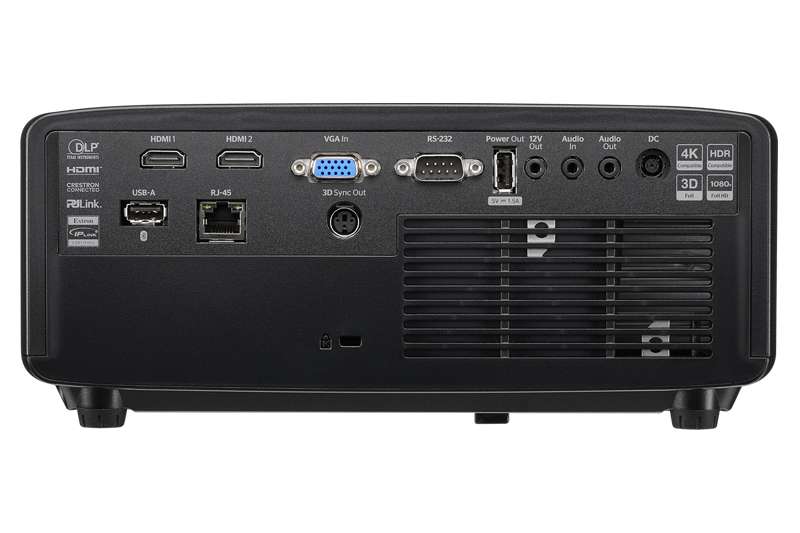
| Connections | 2 × HDMI 2.0, 1 × USB-A |
Golf Mode and Screen Fill
The GT2400HDR includes a dedicated Golf Sim picture mode, adjusting color temperature, gamma, and saturation specifically so course graphics look natural and realistic rather than over-saturated or flat.
Smart Fit, accessed through the Optoma Smart Control app (iOS and Android), lets you fine-tune image geometry directly from your phone — useful for dialing in alignment against your specific enclosure and impact screen without climbing a ladder to adjust the projector itself.
What It Works With
The GT2400HDR works with any simulator software and any launch monitor. It connects to your simulator PC via HDMI and has been confirmed to work with GSPro, E6 Connect, and TGC.
Installation
The GT2400HDR can be mounted on a shelf, ceiling bracket, or floor stand, and supports 360-degree orientation and 24/7 operation. At 6.61 lbs, it’s light enough for most people to ceiling-mount alone with basic tools, typically in 30–45 minutes. The 0.496:1 ultra-short throw gives you some flexibility in exact positioning without needing to rebuild your install if you’re slightly off.
How the Optoma Lineup Compares
| ZH350ST | ZH450ST | GT2400HDR | |
|---|---|---|---|
| Resolution | Full HD 1080p | Full HD 1080p | Full HD 1080p (4K UHD input support) |
| Brightness | 3,500 lumens | 4,200 lumens | 4,200 lumens |
| Throw Ratio | ~0.5:1 | 0.496:1 | 0.496:1 |
| HDR Support | No | Yes | Yes — HDR10, HLG |
| Input Lag | Longer — not optimized for gaming/sim latency | Standard | 8.4ms at 1080p 120Hz — gaming-grade |
| Light Source | DuraCore laser | DuraCore laser | DuraCore laser |
| Light Source Life | 30,000 hrs | 30,000 hrs | 30,000 hrs |
| Dust Protection | — | IP6X | IP6X |
| Weight | — | — | 6.61 lbs |
| Best For | Dedicated dark room, cleanest image profile | High-brightness rooms needing more lumens than ZH350ST | Brightest option with HDR and the lowest input lag — best for simulator use specifically |
💡 If you’re building a dedicated, light-controlled room, the ZH350ST gives you a clean image at the lowest price. If your room has ambient light or you want HDR, step up to the ZH450ST or GT2400HDR. For golf simulation specifically, the GT2400HDR’s low input lag makes ball flight appear instantly after impact.
What Else You'll Need
The GT2400HDR is the projector. To build a complete simulator setup around it you’ll also need:
| COMPONENT | WHAT IT DOES | FIND IT AT PORTERSGOLF |
|---|---|---|
| Launch monitor | Tracks ball and club data | Launch Monitors |
| Enclosure / frame | Contains shots, holds screen | Carl’s Place DIY Enclosure |
| Impact screen | Ball target and projection surface | Impact Screens |
| Hitting mat | Turf surface to swing from | Hitting Mats |
| Simulator PC | Runs the software | Computers & Monitors |
💡 Not sure if this projector fits your room? Email your room dimensions and screen size to [email protected] and we’ll confirm the right throw distance and mounting position before you order.
For official golf rules and playing guidance, visit the USGA Rules of Golf resource page.
Only logged in customers who have purchased this product may leave a review.
Returns & Policy
Most eligible products may be returned within 15 calendar days after delivery, subject to product-specific terms. Buyer-initiated return shipping is generally the customer’s responsibility, and a restocking fee of up to 30% may apply based on product condition and applicable product-specific terms. All returns require prior authorization and a Return Merchandise Authorization (RMA). Please review our full Refunds, Returns & Cancellations Policy for complete details.
View Full Refunds, Returns & Cancellations Policy »

Reviews
Clear filtersThere are no reviews yet.