What You're Getting
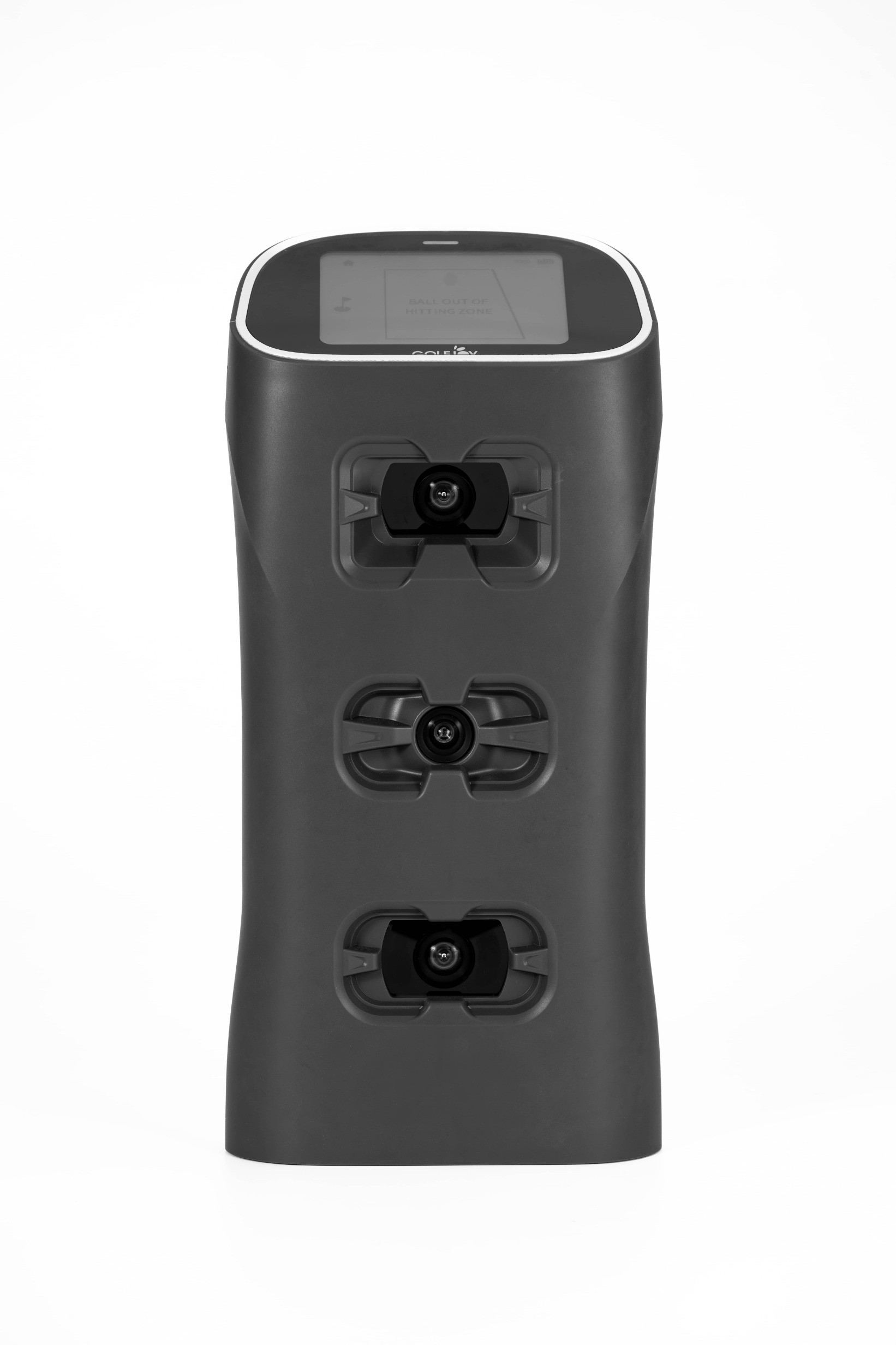
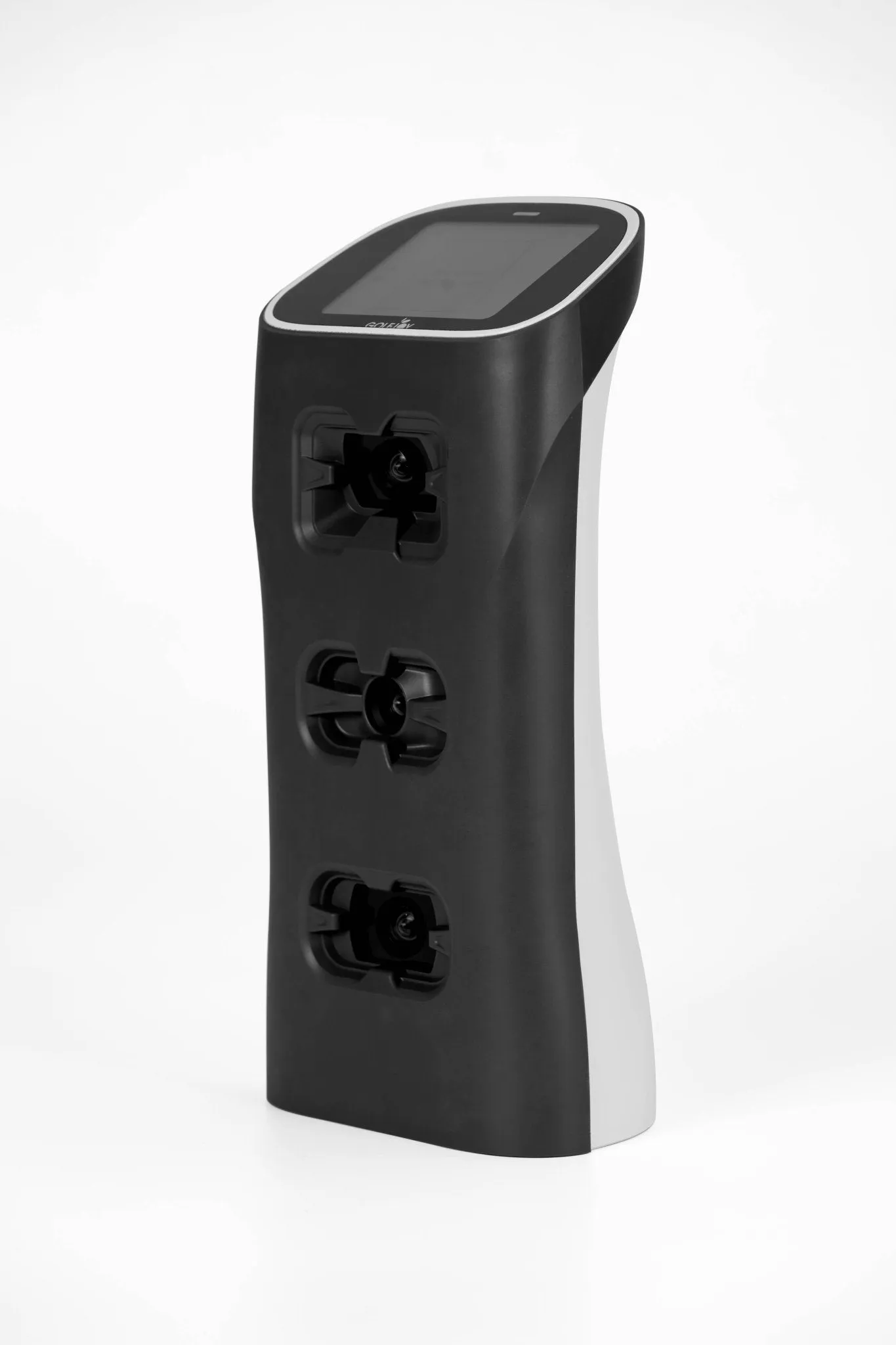
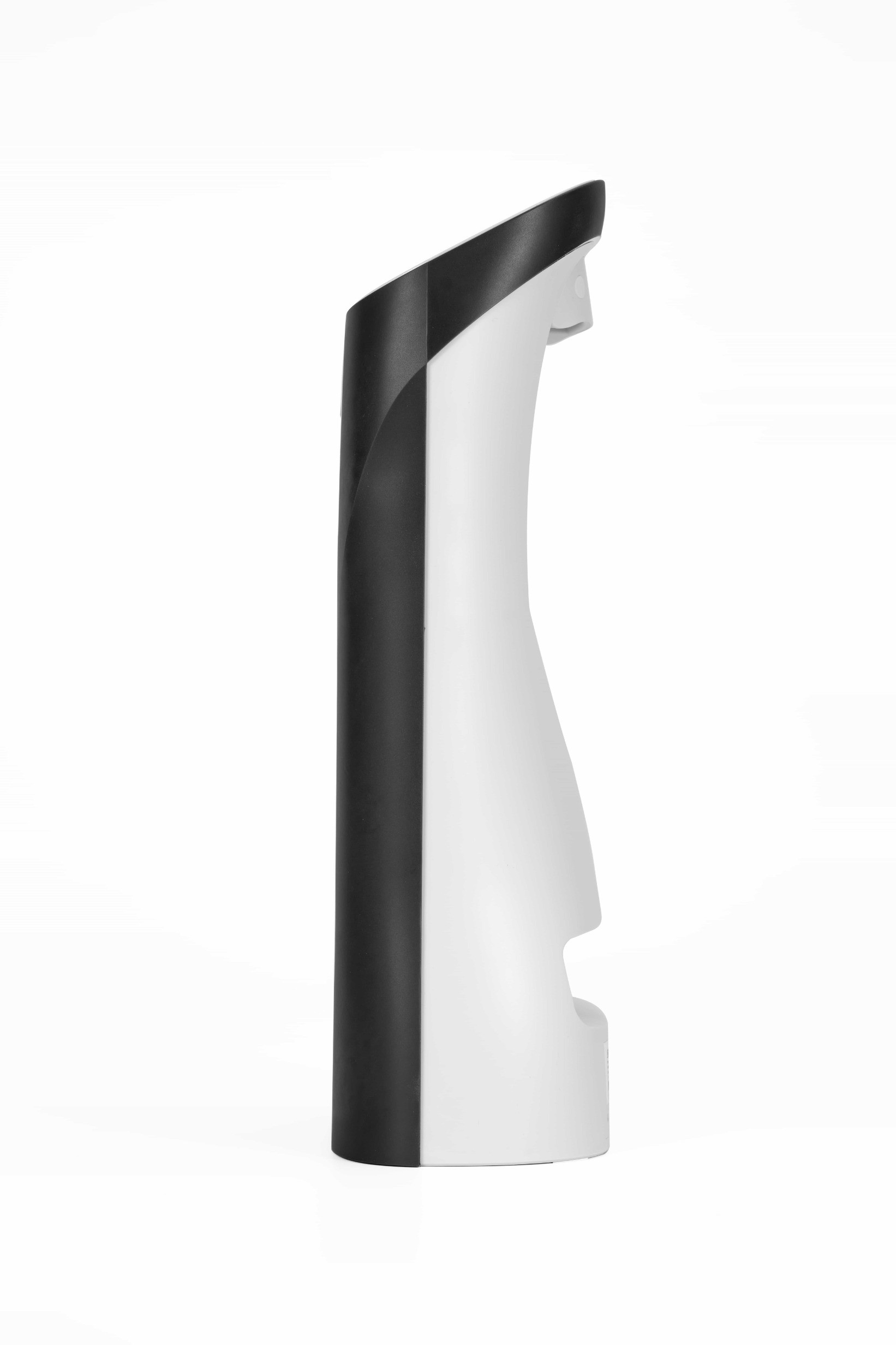
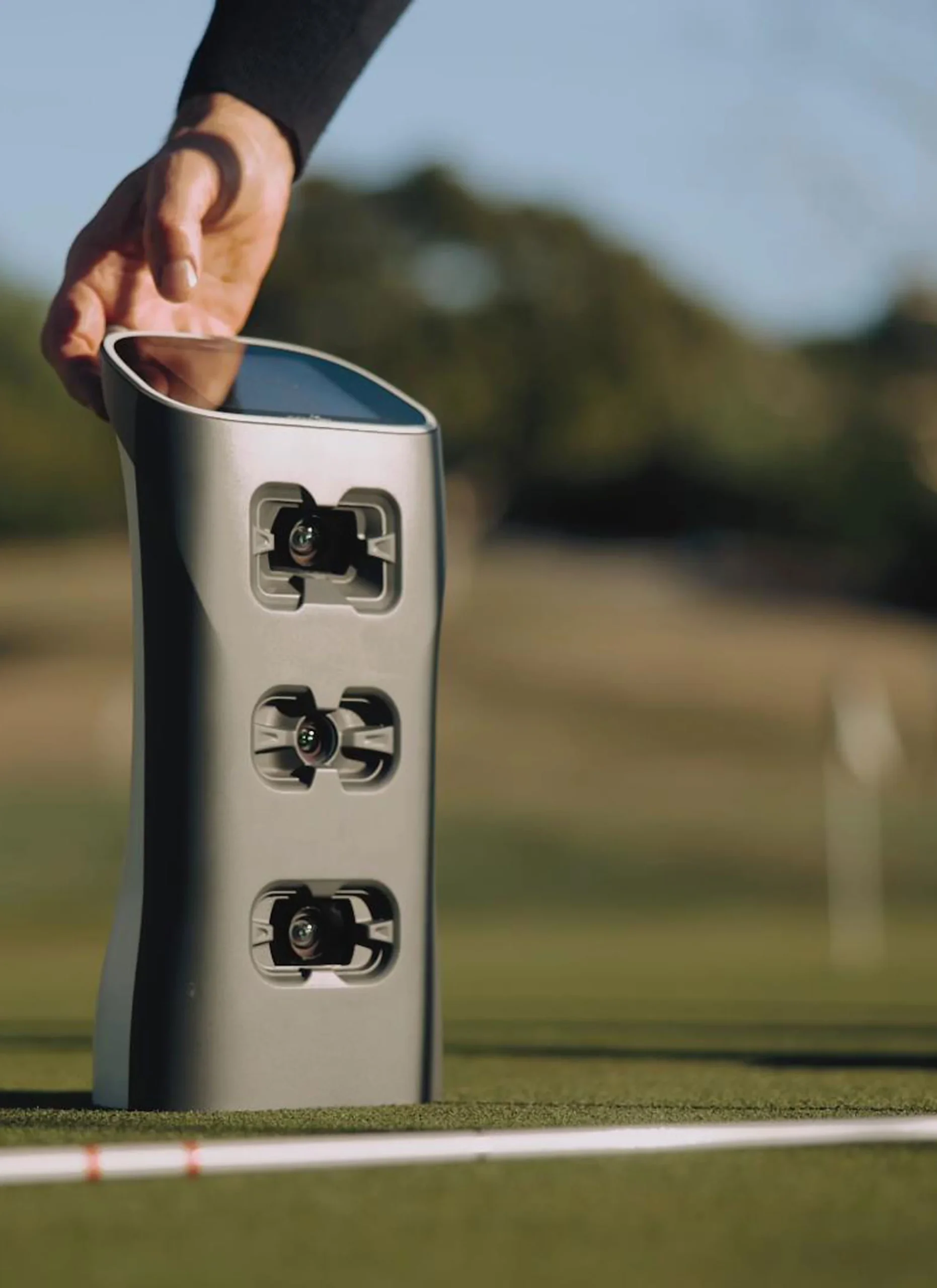
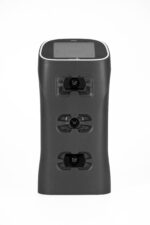
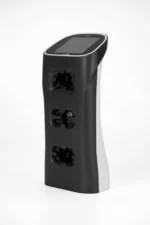
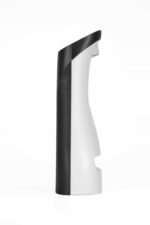
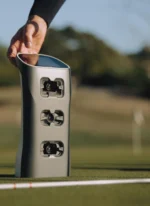
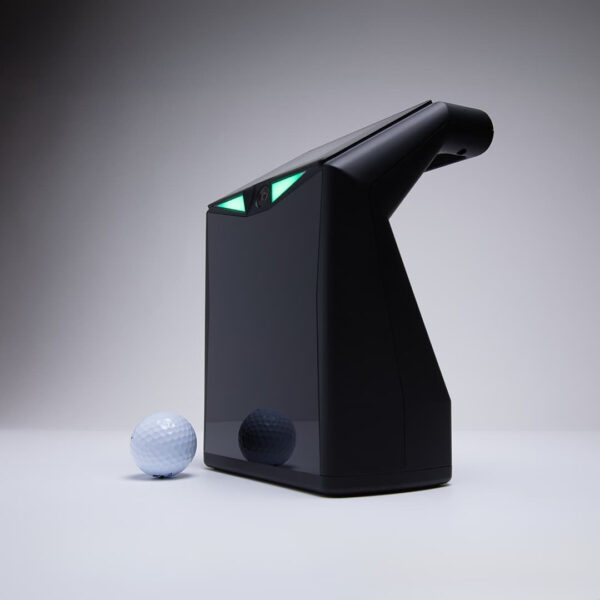
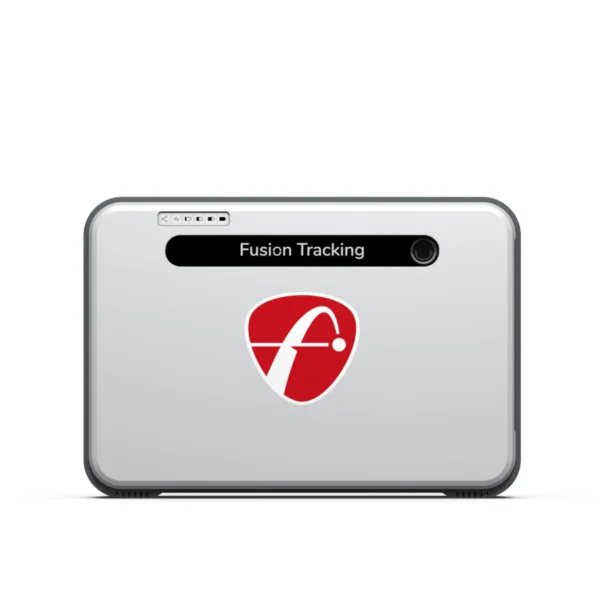
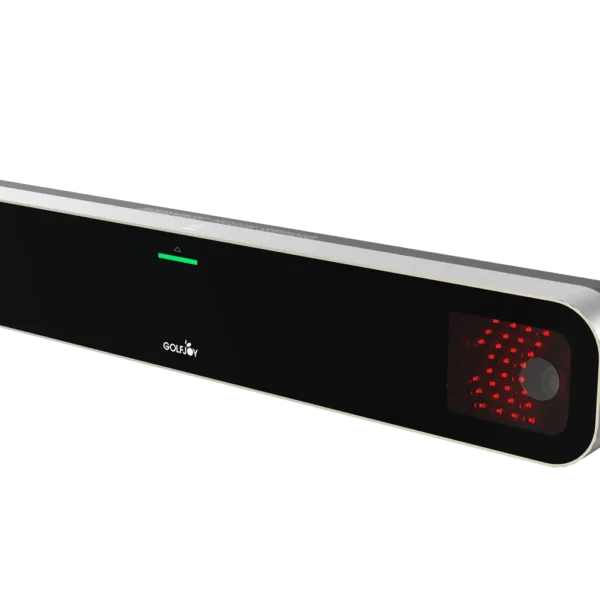
GolfJoy Spica 3 is a portable launch monitor built for golfers who want real shot data without committing to a permanent simulator setup. It uses three high-speed cameras to capture ball and club data and works just as well for practice at home as it does at the driving range.
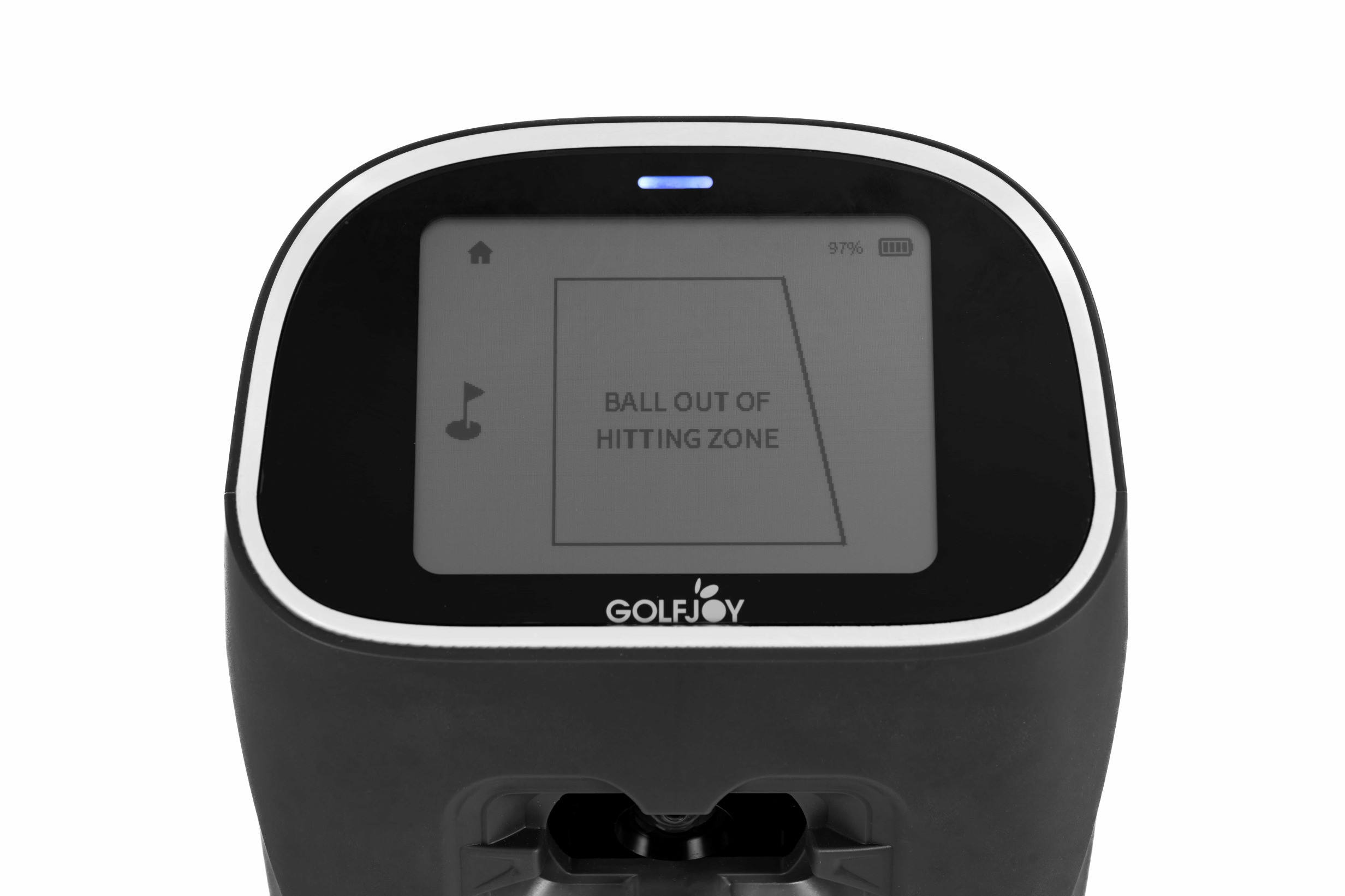
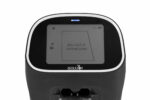
There’s no ceiling mount and no complicated installation. Set the Spica 3 beside the hitting area, line it up, and start hitting. Shot feedback comes back in under 0.3 seconds, and the built-in touchscreen gives you 11 essential data points right on the unit — 7 ball metrics and 4 club metrics. Clubhead stickers are required to capture the four club measurements.
If you want to go deeper, connect to the free GOLFJOY PRO or Space app to access the full 27-metric data set, including 16 additional trajectory metrics. The full data set is also available through compatible GOLFJOY PC software.
The Spica 3 is a good fit for golfers who want one launch monitor they can use indoors, outdoors, and as part of a full simulator setup. Its built-in 9-axis gyroscope helps keep the unit properly oriented on different surfaces, making it easy to move from your simulator room to the range without starting over with a permanent installation.
At a Glance
The GolfJoy Spica 3 combines portable camera-based tracking, a built-in touchscreen, and indoor/outdoor capability in one launch monitor.
| Spec |
Detail |
| Shot Data Tracked |
27 total metrics — 7 ball, 4 club, and 16 trajectory |
| On-Device Data |
11 essential metrics — 7 ball and 4 club — displayed directly on the built-in touchscreen |
| Tracking Method |
3 high-speed cameras with advanced onboard processing and AI algorithms |
| Screen |
Built-in touchscreen for shot data, settings, and direct device control |
| Battery |
Approximately 6–7 hours per charge |
| Indoor & Outdoor Use |
Yes — built for indoor and outdoor practice with integrated gyroscope, barometer, and temperature sensors |
| Ball Compatibility |
Any standard golf ball — no marked balls or ball stickers required |
| Handedness |
Right- and left-handed modes — switch through the device or compatible software without physically repositioning the unit |
| Software |
GOLFJOY PRO / Space apps, GOLFJOY PC Software, GSPro, E6 Connect, and Creative Golf |
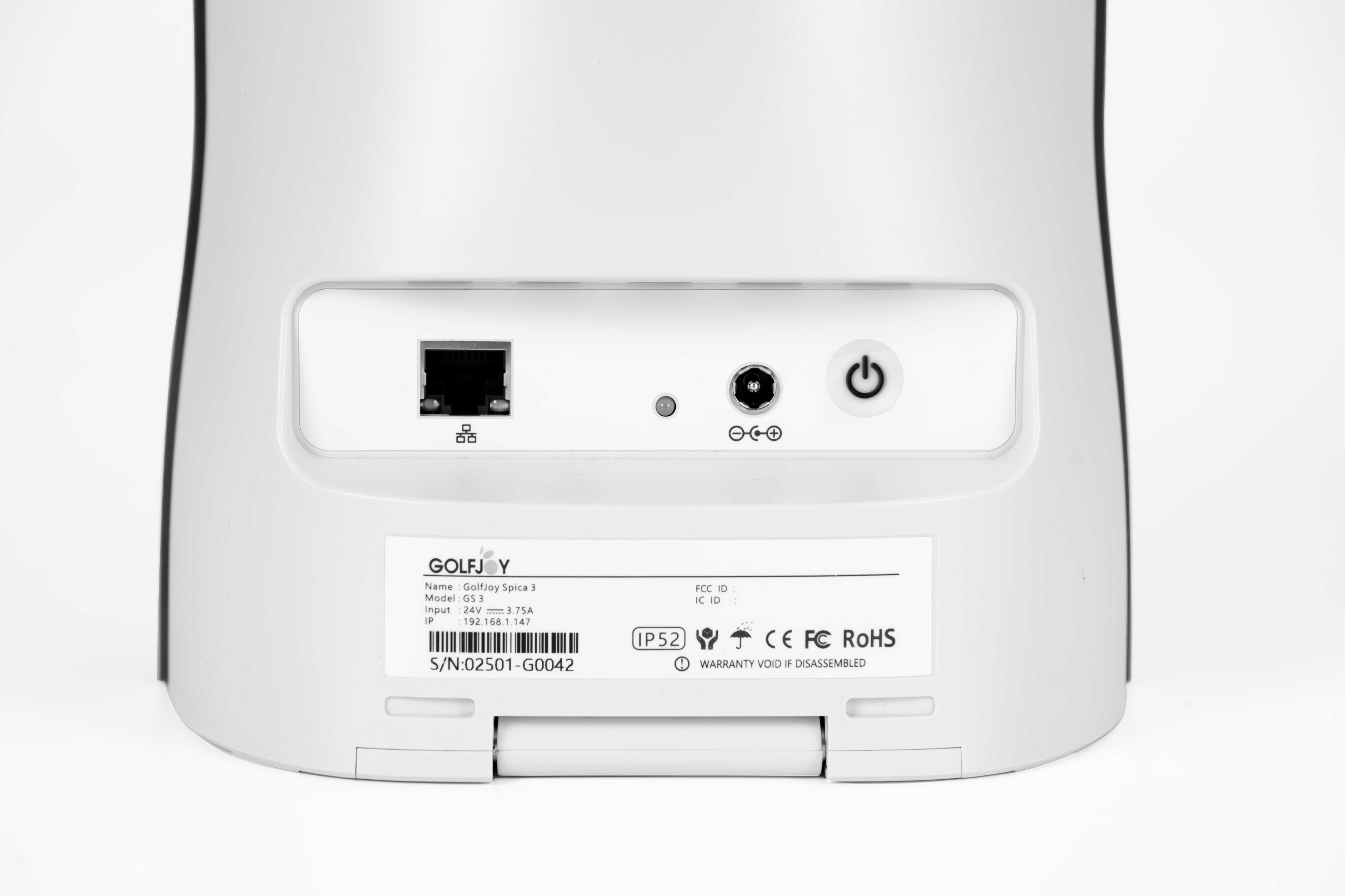
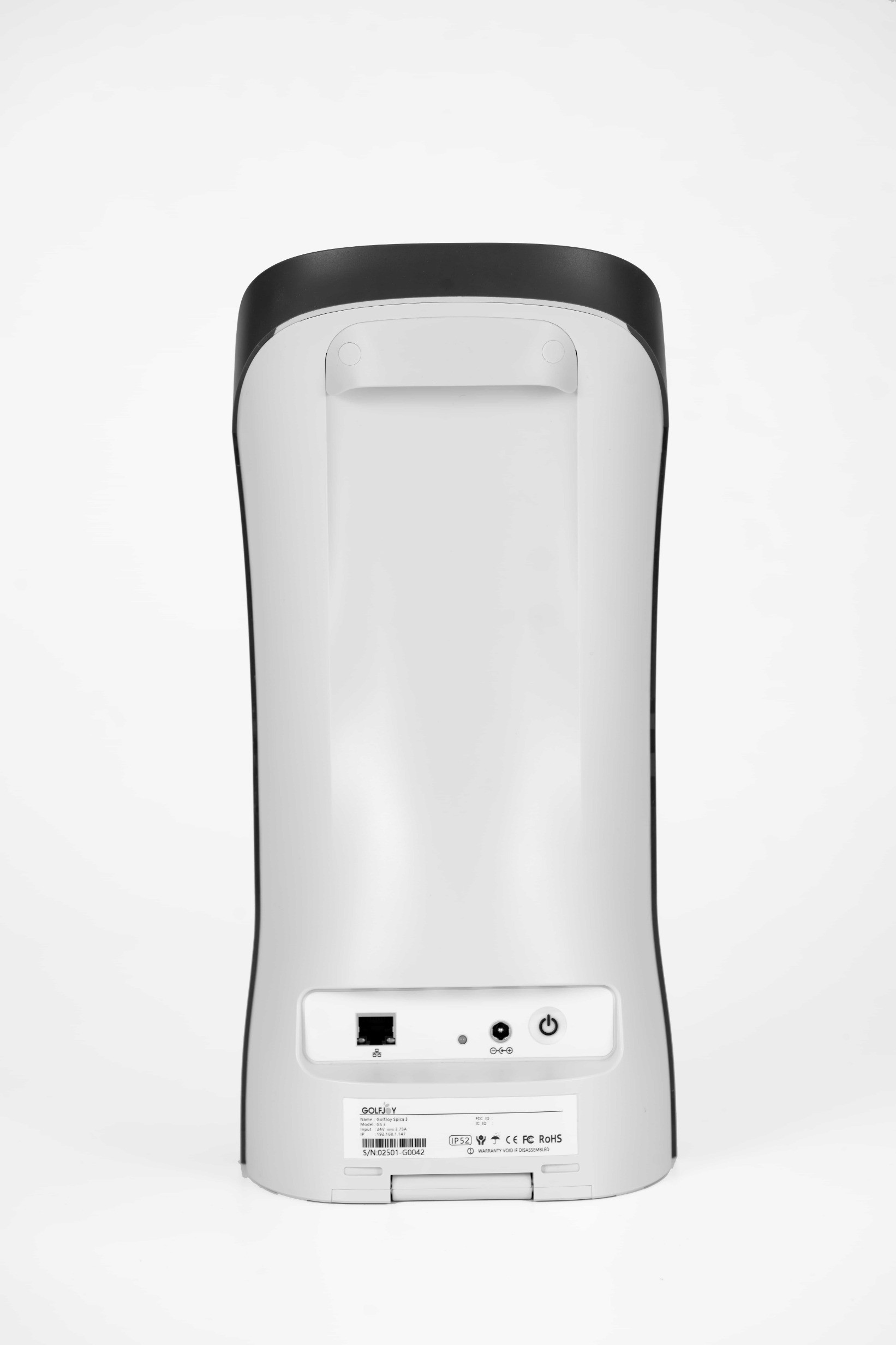
| Connections |
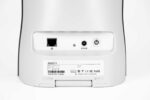
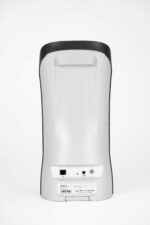
Wi-Fi and Ethernet |
| Weight |
6.61 lbs (3.0 kg) |
What Comes in the Box
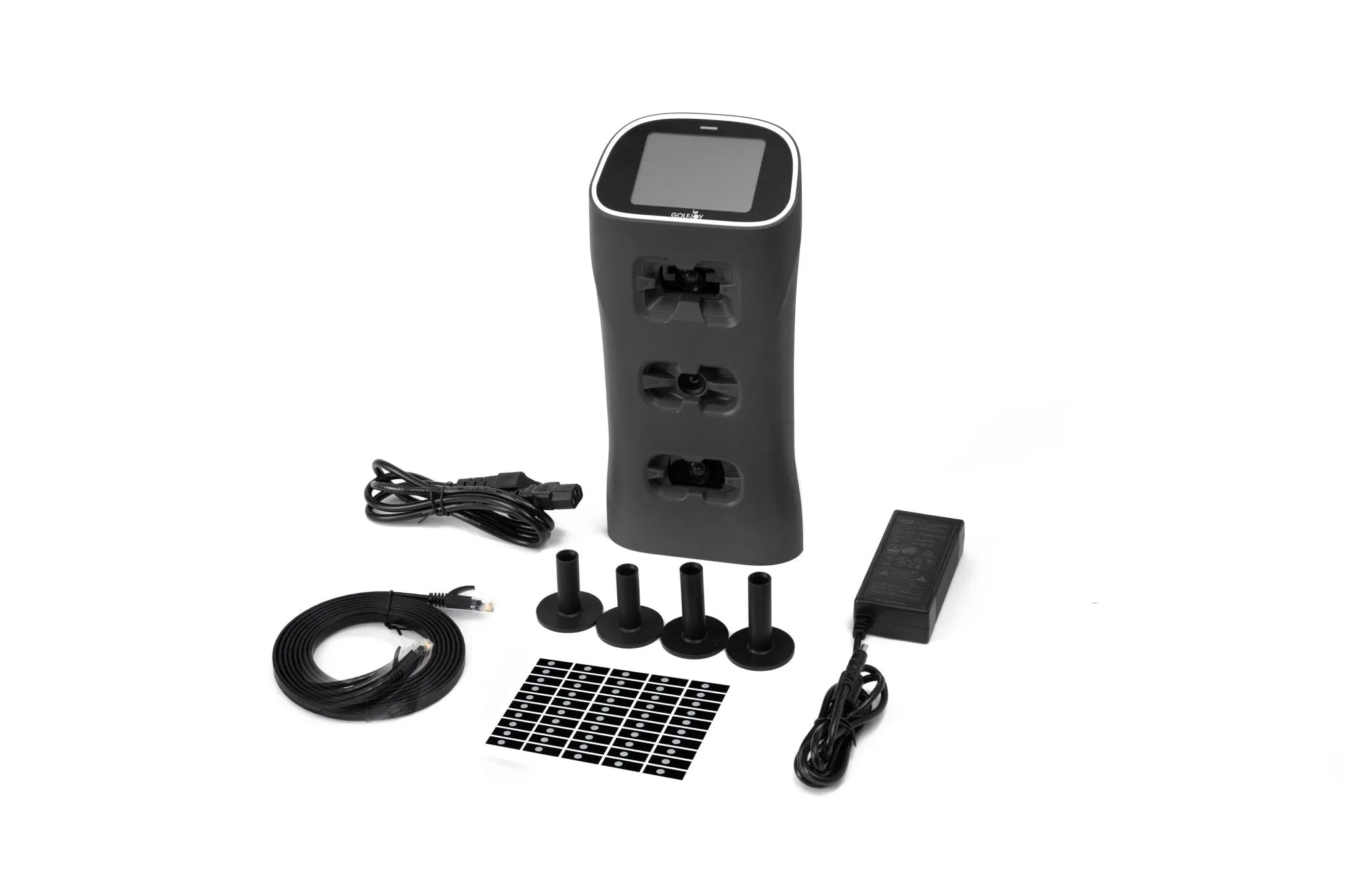
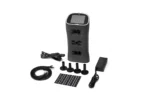
- Spica 3 Launch Monitor
- Backpack for the Spica 3
- Power cable, adapter, and connector
- Ethernet LAN cable
- 100 clubhead stickers — used to capture club data
- Rubber golf tees
- Cleaning cloth
- Cleaning brush
- 1-month trial access to GOLFJOY Software
Will It Fit Your Space?
The GolfJoy Spica 3 does not require a permanent ceiling installation, but you still need enough room for a safe full swing and proper indoor ball flight.
📏 These are the minimum dimensions. If your room is close to the minimums, measure it — don’t guess.
| Dimension |
GolfJoy Requirement |
| Ceiling height |
9–10.2 ft (2.75–3.1 m) |
| Hitting position to screen/net |
Minimum 6 ft (2 yards / approx. 1.8 m) |
📏 Not sure? Email us your room dimensions at Portersgolf@gmail.com and we’ll tell you what fits.
The 27 Data Points
Every shot can provide up to 27 data points across three categories — ball data, club data, and flight & trajectory data. The Spica 3 displays 11 essential metrics directly on its built-in touchscreen (7 ball + 4 club). Connect to the free GOLFJOY PRO or Space app, or compatible GOLFJOY PC software, to access the full 27-metric data set.
Ball Data (7 metrics)
| Metric |
|
| Ball Speed |
✅ |
| Launch Angle |
✅ |
| Launch Direction |
✅ |
| Back Spin |
✅ |
| Side Spin |
✅ |
| Spin Rate |
✅ |
| Spin Axis |
✅ |
Club Data (4 metrics) (requires included clubhead stickers)
| Metric |
|
| Club Speed |
✅ |
| Smash Factor |
✅ |
| Attack Angle |
✅ |
| Club Path |
✅ |
Flight & Trajectory Data (16 metrics)
| Metric |
|
| Total Distance |
✅ |
| Carry Distance |
✅ |
| Roll Distance |
✅ |
| Apex (Peak Height) |
✅ |
| Landing Angle |
✅ |
| Hang Time |
✅ |
| Deviation |
✅ |
| Deviation Angle |
✅ |
| Center Line |
✅ |
| Curve |
✅ |
| Gap |
✅ |
| Side Carry |
✅ |
| Target Line Carry |
✅ |
| Curve Carry |
✅ |
| Carry % |
✅ |
| Roll % |
✅ |
ℹ️ The included clubhead stickers must be applied to capture the 4 club metrics. Ball data works without them.
Software Options
The Spica 3 connects wirelessly or via ethernet to all the major simulation platforms. Here’s a plain-English breakdown of your options:
| Platform | What It Costs | What It Gets You |
| GOLFJOY PRO / Space Apps | Free | Connect the Spica 3 to a compatible mobile device to view expanded shot data and performance information beyond the 11 essential metrics shown on the built-in touchscreen. |
| GOLFJOY PC Software | 1-month trial included | Full PC-based simulator experience with course play, practice modes, and access to the Spica 3’s complete shot-data set. A paid subscription is required after the included trial if you want to continue using the software. |
| E6 by TruGolf | Improve: $150/year
Play: $300/year
Enjoy: $450/year | Choose the plan that fits how you want to use your simulator. Improve focuses on game-improvement tools including Bag Mapping, Club Fitting, Skills Challenges, and practice features. Play provides access to 15,000+ courses and standard course-play modes. Enjoy combines the course library with the full improvement suite. |
| GSPro | $250/year | Popular Windows-based golf simulator software with realistic ball physics, detailed graphics, practice features, online play, and a large course library. |
| Creative Golf Advanced | $200/year or $500 one-time | More than 200 courses along with driving ranges, practice modes, tournaments, multiplayer options, and family-friendly golf games. |
ℹ️ GOLFJOY PC software, E6 by TruGolf, GSPro, and Creative Golf are separate software platforms. The Spica 3 includes a 1-month GOLFJOY PC software trial. Continued GOLFJOY PC access and E6, GSPro, and Creative Golf subscriptions or licenses are purchased separately. E6 CONNECT subscriptions and commercial licensing options are also available separately through TruGolf.
Building a Complete Home Simulator Setup
The GolfJoy Spica 3 can be used by itself for practice or built into a complete home golf simulator with the components below.
| Component |
What It Does |
Find It at PortersGolf |
| Impact screen or net |
Catches the ball and provides the projection surface for your simulator |
Golf Impact Screens |
| Enclosure / frame |
Contains shots and supports the impact screen around your hitting area |
Golf Simulator Enclosures |
| Projector |
Projects the simulator image from your PC onto the impact screen |
Projectors & Cameras |
| Hitting mat |
Provides a durable hitting surface for full swings, chips, and practice |
Hitting Mats & Bases |
| Compatible Windows PC |
Runs your selected GOLFJOY or third-party golf simulation software |
Computers & Monitors |
💡 You don’t have to build the full setup all at once. The Spica 3 works on its own from day one — just the device, no screen, no projector needed. Add components whenever you’re ready.
** Building a complete setup? Use our free Custom Recommendation form — we’ll put together an accurate total based on your space and budget.
For official golf rules and player guidance, visit the USGA Rules Hub.


Reviews
Clear filtersThere are no reviews yet.