What You're Getting
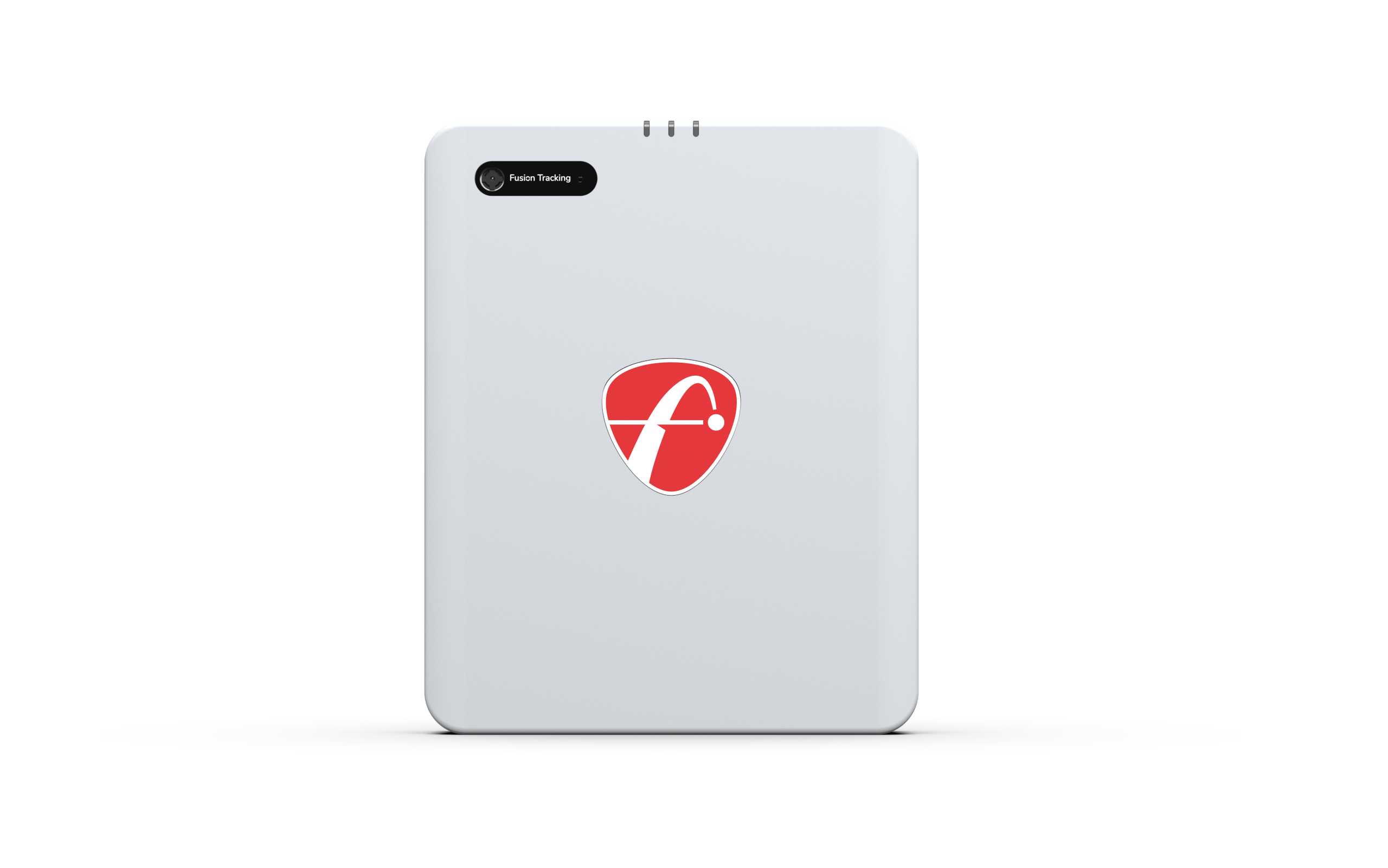
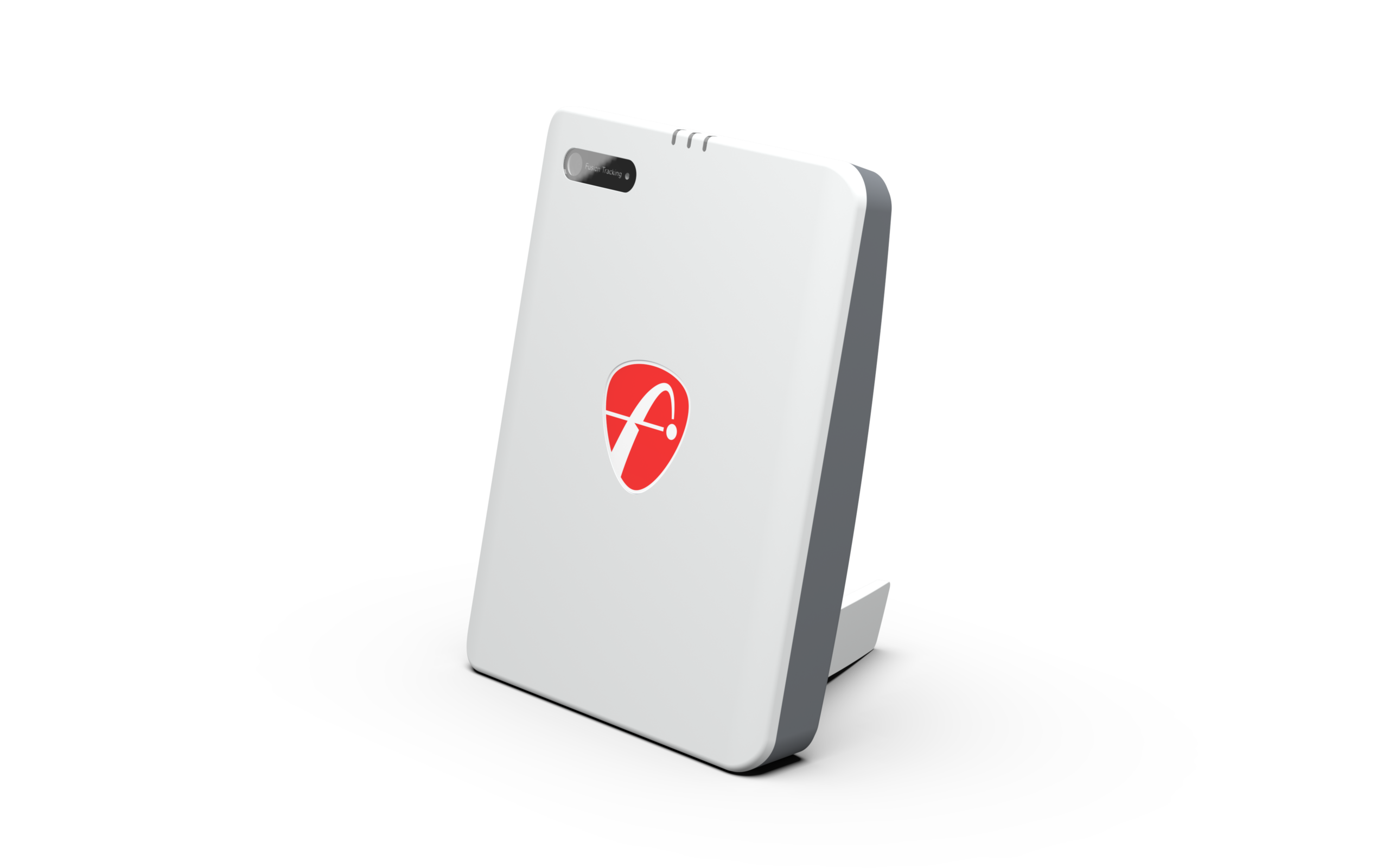
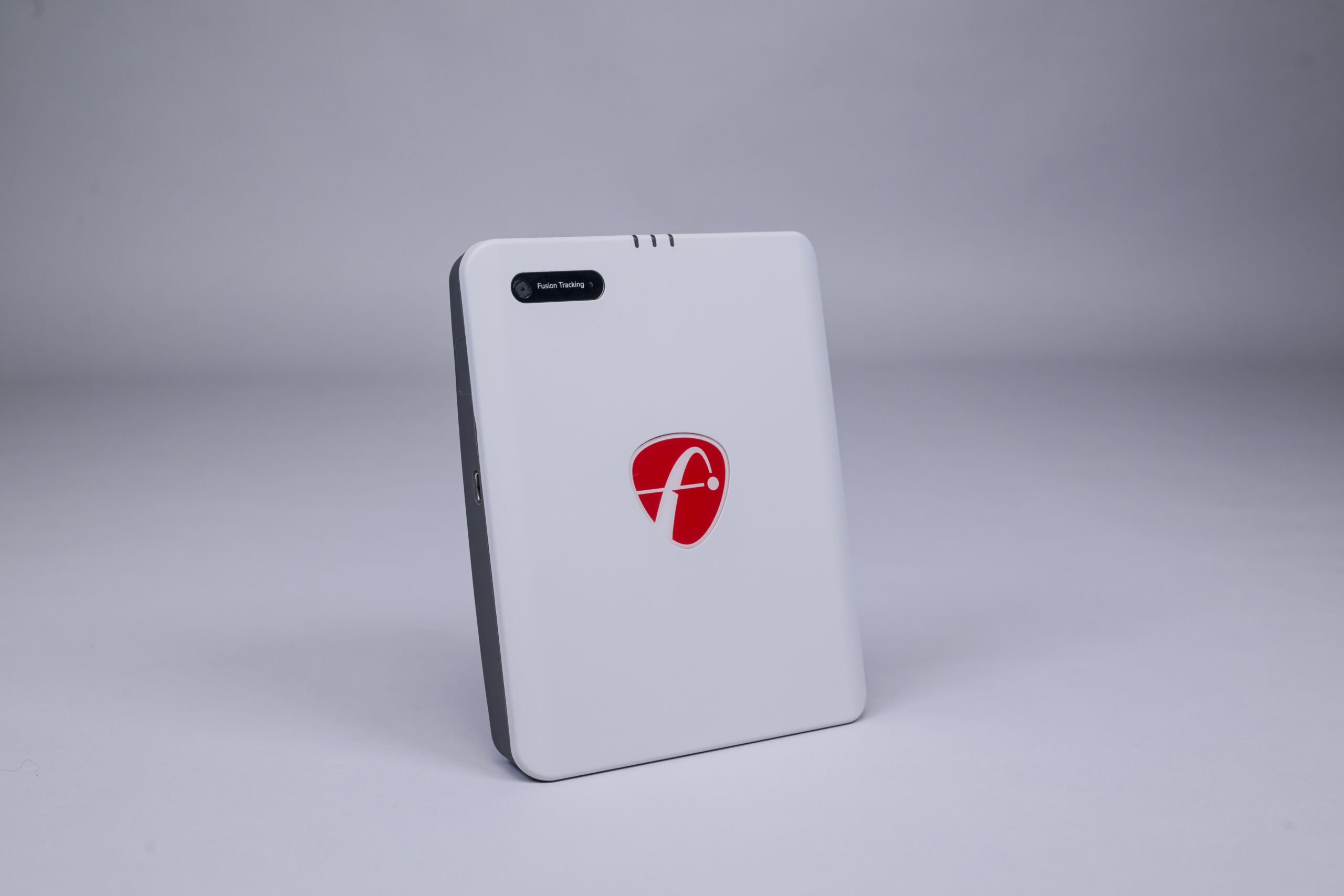
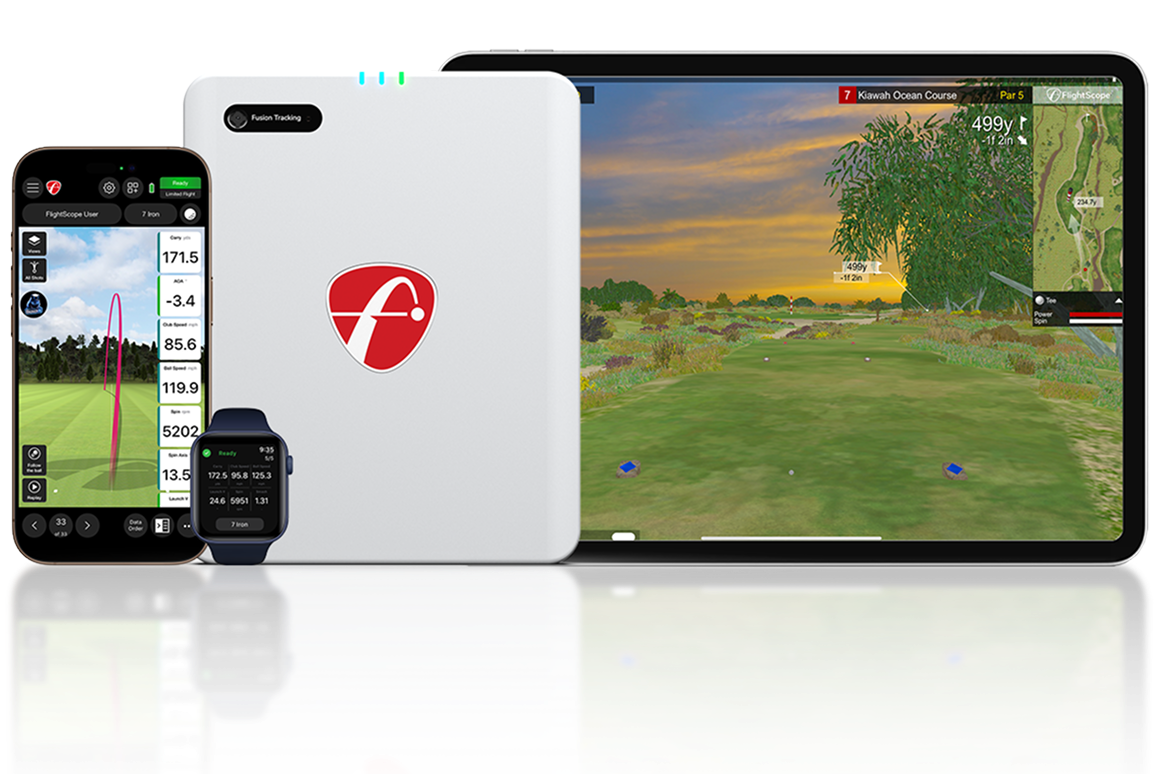
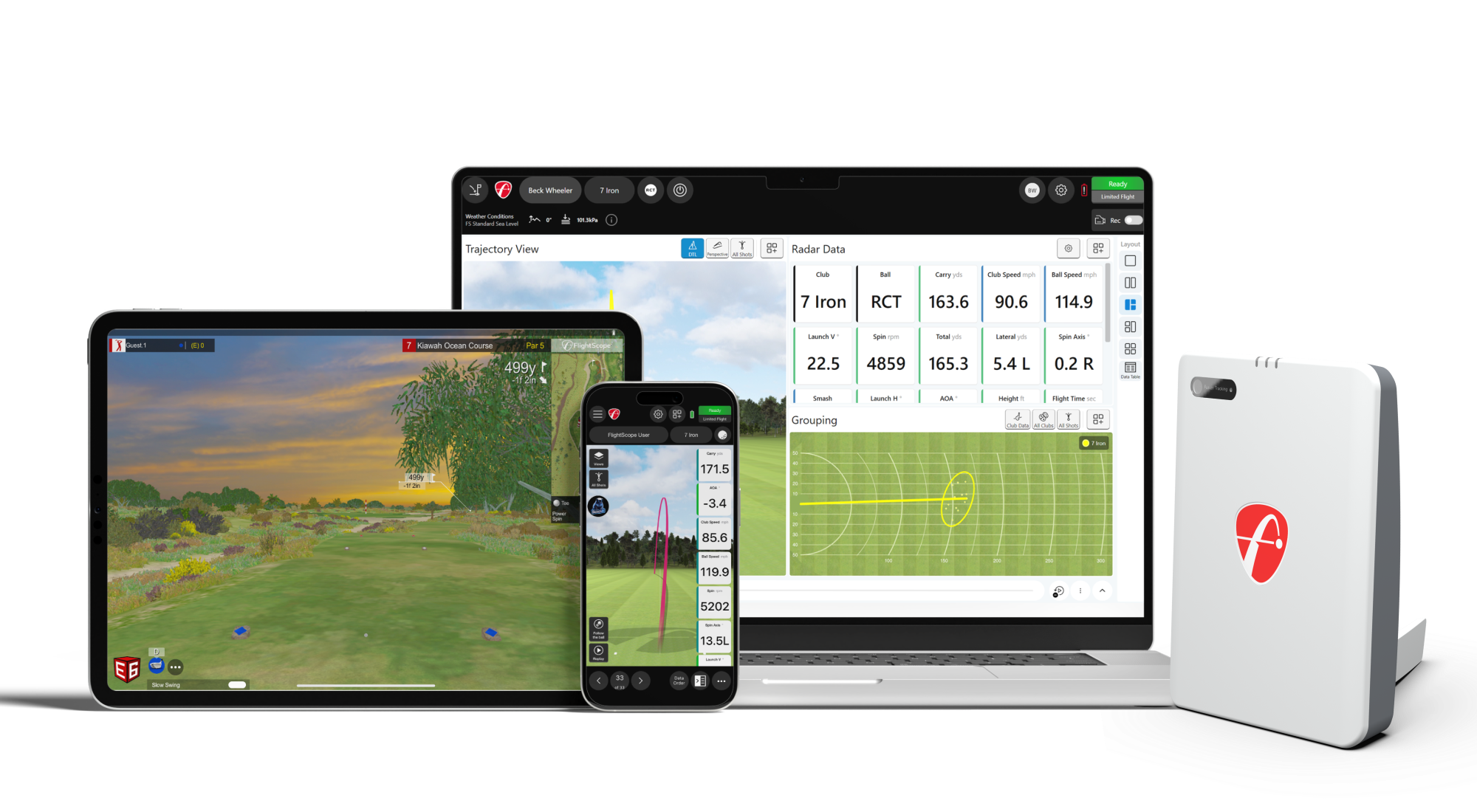
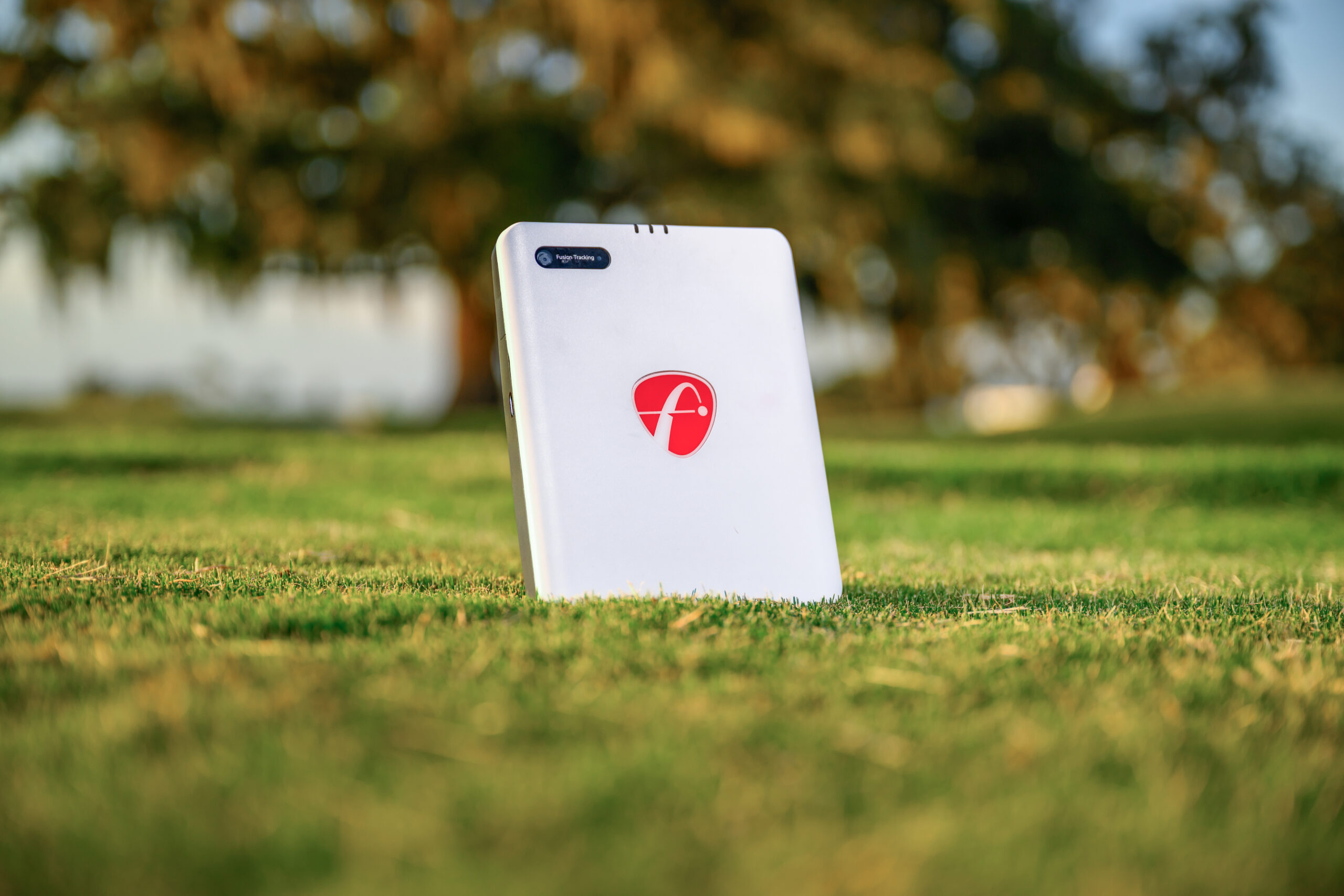
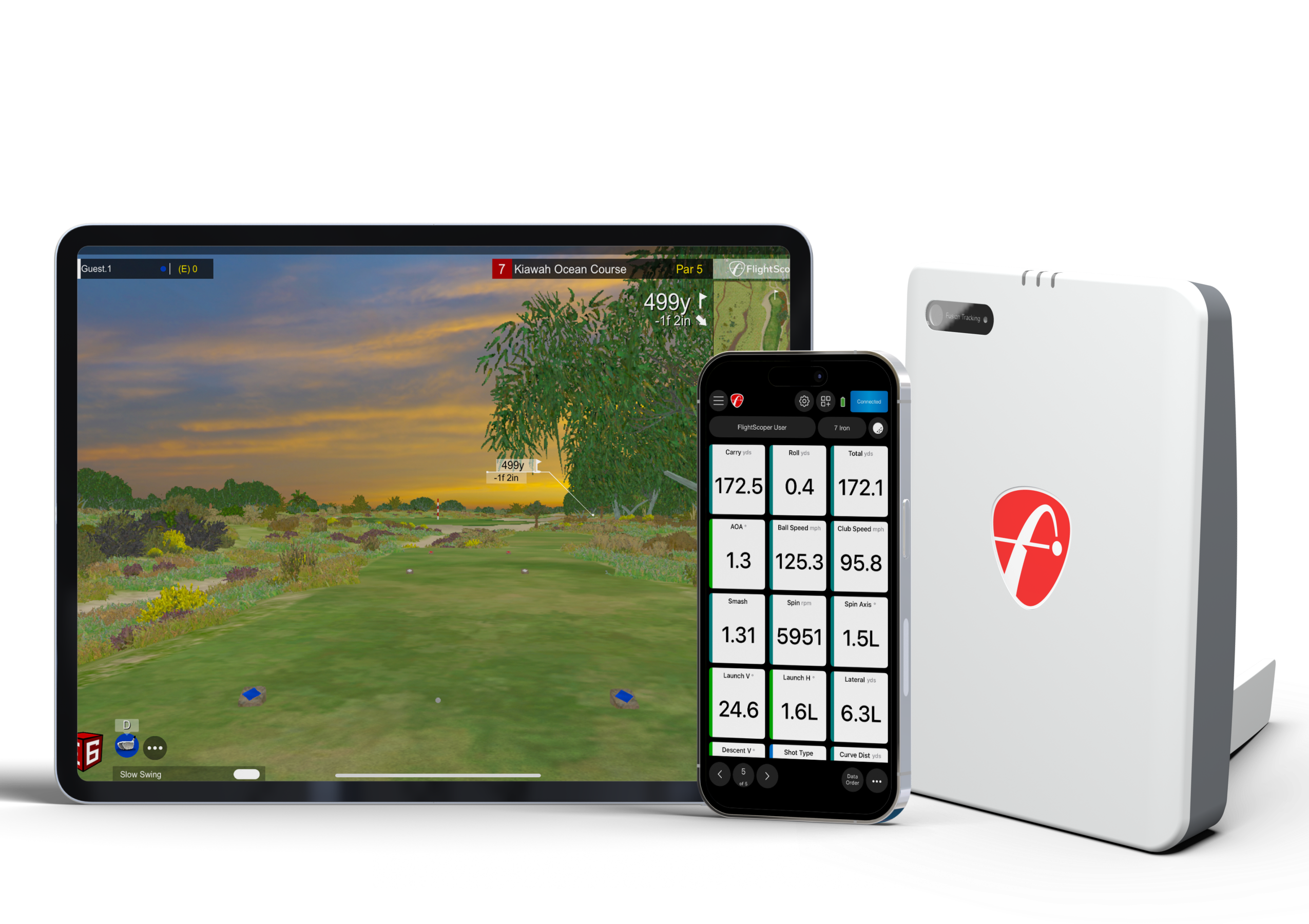
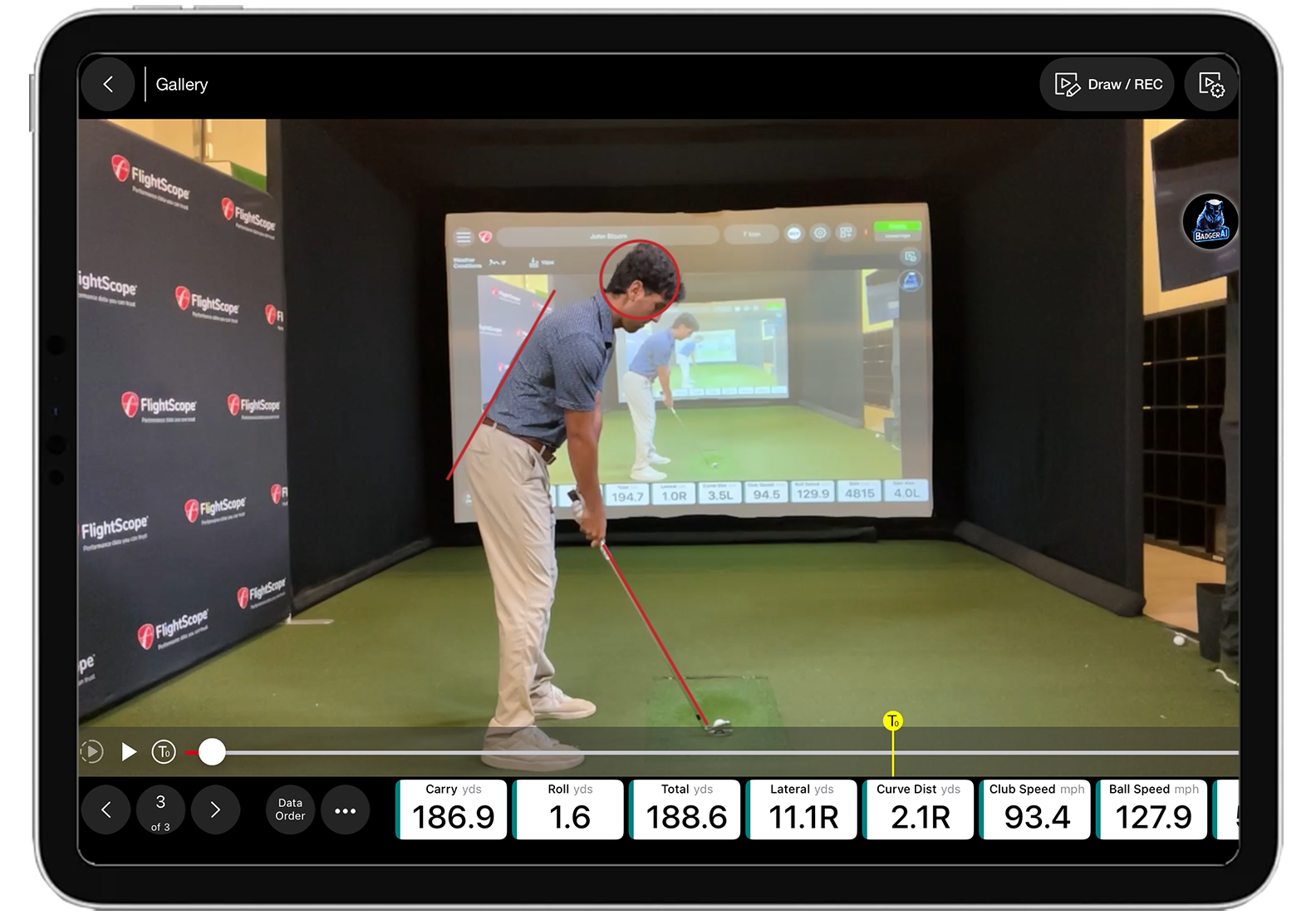
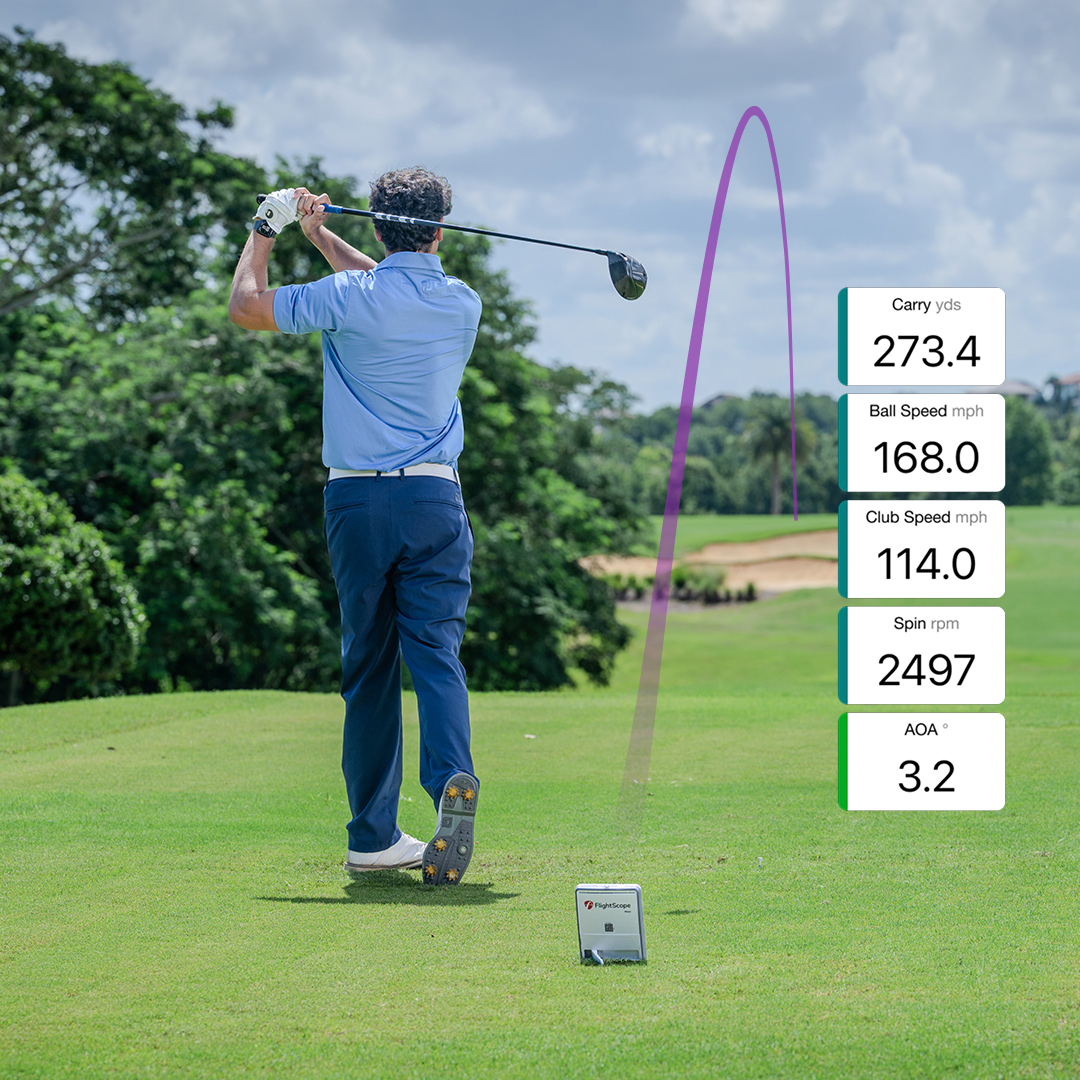
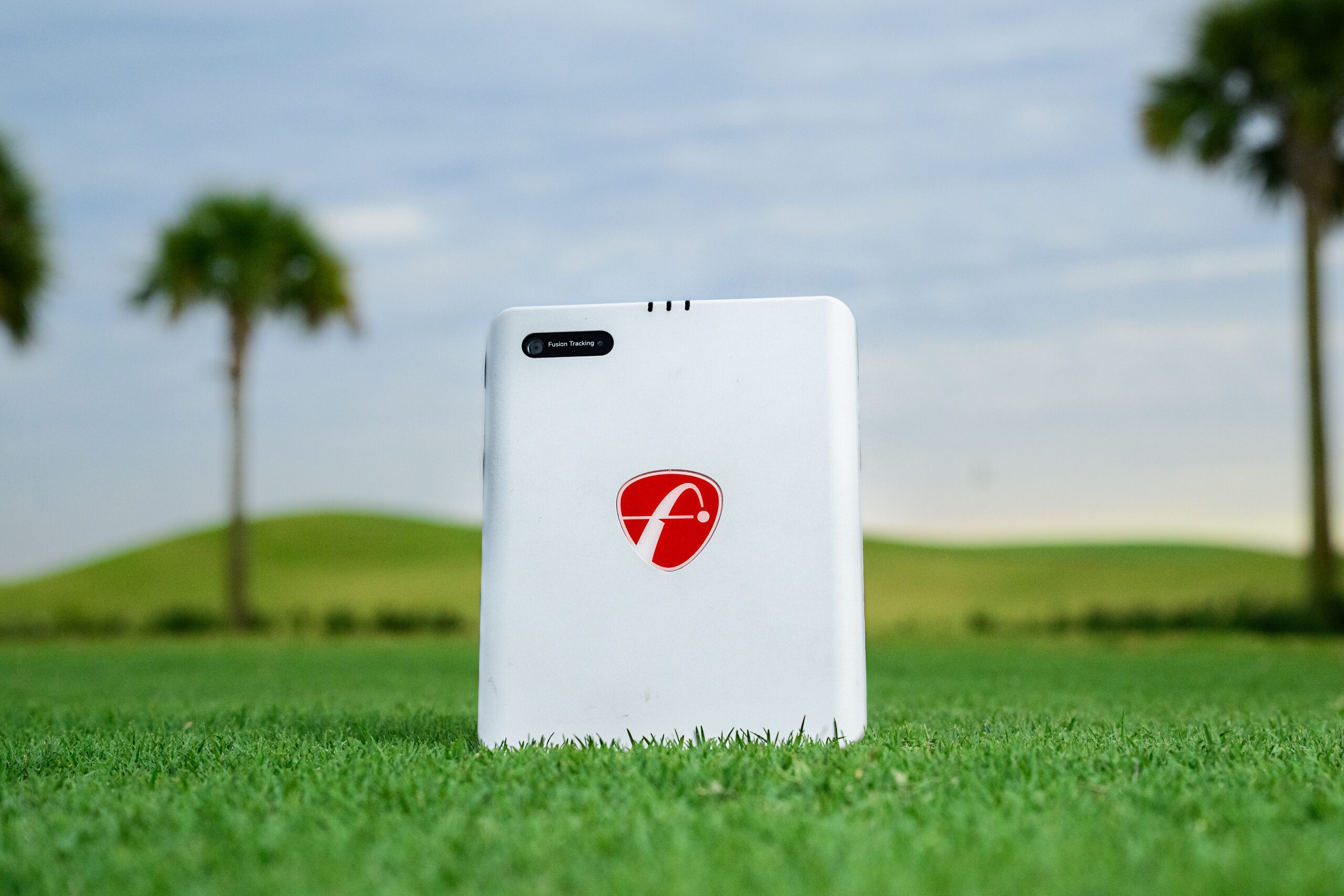
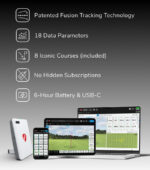
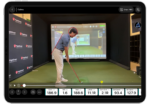
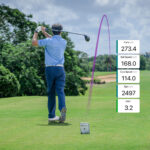
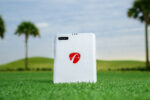
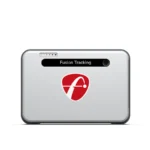
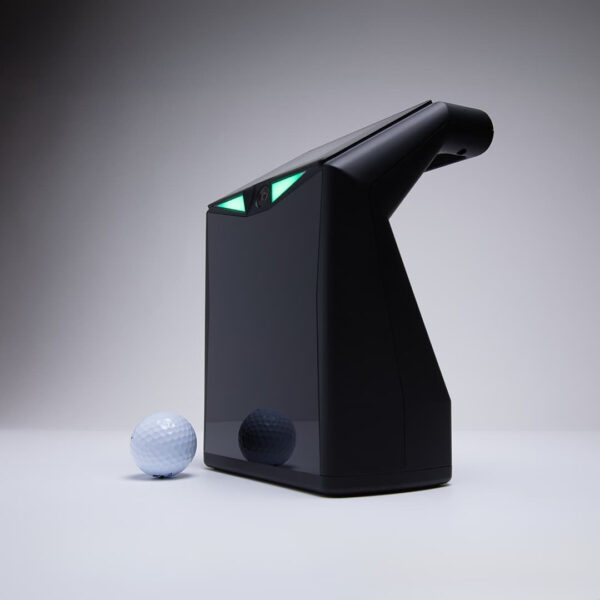
The FlightScope Mevo Gen2 is a portable launch monitor powered by patented FlightScope Fusion Tracking, which combines 3D Doppler radar with synchronized image processing. It sits on the ground behind the ball and provides performance data indoors or outdoors through FS Golf on a compatible iOS, Android or Windows device.
The base unit provides 20 essential ball and club data parameters. The optional Pro Package adds 11 advanced parameters, while Face Impact Location adds clubface contact visualization. These upgrades can be selected through the product add-ons on this page.
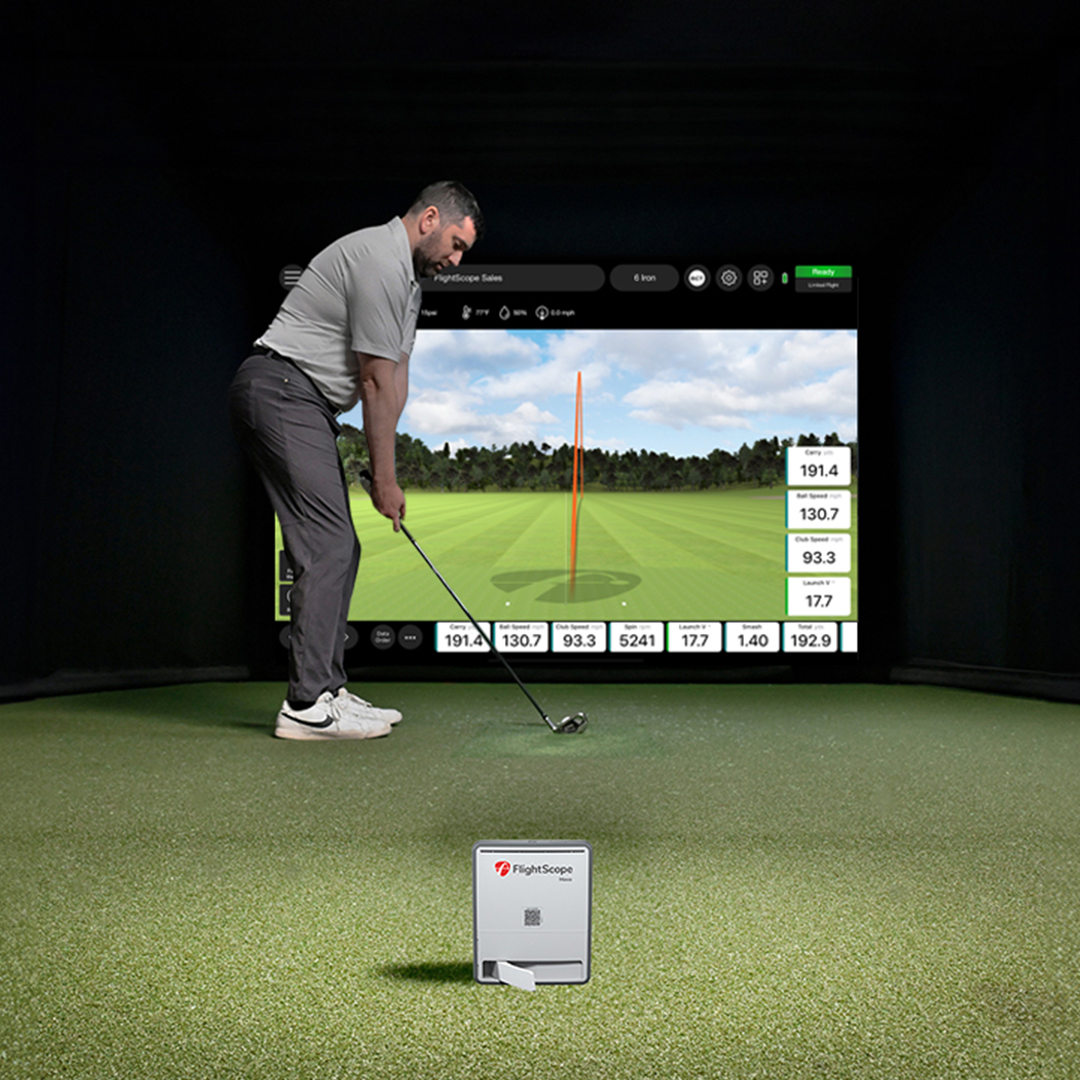
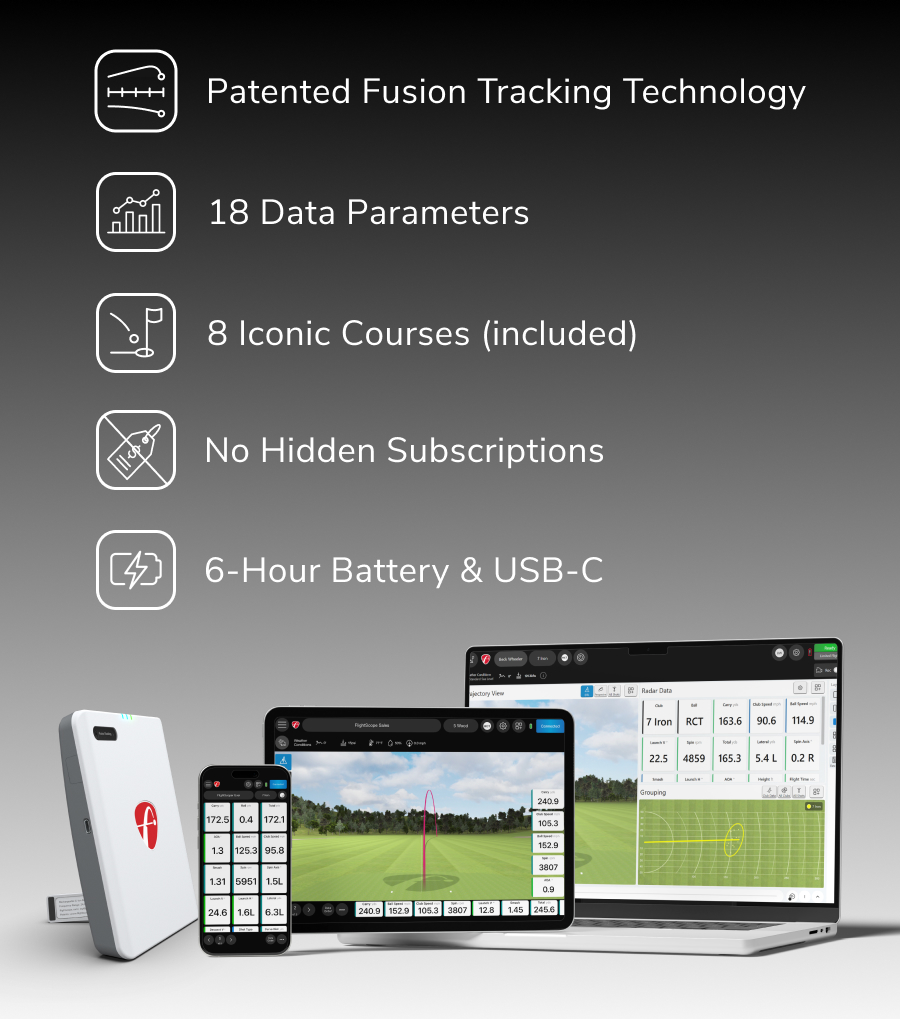
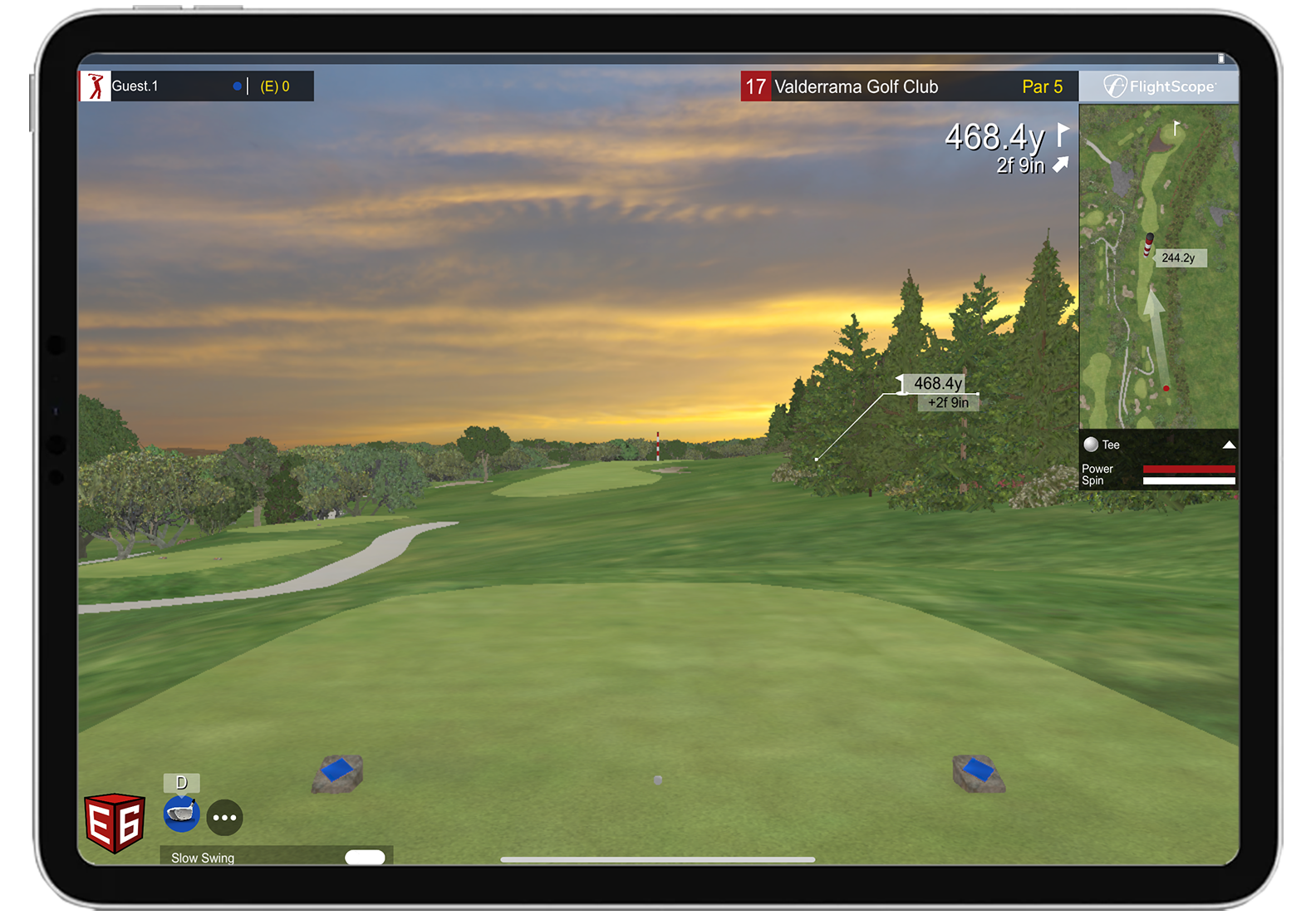
The Mevo Gen2 includes lifetime ownership of an eight-course E6 Connect bundle for iOS and PC. It also provides up to six hours of battery life with USB-C charging. For limited-flight indoor use, position the unit 7–9 feet behind the ball and allow at least 8 feet of ball flight. Aluminum stickers or Titleist RCT balls are required for accurate indoor spin measurements.
At a Glance
| Spec |
Detail |
| Technology |
Patented FlightScope Fusion Tracking — 3D Doppler radar combined with synchronized image processing |
| Essential Data Parameters |
20 included |
| Pro Package |
Optional add-on providing 11 advanced data parameters |
| Face Impact Location |
Optional add-on providing clubface contact visualization |
| Ball Marking |
Aluminum stickers or Titleist RCT balls required for accurate spin measurements during limited-flight indoor use |
| Position |
7–9 feet directly behind the ball; 8 feet is recommended |
| Indoor Ball Flight |
At least 8 feet from the ball to the impact screen or net |
| Connectivity |
Wi-Fi connection to a compatible iOS, Android or Windows device |
| Included Software |
FS Golf Practice App, FS Skills Challenges App and lifetime E6 Connect eight-course bundle for iOS and PC |
| Handedness |
Right- and left-handed golfers |
| Battery |
Up to 6 hours with USB-C charging |
Will It Work in Your Space?
⚠️ The Mevo Gen2 is a radar monitor — it needs the ball to travel a minimum distance indoors before the radar can finish reading the shot. If your space is too short, you’ll see incomplete or missing data.
Before ordering, confirm that your room provides enough space behind the ball for the Mevo Gen2, enough ball flight in front of the hitting position and enough clearance for every golfer to swing safely.
| Measurement | Required | Notes |
|---|
| Mevo Gen2 to Ball | 7–9 feet | Position the unit directly behind the ball and aligned with the target; 8 feet is recommended |
| Ball to Screen or Net | At least 8 feet | Aluminum stickers or Titleist RCT balls are required for accurate spin measurements during limited-flight indoor use |
| Total Room Depth | Approximately 15–17 feet from the Mevo Gen2 to the screen or net | Allow any additional safety clearance required by the screen, enclosure or net manufacturer |
| Ceiling Clearance | Enough height for the tallest golfer’s full swing | The Mevo Gen2 does not require ceiling mounting, but every golfer still needs safe swing clearance |
| Room Width | Enough width for a complete swing without contacting walls or other objects | Confirm clearance with the tallest golfer using the longest club |
| Unit Surface | Flat and level | Keep the area between the unit and the ball clear |
What Comes in the Box
- FlightScope Mevo Gen2 launch monitor
- Power supply
- USB-C charging cable
- Carry case
- Quickstart Guide
- 100 aluminum stickers for indoor limited-flight spin measurements
- FS Golf Practice App for iOS, Android and Windows
- FS Skills Challenges App for iOS and Android
- Lifetime E6 Connect eight-course bundle for iOS and PC
⚠️ The Pro Package and Face Impact Location are optional upgrades and are not included with the base unit. Select either upgrade through the product add-ons on this page.
Data Points — Base vs. Pro Package
Standard, out of the box — 18 parameters:
| Ball Data (Base — Included) | |
|---|
| Ball Speed | ✅ |
| Club Head Speed | ✅ |
| Smash Factor | ✅ |
| Carry Distance | ✅ |
| Total Distance | ✅ |
| Roll Distance | ✅ |
| Vertical Launch Angle | ✅ |
| Horizontal Launch Angle | ✅ |
| Spin Rate | ✅ |
| Spin Axis | ✅ |
| Apex Height | ✅ |
| Flight Time | ✅ |
| Angle of Attack | ✅ |
| Lateral Landing | ✅ |
| Shot Type | ✅ |
| Spin Loft | ✅ |
| Shot Dispersion | ✅ |
Pro Package adds — 11 additional club-data parameters:
| Pro Package Adds | |
|---|
| Face to Path | ✅ |
| Face to Target | ✅ |
| Dynamic Loft | ✅ |
| Club Path | ✅ |
| Vertical Swing Plane | ✅ |
| Horizontal Swing Plane | ✅ |
| Low Point | ✅ |
| Vertical Descent Angle | ✅ |
| Curve | ✅ |
| Club Speed Profile | ✅ |
| Club Acceleration Profile | ✅ |
💡 The base unit already gives you serious club data — club speed and smash factor included. The Pro Package is worth adding specifically if you want the full D-Plane picture: exactly how your face and path relate to each other at impact.
Software
| Platform | Access | Cost After Trial | What It Gets You |
|---|
| FS Golf Practice App | Included with base unit | Included | Shot data, video analysis, practice sessions and 3D ball-flight trajectories on iOS, Android and PC |
| FS Golf PC 2.0 | Pro Package required | Included with Pro Package | Advanced Pro Package data, club analysis and 2D and 3D club animations on PC |
| E6 Connect | Included with base unit | Lifetime 8-course bundle included | Eight included golf courses on iOS and PC; additional E6 Connect plans and courses are sold separately |
| GSPro | Separate GSPro subscription | $250 per year | Windows PC simulation with realistic ball physics and more than 2,500 community-created courses |
PC / Device Requirements (FS PC 2.0)
| Component | Minimum | Recommended |
|---|
| Operating System | Windows 10 or 11, 64-bit | Windows 10 or 11, 64-bit |
| Processor | Intel Core i3-13100 or Ryzen 5 5560 or higher | Intel Core i5-10210 or Ryzen 5 5600 or higher |
| Memory | 8 GB DDR4 or higher | 16 GB DDR4 or higher |
| Graphics | No separate minimum GPU listed by FlightScope | Intel UHD Graphics, Radeon Graphics or better, compatible with DirectX 11 |
| Storage | 128 GB with at least 10 GB free | 256 GB with at least 10 GB free; SSD recommended |
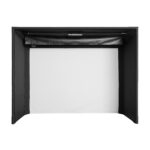
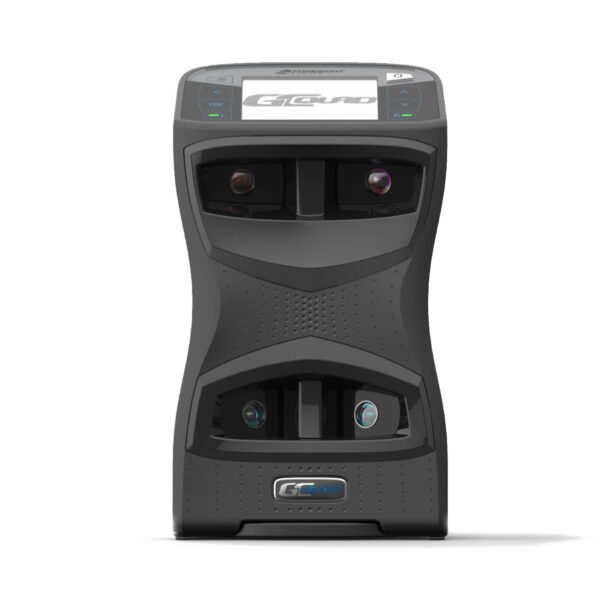
What Else You'll Need for a Full Simulator Setup
The Mevo Gen2 is the monitor. To build a complete home simulator around it you’ll also need:
Mevo Gen2 vs Mevo+ — The Honest Difference
| Feature |
Mevo Gen2 |
Mevo+ |
| Tracking Technology |
Fusion Tracking with 3D Doppler radar and synchronized image processing |
Fusion Tracking with 3D Doppler radar and image processing |
| Included Data |
20 essential data parameters across full-swing, chipping and putting modes |
17 full-swing parameters plus chipping and putting data |
| Optional Data Upgrades |
Pro Package and Face Impact Location |
Pro Package and Face Impact Location |
| Included E6 Connect Content |
Lifetime 8-course bundle for iOS and PC |
Lifetime 12-course bundle, 17 ranges and a mini-game for iOS and PC |
| Limited-Flight Space |
7–9 feet from unit to tee plus at least 8 feet of ball flight |
7–9 feet from unit to tee plus at least 8 feet of ball flight; 13 feet of ball flight is recommended when available |
| Battery |
Up to 6 hours with USB-C charging |
Up to 3 hours; up to 1.5 hours during simulator play |
| Best Fit |
Golfers wanting the newer compact design, longer battery life and upgraded Mevo Gen2 hardware |
Golfers who prioritize the larger included E6 Connect course and practice-area package |
Both launch monitors use FlightScope Fusion Tracking and support the optional Pro Package and Face Impact Location upgrades. The Mevo Gen2 offers newer hardware, a more compact vertical design, USB-C charging and longer battery life. The Mevo+ includes a larger E6 Connect simulation package. The better choice depends on whether you place more value on the newer hardware and battery life or the additional included simulation content.
💡 Both units are close in capability now — the real difference is battery life (Gen2’s 6 hours vs Mevo+’s roughly 3) and portability (Gen2 is lighter). The Mevo+ has been in market longer with more established Fusion Tracking accuracy data; the Gen2 is the newer, more current pick for most buyers.















Reviews
Clear filtersThere are no reviews yet.