What It Is
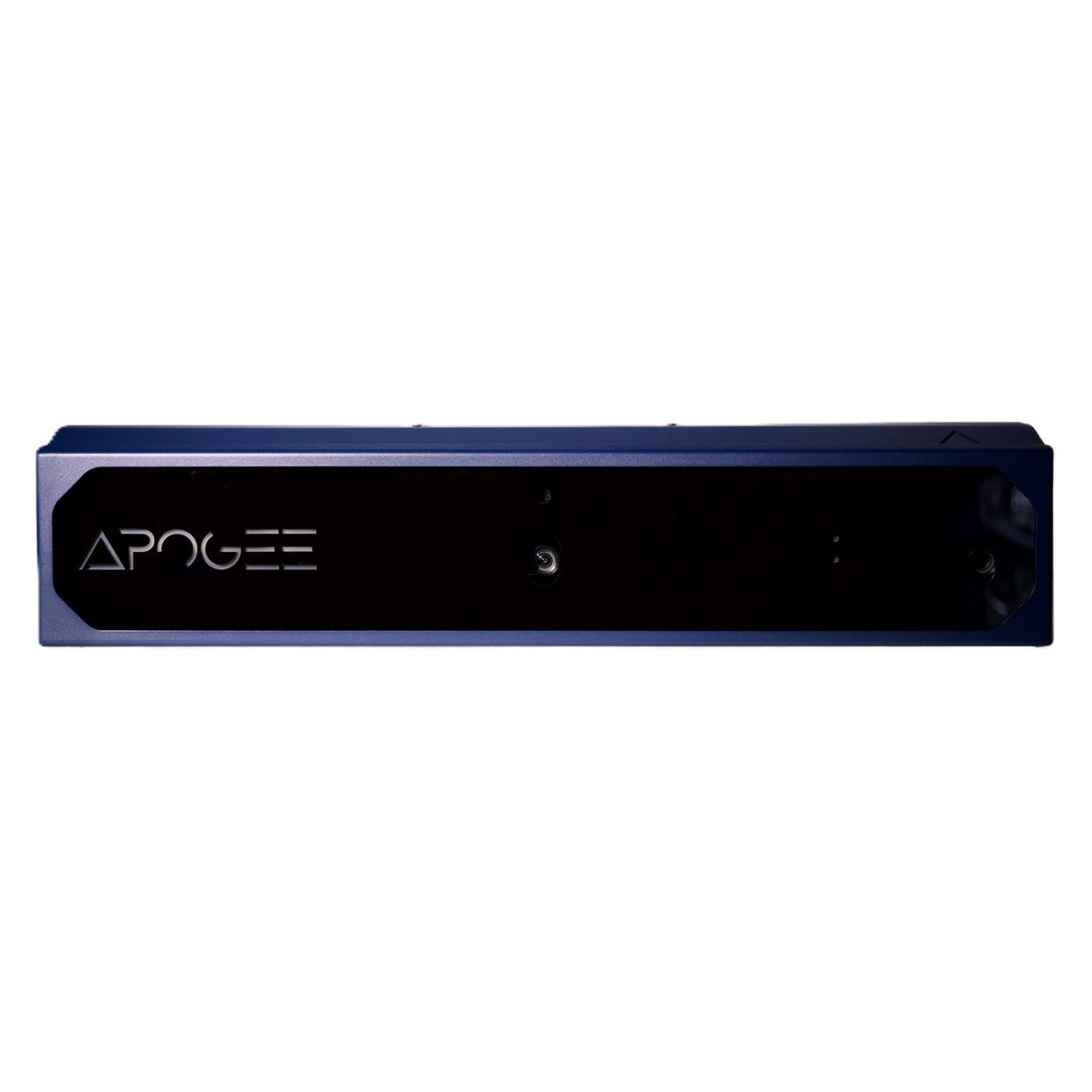
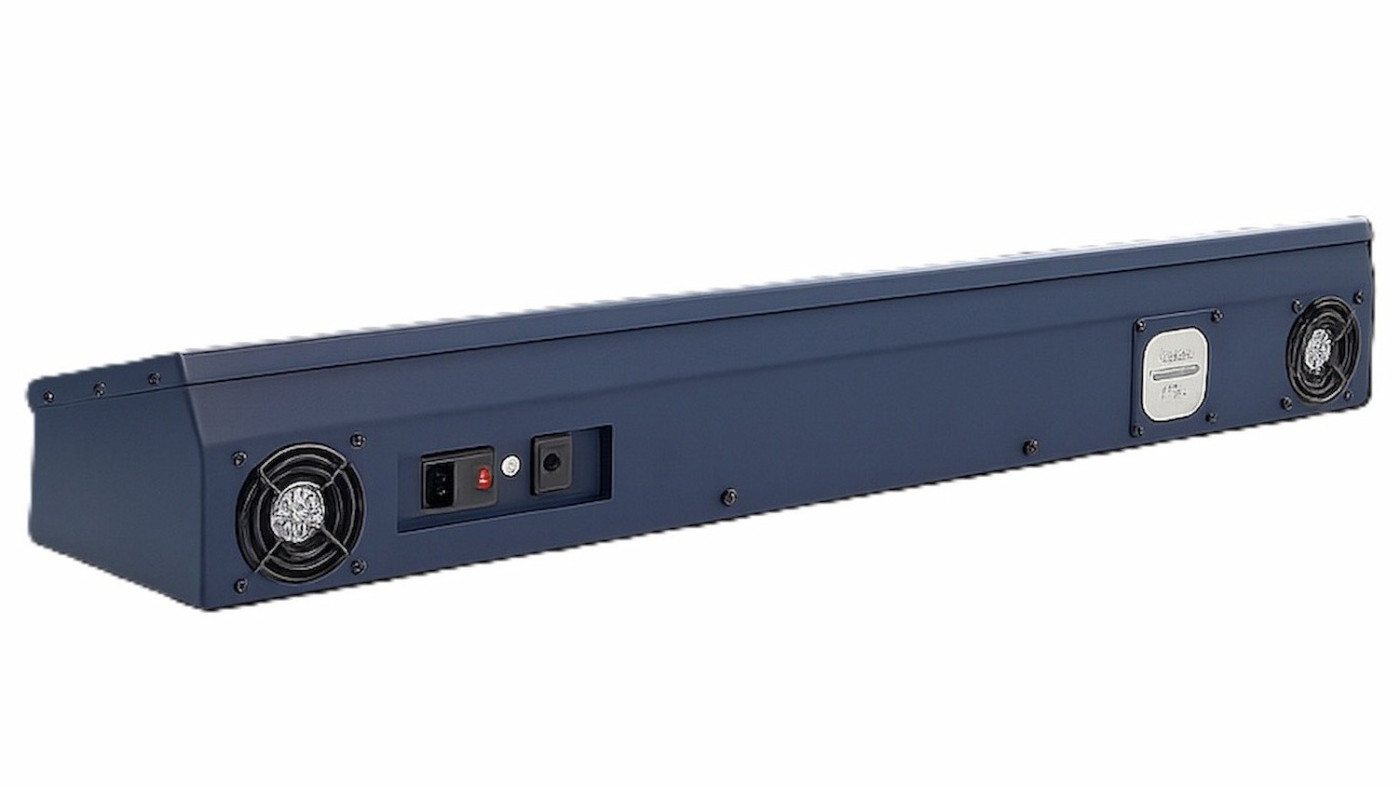
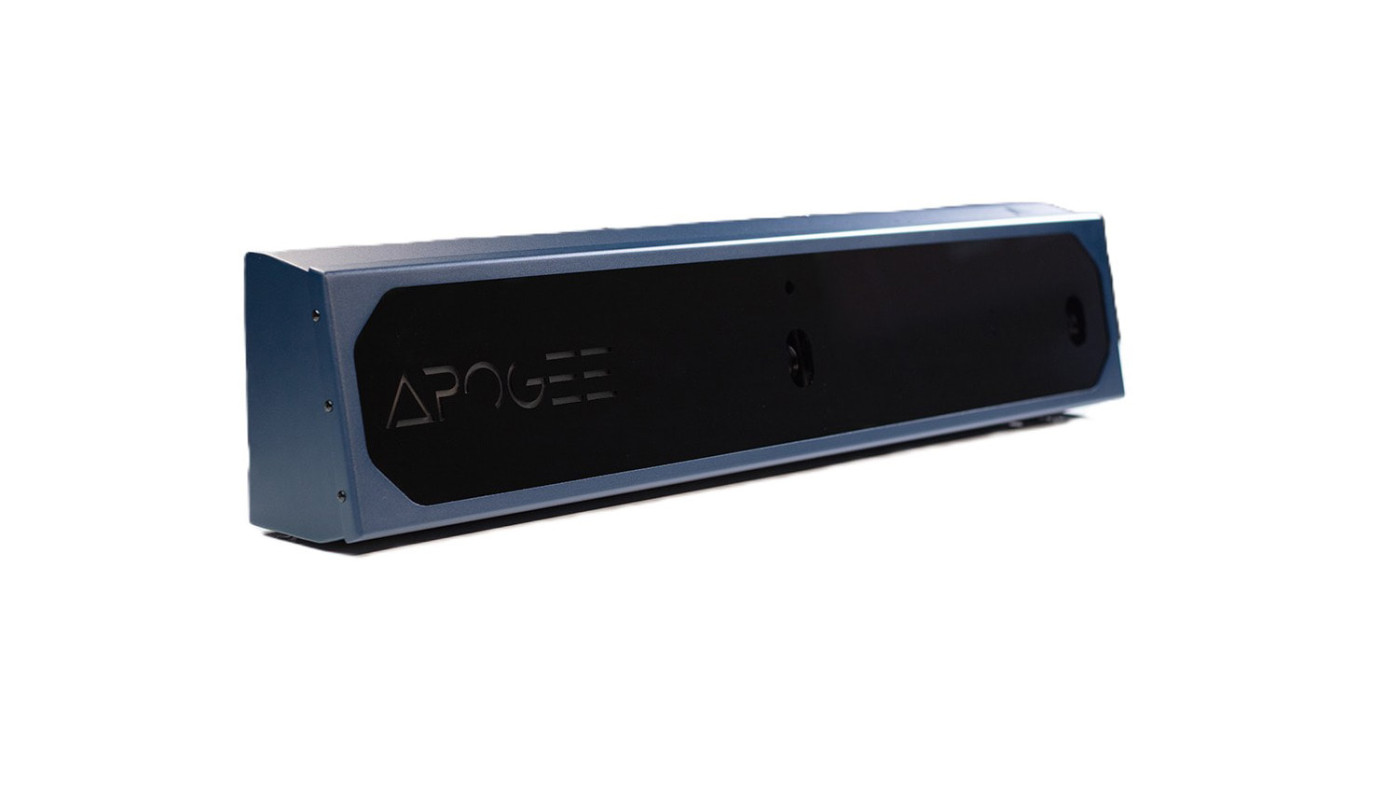
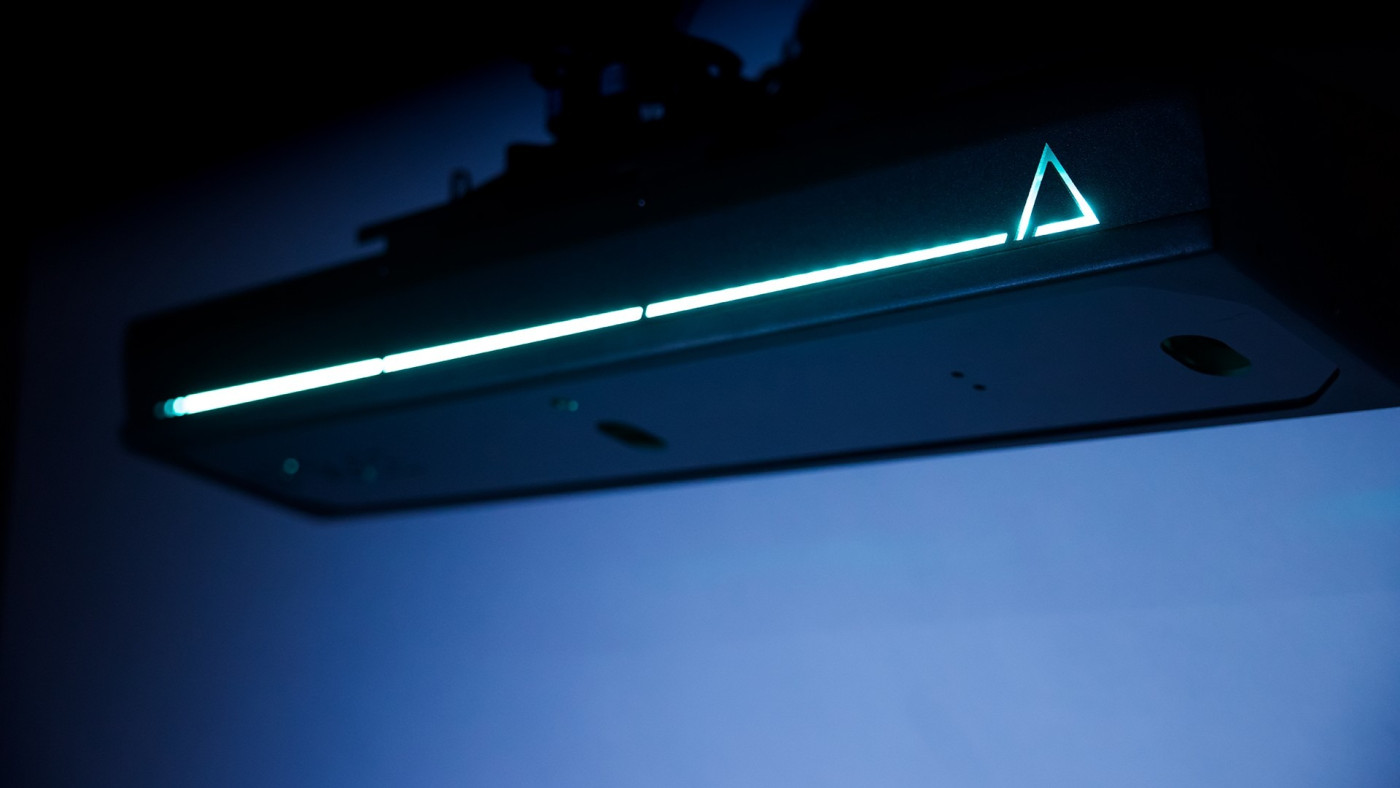
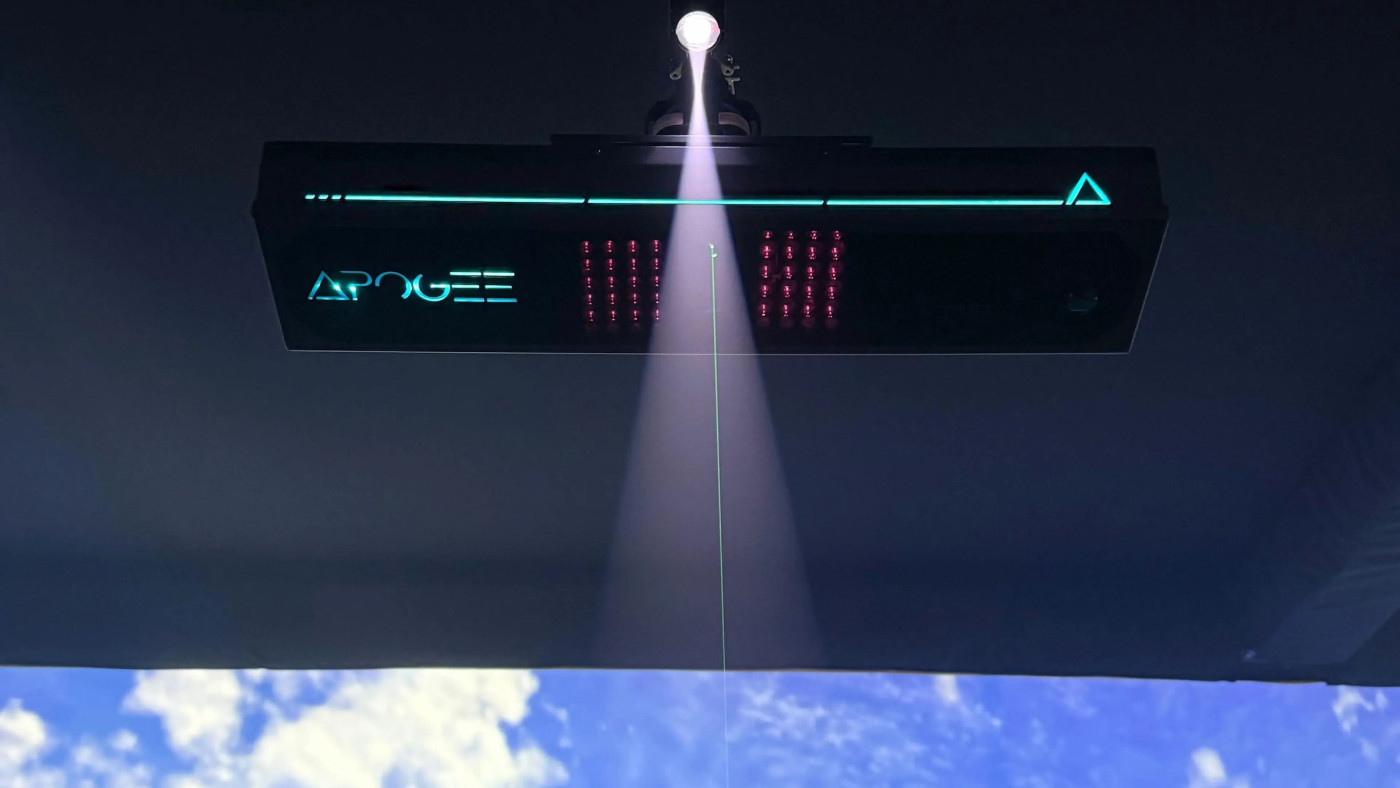
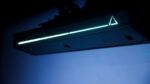
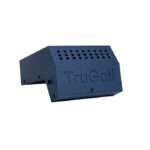
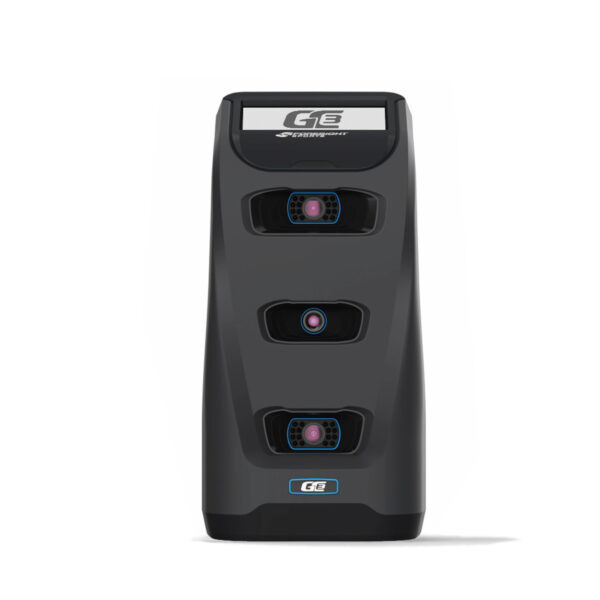
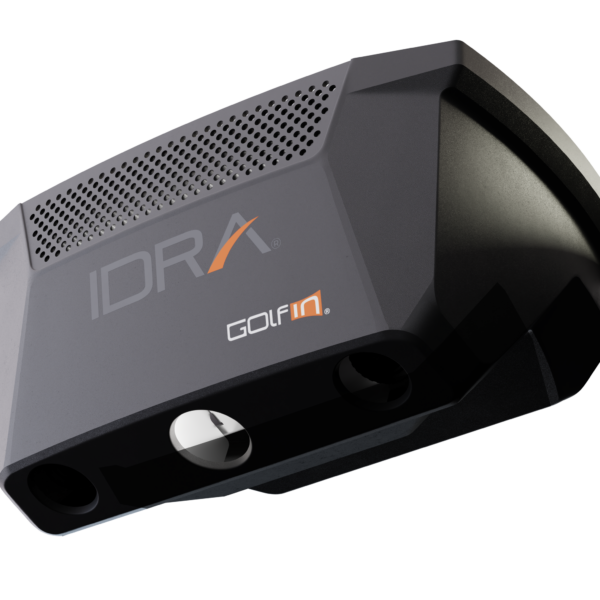
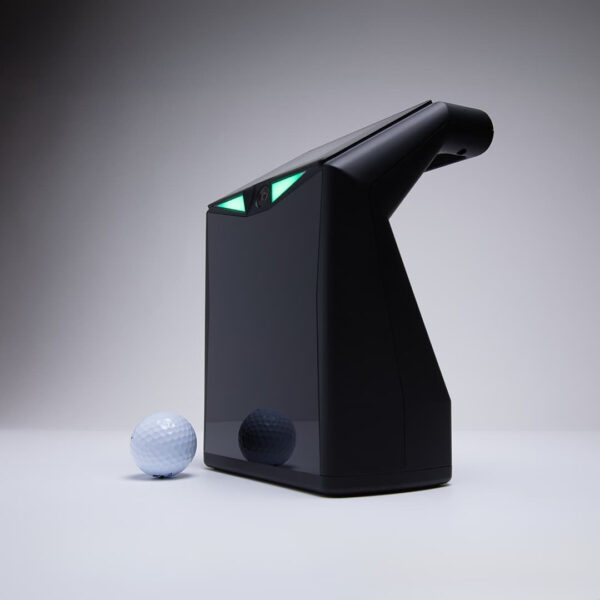
The APOGEE by TruGolf launch monitor is an overhead camera launch monitor built to sit at the ceiling of your simulator bay and read every shot from directly above the hitting area. Two ultra-high-speed stereoscopic cameras capture ball and club data at impact using TruGolf’s Instant Impact algorithm, which processes and sends data fast enough that there’s no visible lag between the moment you hit the ball and when it appears on screen.
No ball prep required — any standard ball works. No club stickers required for most shots, though certain custom club finishes may benefit from a metallic sticker for precise face angle readings. The laser tee box projects onto your mat to show you exactly where to place the ball and disappears once the ball is in position.
⚠️ The APOGEE works exclusively with TruGolf’s E6 Connect software. If you plan to use GSPro, TGC 2019, or any other third-party simulator platform, this is not the right monitor. Every other launch monitor on PortersGolf is compatible with multiple software platforms. The APOGEE is not — factor this in before ordering.
At a Glance
| | |
|---|
| Technology | Dual stereoscopic high-speed cameras (ceiling-mounted) |
| Ball Marking | Not required |
| Club Marking | Not required (optional stickers for custom finishes) |
| Mounting Height | 9–10 ft above hitting surface (required) |
| Mount Position | 21–25 inches in front of tee center |
| Software Compatibility | E6 Connect only |
| Subscription Included | E6 ENJOY — included with purchase |
| Voice Control | Yes — “Hey APOGEE” hands-free commands |
| Slow Motion Replay | Yes — scrubbable Point of Impact video after every shot |
| Handedness | Right and left handed — seamless |
| Dimensions | 38 × 5.5 × 8 in |
| Weight | 22 lbs |
What's in the Box
- APOGEE launch monitor unit
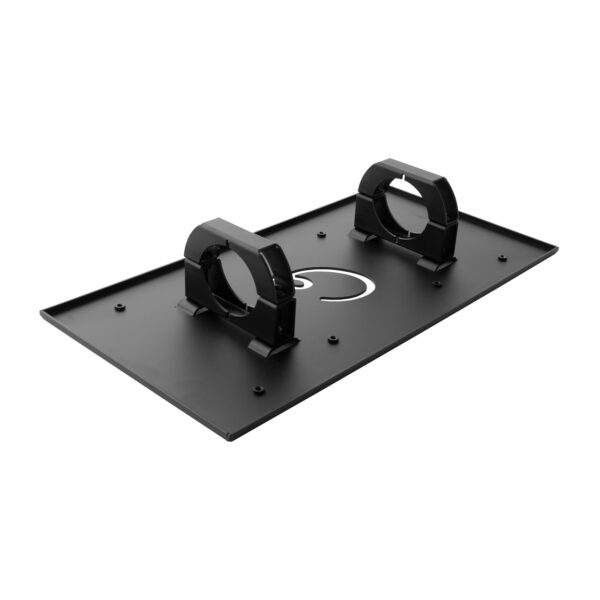
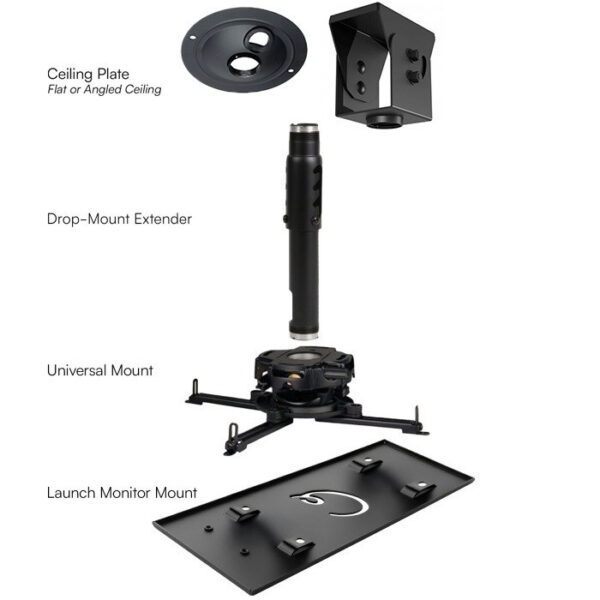
- Ceiling mount hardware
- CAT6 ethernet cable
- Power cable
- Laser level
- Calibration template
- Installation manual
- E6 ENJOY subscription product key
⚠️ A PC is required to run E6 Connect software — not included. See PC requirements below.
Data Points
| Ball Data | Club Data |
|---|
| Ball speed | Club head speed |
| Back spin | Club face angle |
| Side spin | Club path |
| Vertical launch angle | Angle of attack |
| Horizontal launch direction | Dynamic loft (with club stickers) |
| | Dynamic lie (with club stickers) |
Point of Impact: After every shot the APOGEE displays slow-motion scrubbable video of the club through the ball — overhead angle, frame by frame. You can see exactly where on the face you made contact and what the club was doing at impact. For practice-focused setups this is one of the most useful features on the market.
The APOGEE Intelligent Dashboard
The APOGEE ships with its own device management software — the APOGEE Control Center (ACC). It handles automatic calibration, firmware updates, and system diagnostics without manual intervention. If something is off with your setup, the ACC runs its own diagnostics and flags the issue. For most users this means the monitor takes care of itself between sessions.
Voice Control — "Hey APOGEE"
The APOGEE responds to voice commands within E6 Connect. You can call a mulligan, change the weather, read a putt, or navigate menus without touching the keyboard or mouse. It’s a small thing that makes a real difference in the middle of a round when you’re standing at the hitting mat and don’t want to walk back to the PC.
The Laser Tee Box
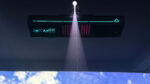
A built-in laser projector casts an 8×10-inch tee box outline onto your hitting mat showing you exactly where to place the ball for each shot. It turns off automatically once the ball settles into a valid position. This eliminates guesswork and reduces missed reads caused by inconsistent ball placement — one of the most common sources of data errors in overhead monitors.
Will It Work in Your Space?
| Measurement | Requirement |
|---|
| Ceiling height | 9–10 ft — required. No flexibility below 9 ft |
| Mount distance from tee | 21–25 inches in front of tee center |
| Ceiling heights over 10 ft | Compatible with universal projector mount extension |
| Ceiling surface | Flat and level — wooden backing recommended for secure mount |
⚠️ Ceiling height must be measured at the hitting position before ordering. The APOGEE requires a flat, level ceiling surface at 9–10 ft. If your ceiling is sloped, angled, or finishes below 9 ft at the hitting spot, this monitor will not work in your space. Contact us at portersgolf@gmail.com with your room dimensions before ordering.
Software — E6 Connect Only
| Platform | Status | Notes |
|---|
| E6 Connect | ✅ Required | Included ENJOY subscription covers practice and driving range |
| E6 Connect course play | Upgrade available | Additional subscription for full course library |
| GSPro | ❌ Not compatible | |
| TGC 2019 | ❌ Not compatible | |
| Other third-party software | ❌ Not compatible | |
The included E6 ENJOY subscription covers the driving range, skill challenges, club fitting, and basic practice modes. To play full courses you’ll need to upgrade to an E6 Connect course subscription — available directly from TruGolf after purchase.
PC Requirements
| Component | Minimum | Recommended |
|---|
| OS | Windows 10 64-bit | Windows 10/11 64-bit |
| Processor | Intel i5 | Intel i7 10th Gen or newer |
| RAM | 8 GB | 16 GB DDR4 |
| GPU | Nvidia GTX 1070 | Nvidia RTX 3060 12GB or better |
| Storage | 25 GB HDD | m.2 NVMe SSD 256 GB or better |
| Connectivity | Ethernet (required) + Wi-Fi 5 | Gigabit ethernet |
⚠️ Ethernet connection is required — not optional. The APOGEE connects to your PC via the included CAT6 cable. Plan your room layout with a cable run from the ceiling mount to your PC.
What Else You'll Need for a Full Simulator Setup
💡 Questions about your space or this setup? Email portersgolf@gmail.com or call (877) 746-5387 before ordering.
How It Compares to Other Overhead Monitors
| | APOGEE ($7,995) | Uneekor EYE XO2 ($10,999) | NVISAGE N1 ($4,999) |
|---|
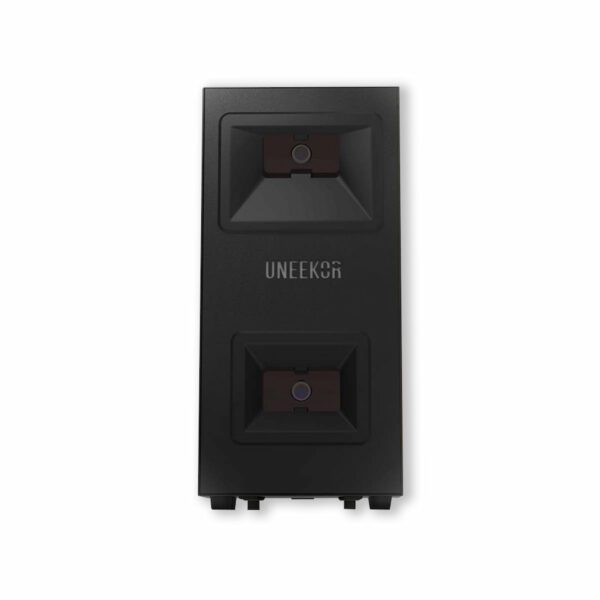
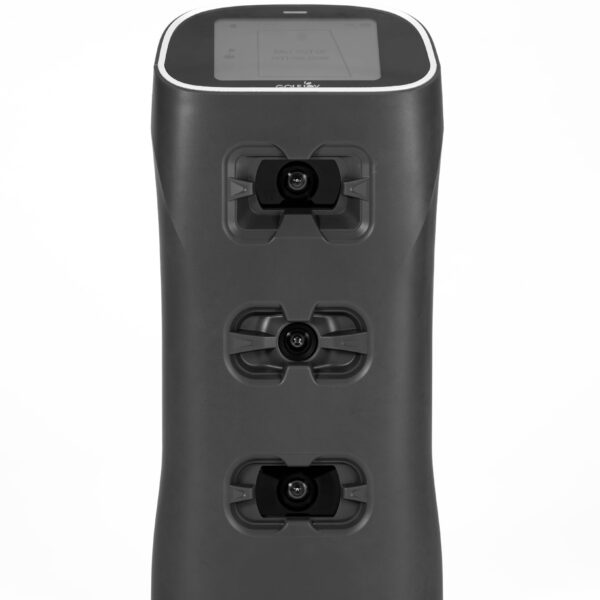
| Technology | Dual ceiling cameras | 3 ceiling cameras | Dual floor cameras |
| Ball marking | Not required | Not required | Required (NVISAGE balls) |
| Ceiling height | 9–10 ft required | 9–10 ft required | No ceiling requirement |
| Mount position | 21–25 in front of tee | 42 in front of hitting area | Floor, in front of golfer |
| Software | E6 Connect only | E6, GSPro, TGC 2019, more | E6, GSPro |
| Voice control | Yes — “Hey APOGEE” | No | No |
| Slow-motion replay | Yes — Point of Impact | Yes — Swing Optix (add-on) | No |
| Laser tee indicator | Yes — built in | No | No |
| Best for | E6 Connect dedicated rooms | Multi-software flexibility | Tight rooms, floor-based |
💡 The APOGEE’s biggest advantage over the Uneekor EYE XO2 is price and the built-in quality-of-life features — voice control, laser tee box, and the Intelligent Dashboard. The EYE XO2’s biggest advantage is software flexibility. If you’re committed to E6 Connect and want a well-rounded overhead monitor with strong usability features, the APOGEE is a solid choice at $3,000 less than the EYE XO2.
Price: $7,995.00
E6 ENJOY subscription included. Course play subscription sold separately through TruGolf. PC, enclosure, projector, and hitting mat sold separately.
Questions before you order? portersgolf@gmail.com or (877) 746-5387.


Reviews
Clear filtersThere are no reviews yet.