
*** Now offering SimBooth and Idra II Equipment!! ***
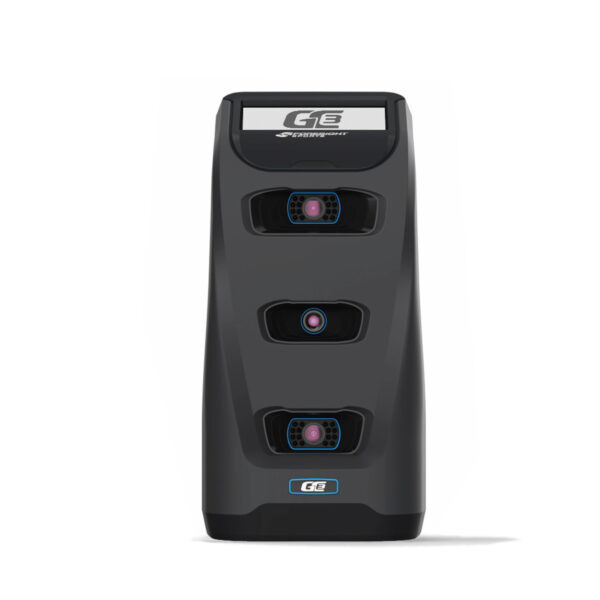
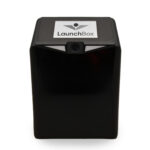
TruGolf LaunchBox
$2,999.00
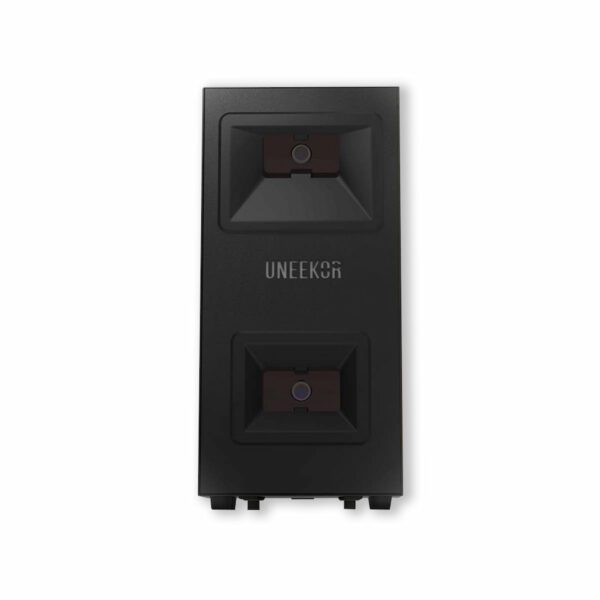
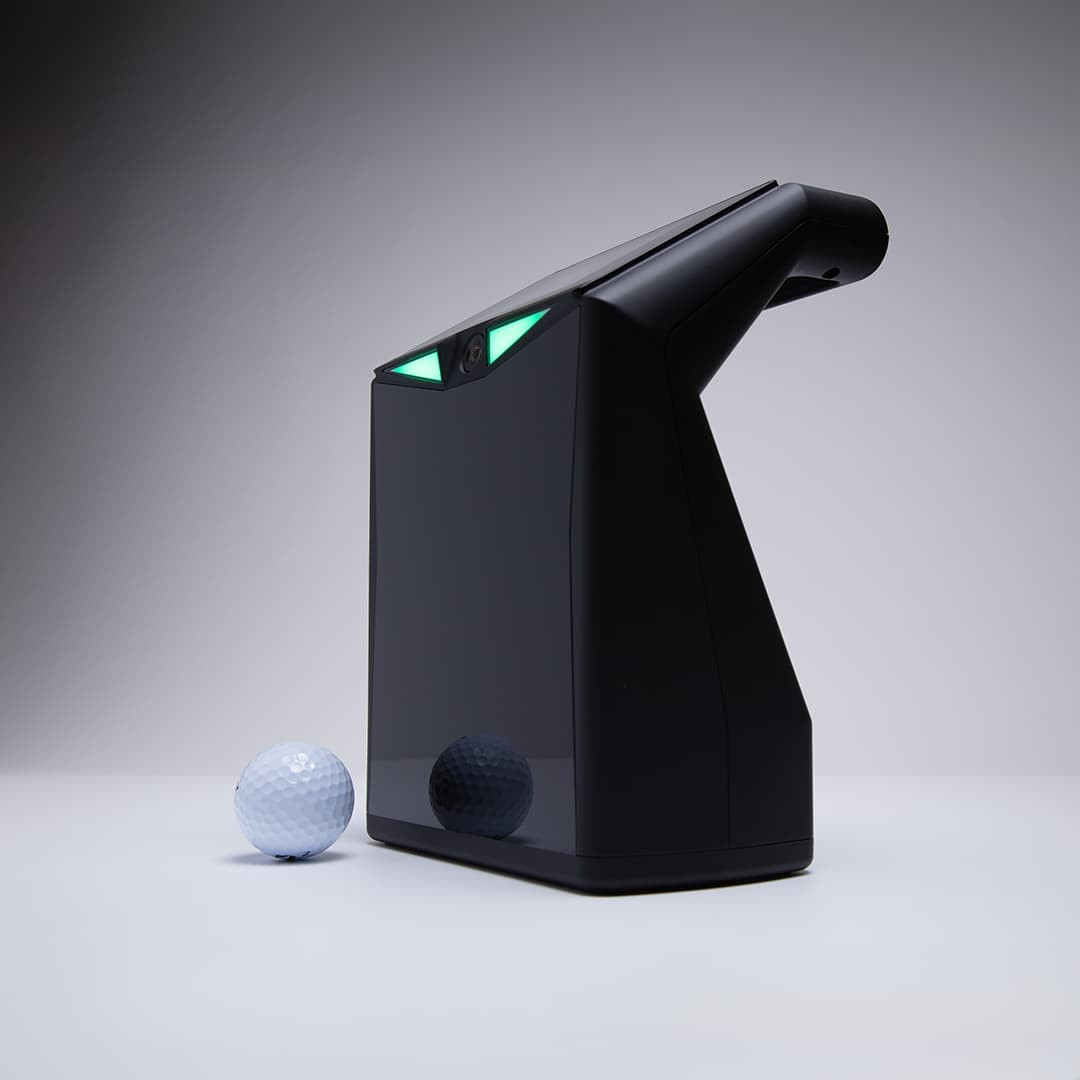
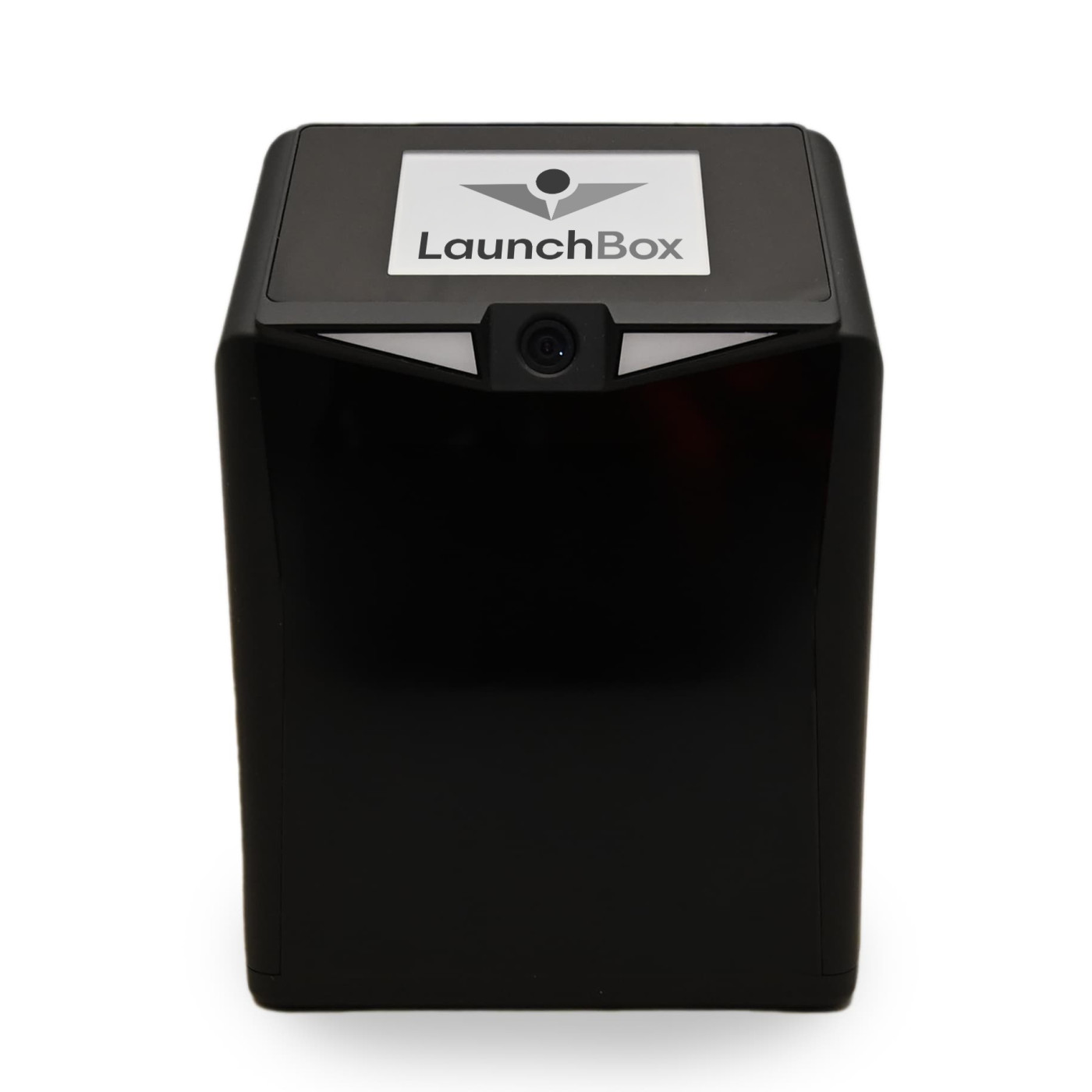
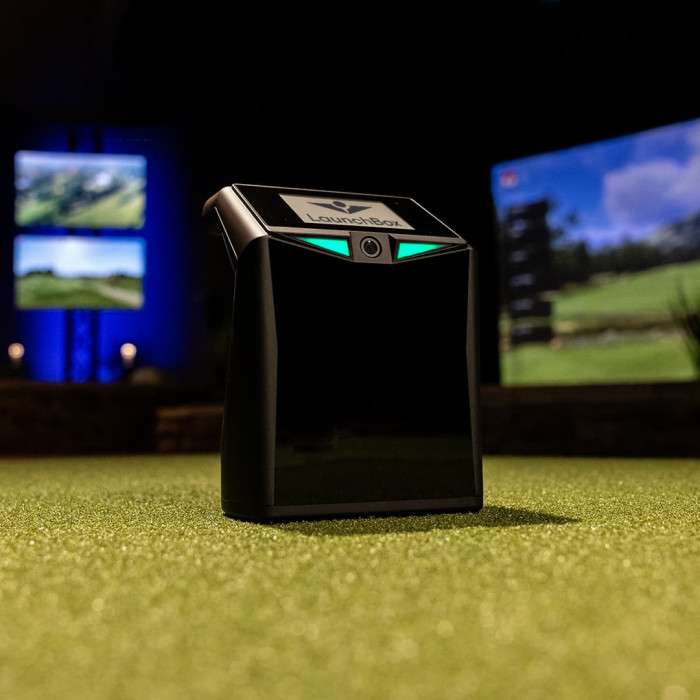
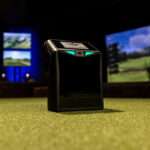
The TruGolf LaunchBox is a portable camera-based launch monitor that sits in front of you on the floor, connects to your phone, tablet, or PC over Wi-Fi, and gives you ball and club data instantly after every shot. No ball marking, no club stickers required. The built-in display shows your key numbers without needing a separate screen — useful for range sessions where you don’t want to look at a phone between shots.
Works indoors and outdoors on a range mat. Compatible with PC and iOS. E6 Connect software is sold separately — the LaunchBox itself does not include a software subscription. If you want course play out of the box, see the LaunchBox + E6 Connect Home bundle or purchase an E6 Connect subscription directly from TruGolf after buying.
✔ Free Shipping
At A Glance:
Technology Dual high-speed photometric cameras
Position Floor, in front of golfer
Ball Marking Not required
Club Marking Not required
Built-in Display Yes — shows key data without a separate screen
Indoor Use Yes — optimized for indoor simulator setups
Outdoor Use Yes — compatible with range mats outdoors
Connectivity Wi-Fi to PC or iOS device
Software Compatibility E6 Connect only
Software Included None — sold separately
Compatible Devices PC (Windows) and iOS
Handedness Right and left handed
⚠️ The LaunchBox is compatible with E6 Connect only — not GSPro, TGC 2019, or other third-party simulator platforms.
What It Is
The LaunchBox is TruGolf’s portable launch monitor — a floor-placed, camera-based unit that reads the ball at impact using dual high-speed cameras. It sits in front of the hitting position, connects over Wi-Fi to your device, and sends shot data immediately after impact with no noticeable lag.
The built-in display is one of the things that sets it apart from most monitors in this price range. You can see your carry distance, ball speed, spin, and launch angle directly on the unit without unlocking your phone or glancing at a tablet. For range sessions and practice-focused setups it keeps you in your routine.
No ball marking required and no club stickers needed for standard shots. Set it down, connect, and swing.
⚠️ The LaunchBox works with E6 Connect software only. It is not compatible with GSPro, TGC 2019, or other third-party platforms. If software flexibility matters to you, see the FlightScope Mevo+ or NVISAGE N1 instead.
At a Glance
| Technology | Dual high-speed photometric cameras |
| Position | Floor, in front of golfer |
| Ball Marking | Not required |
| Club Marking | Not required |
| Built-in Display | Yes — shows key data without a separate screen |
| Indoor Use | Yes — optimized for indoor simulator setups |
| Outdoor Use | Yes — compatible with range mats outdoors |
| Connectivity | Wi-Fi to PC or iOS device |
| Software Compatibility | E6 Connect only |
| Software Included | None — sold separately |
| Compatible Devices | PC (Windows) and iOS |
| Handedness | Right and left handed |
Data Points
On the built-in display:
| Metric | |
|---|---|
| Carry Distance | ✅ |
| Ball Speed | ✅ |
| Back Spin | ✅ |
| Side Spin | ✅ |
| Vertical Launch Angle | ✅ |
| Horizontal Launch Direction | ✅ |
Additional in-game data (via E6 Connect):
| Metric | |
|---|---|
| Total Distance | ✅ |
| Club Head Speed | ✅ |
| Smash Factor | ✅ |
| Deviation | ✅ |
| Apex | ✅ |
| Descent Angle | ✅ |
| Shot Type | ✅ |
Indoor vs Outdoor Use
The LaunchBox is optimized for indoor use — consistent lighting and a controlled environment give the cameras the most reliable read. It also works on outdoor range mats, making it one of the more versatile monitors at this price point. Bright direct sunlight can affect camera-based systems — shaded outdoor conditions or covered range bays work best.
Software — What You Need to Know
The LaunchBox unit at $2,999 does not include a software subscription. To use it beyond the built-in display data you’ll need an E6 Connect subscription purchased separately from TruGolf. E6 Connect offers:
| Tier | What It Gets You |
|---|---|
| E6 Range | Driving range, chipping and putting practice, basic data |
| E6 Home | 27 owned virtual courses — no annual subscription |
| E6 Home + Premium | 30 owned virtual courses — no annual subscription |
| E6 ENJOY | Full course library, skill challenges, club fitting |
The Home tiers are one-time purchases that give you owned courses without a recurring subscription — worth considering if you want to avoid annual fees.
PC and Device Requirements
| Component | Minimum | Recommended |
|---|---|---|
| OS | Windows 10 / iOS 14 | Windows 11 / iOS 17+ |
| Processor | Intel i5 | Intel i7 or better |
| RAM | 8 GB | 16 GB |
| GPU | Dedicated GPU | Nvidia GTX 1660 or better |
| Connectivity | Wi-Fi | 5 GHz Wi-Fi preferred |
What Else You'll Need for a Full Simulator Setup
The LaunchBox is the monitor. To build a complete home simulator around it:
| Component | What It Does | Find It at PortersGolf |
|---|---|---|
| Enclosure / frame | Contains shots, holds screen | Carl’s Place DIY Enclosure |
| Impact screen | Ball target and projection surface | Impact Screens |
| Projector | Sends simulator image to screen | BenQ TK710STi ($2,199) |
| Hitting mat | Turf surface to swing from | Carl’s HotShot Mat |
| E6 Connect subscription | Simulator software | Available from TruGolf directly |
💡 Not sure if the LaunchBox is the right monitor for your setup? Email [email protected] with your room dimensions and goals and we’ll give you a straight answer.
How It Compares to Other Monitors at This Price Point
| LaunchBox ($2,999) | FlightScope Mevo+ ($2,299) | NVISAGE N1 ($4,999) | |
|---|---|---|---|
| Technology | Dual camera (photometric) | Radar + camera (Fusion) | Dual camera (photometric) |
| Position | Floor, in front | Floor, behind | Floor, in front |
| Ball marking | Not required | Stickers recommended indoors | Required (NVISAGE balls) |
| Built-in display | Yes | No | No |
| Indoor use | Yes | Yes — needs 8 ft ball travel | Yes |
| Outdoor use | Yes — range mats | Yes — full flight tracking | Yes |
| Software | E6 Connect only | E6, GSPro, TGC 2019 | E6, GSPro |
| Software included | No | No (Pro Package add-on) | No |
| Best for | E6 Connect users, indoor/outdoor practice | Multi-software, dual indoor/outdoor use | Tight indoor spaces |
💡 The LaunchBox is a solid choice if you’re committed to E6 Connect and want a portable unit with a built-in display. If you want software flexibility or outdoor full-flight tracking, the Mevo+ is worth the $700 price difference.
Price: $2,999.00
E6 Connect software sold separately. Enclosure, projector, hitting mat, and PC not included.
Questions before ordering? [email protected] or (877) 746-5387.
Only logged in customers who have purchased this product may leave a review.
Returns & Policy
Full details of our returns, refunds, and arbitration policy for all products.
View Full Terms »

Reviews
Clear filtersThere are no reviews yet.