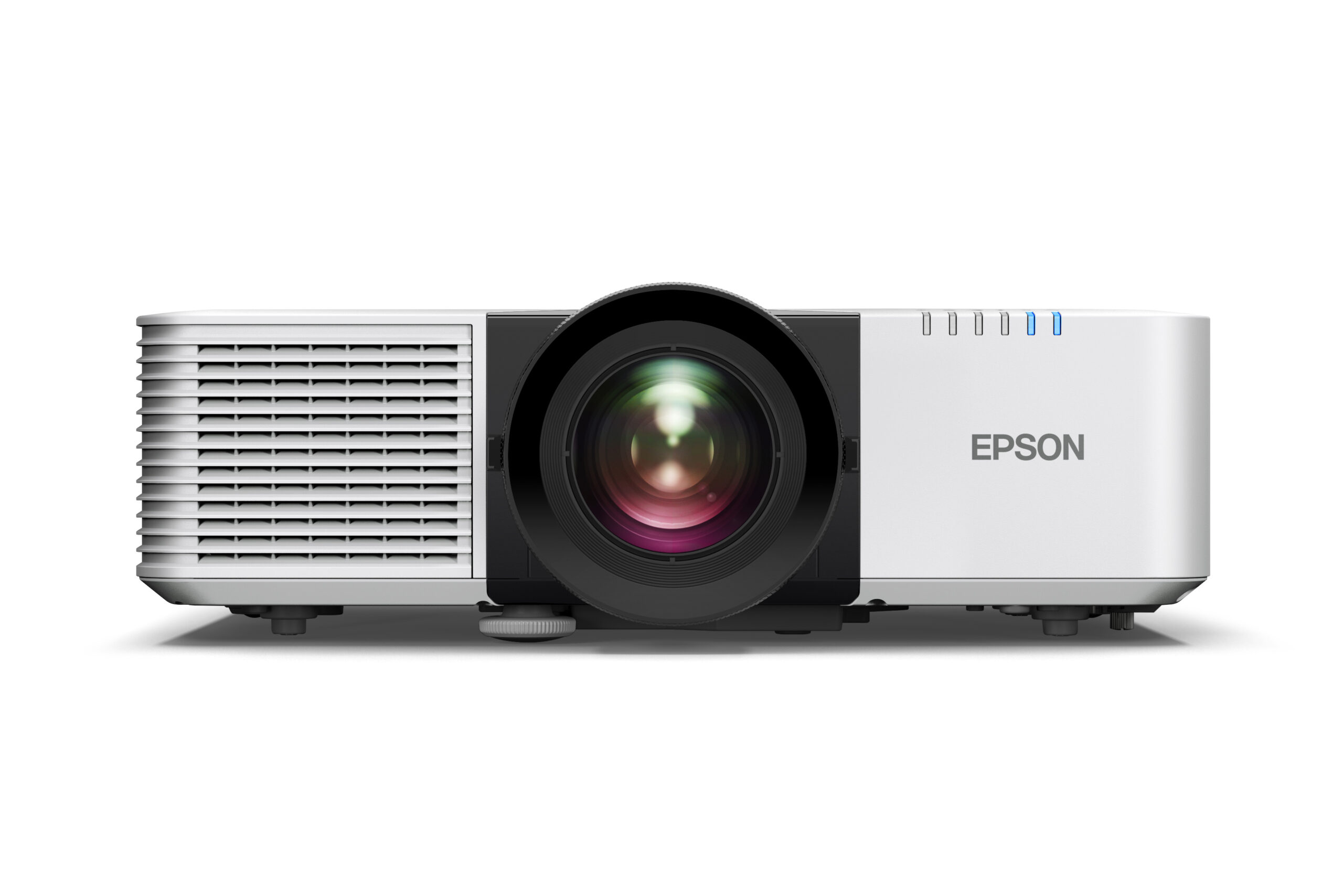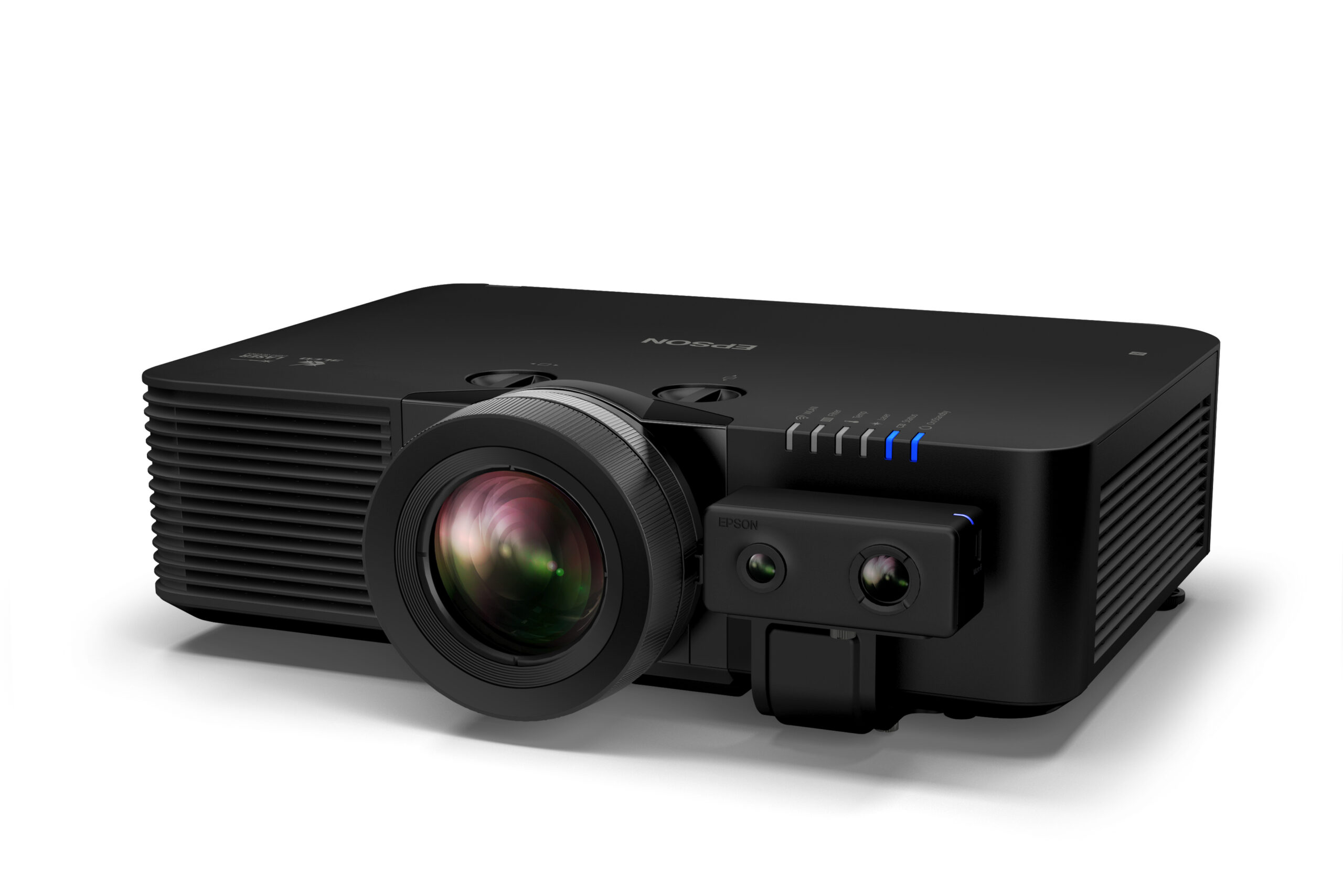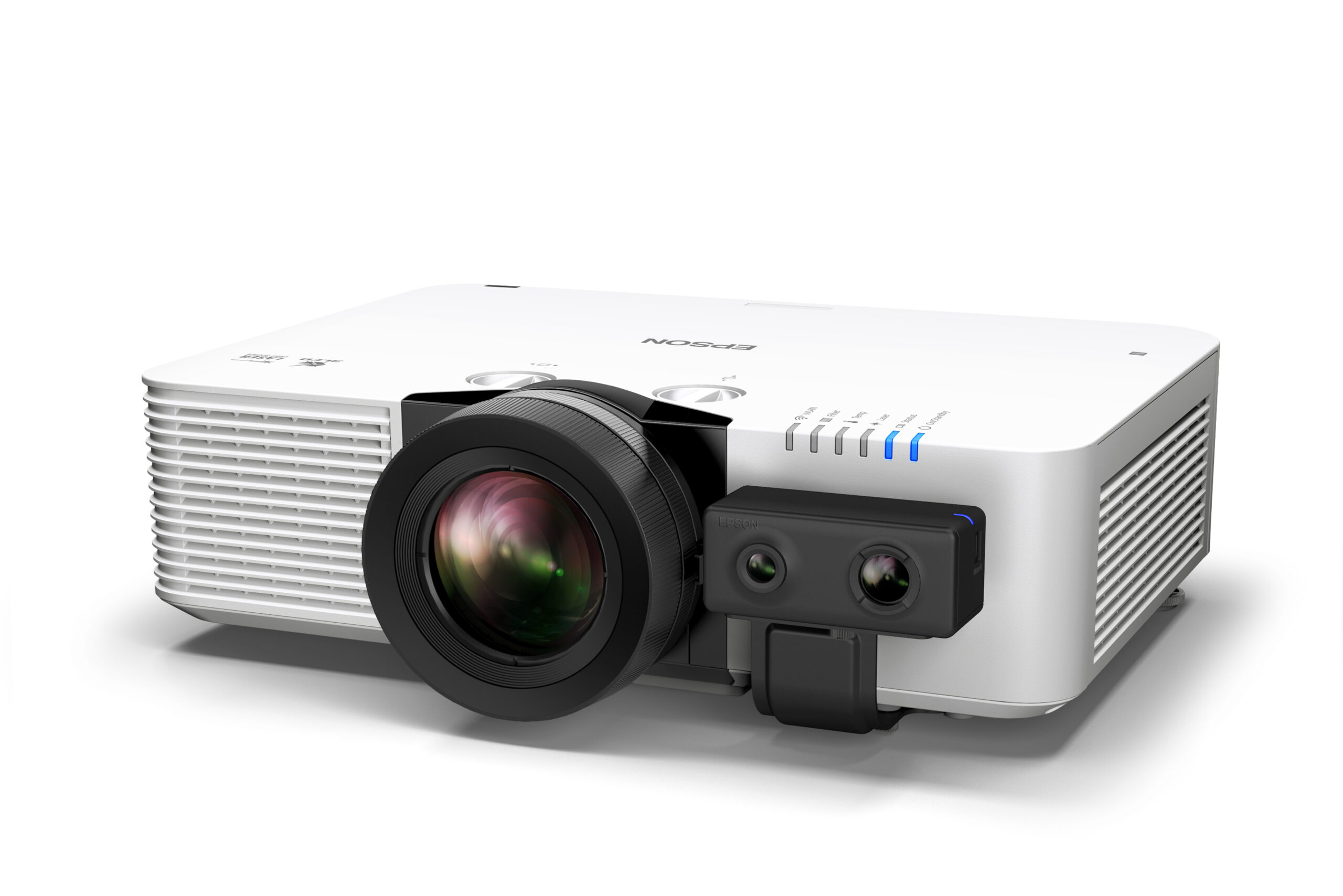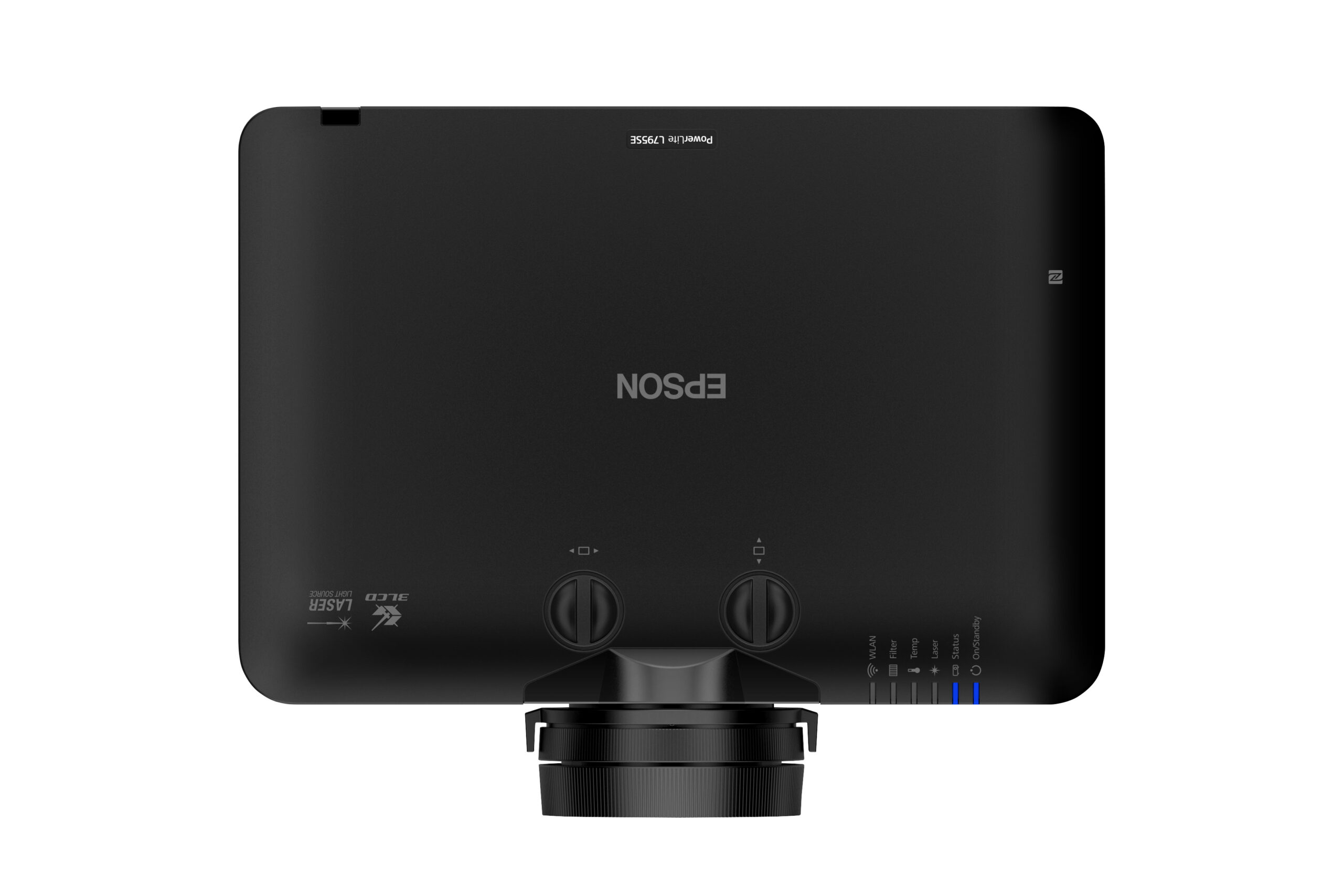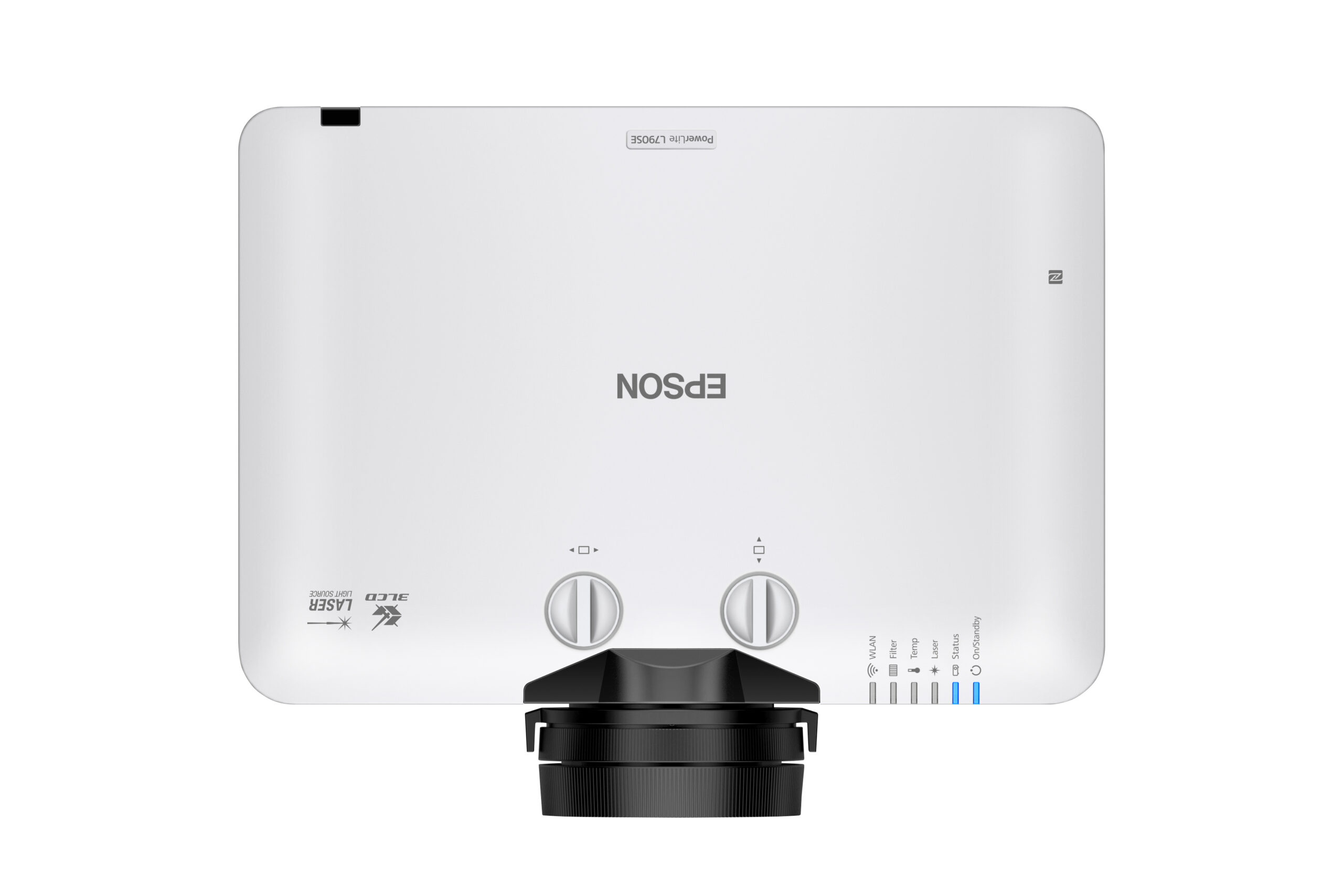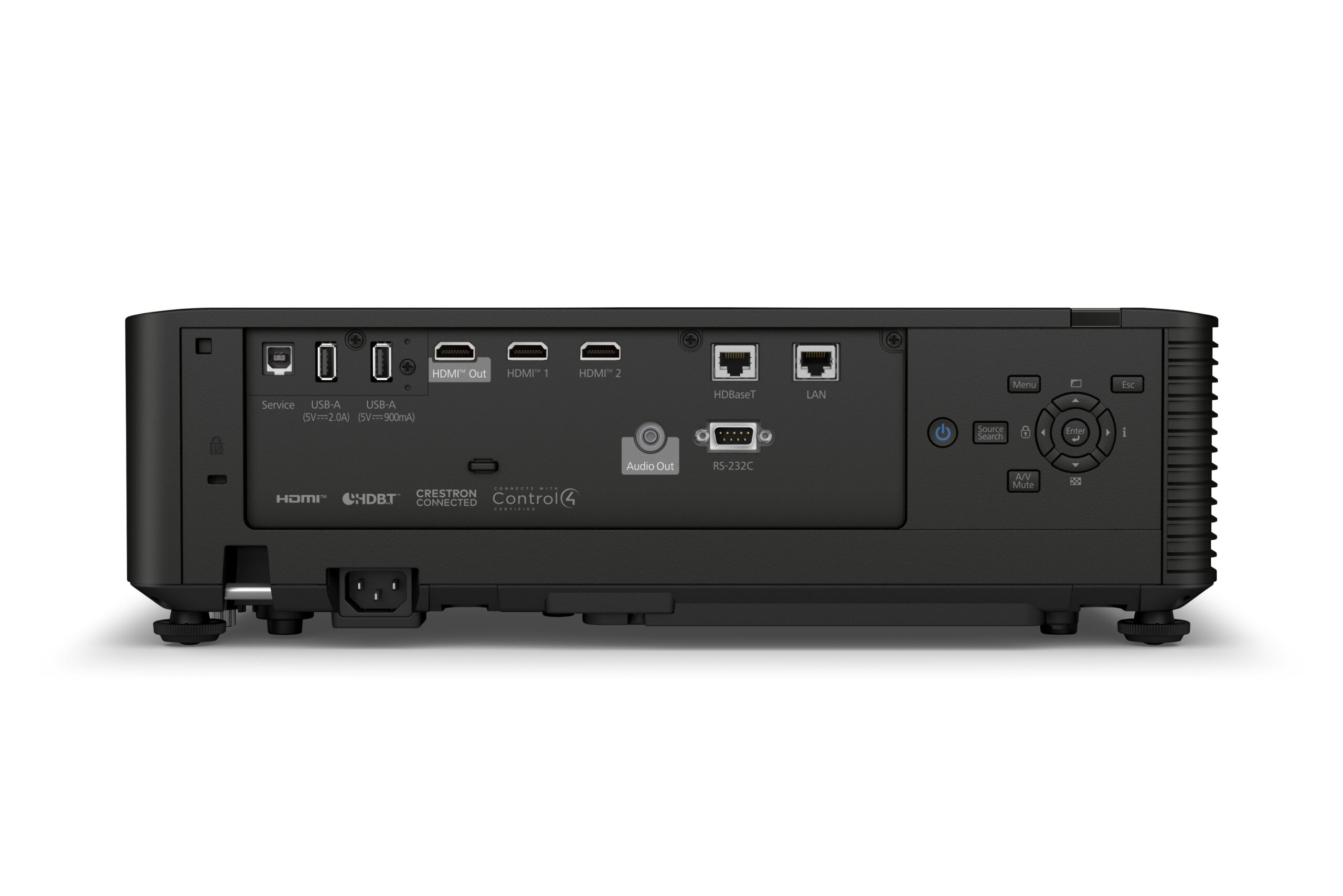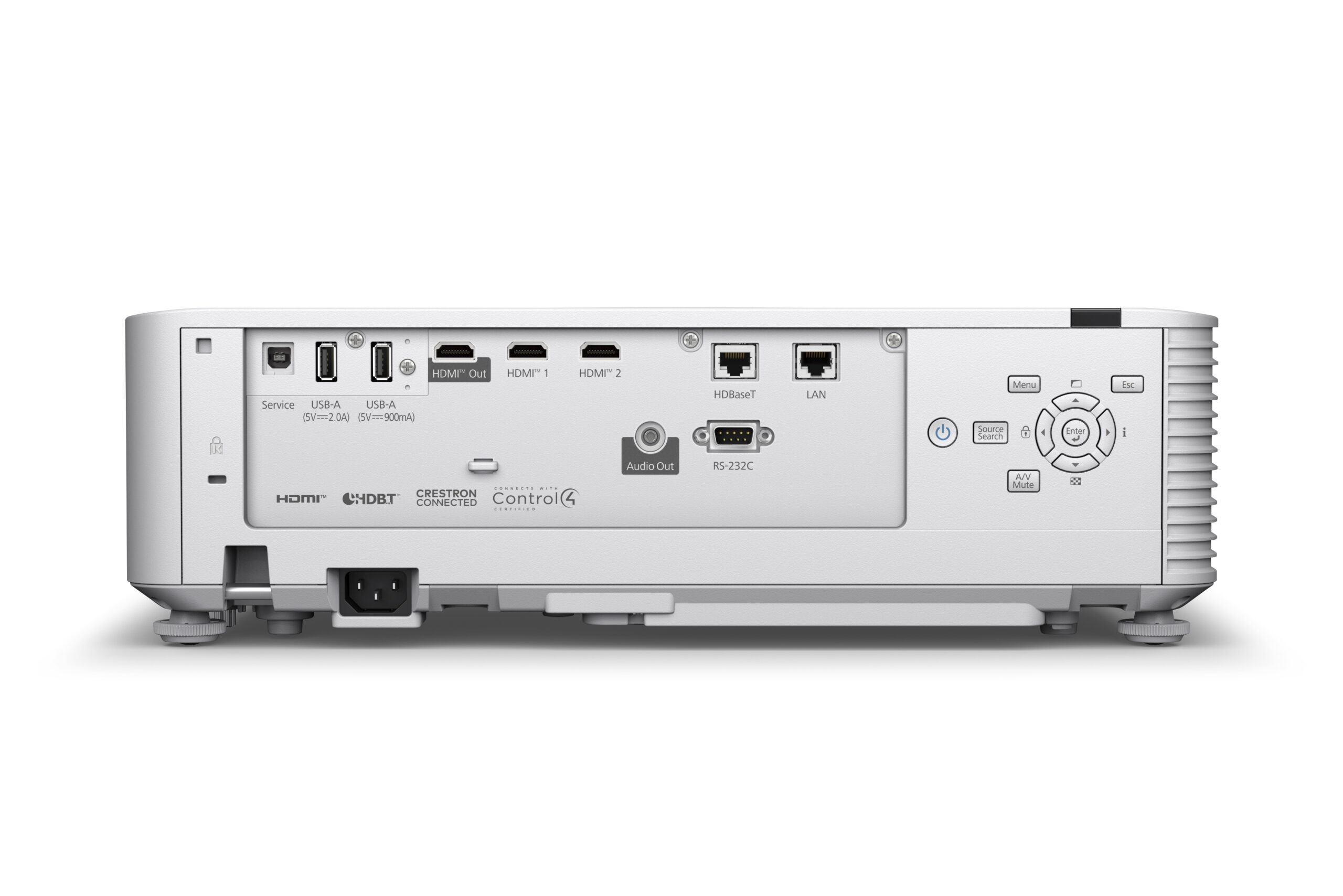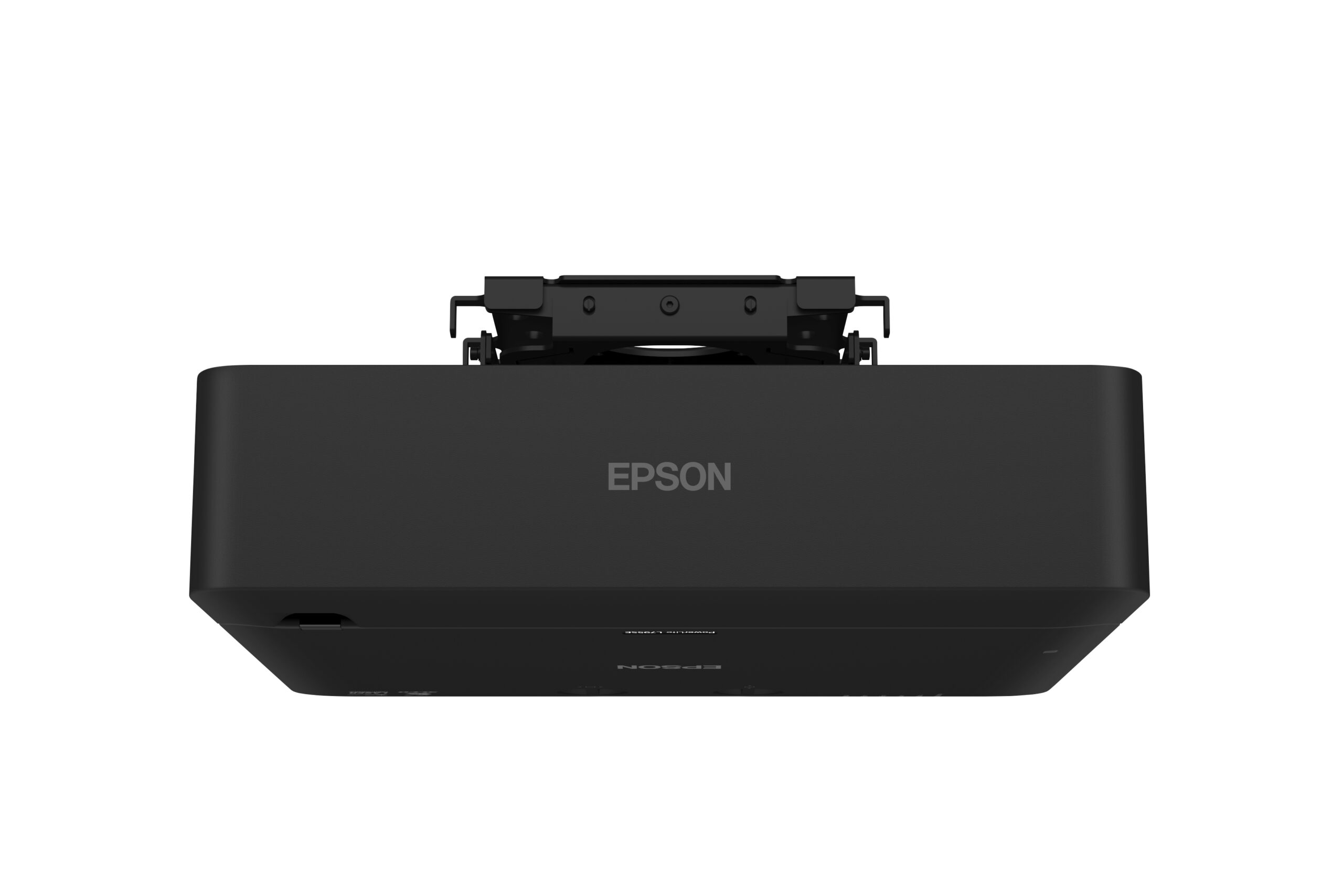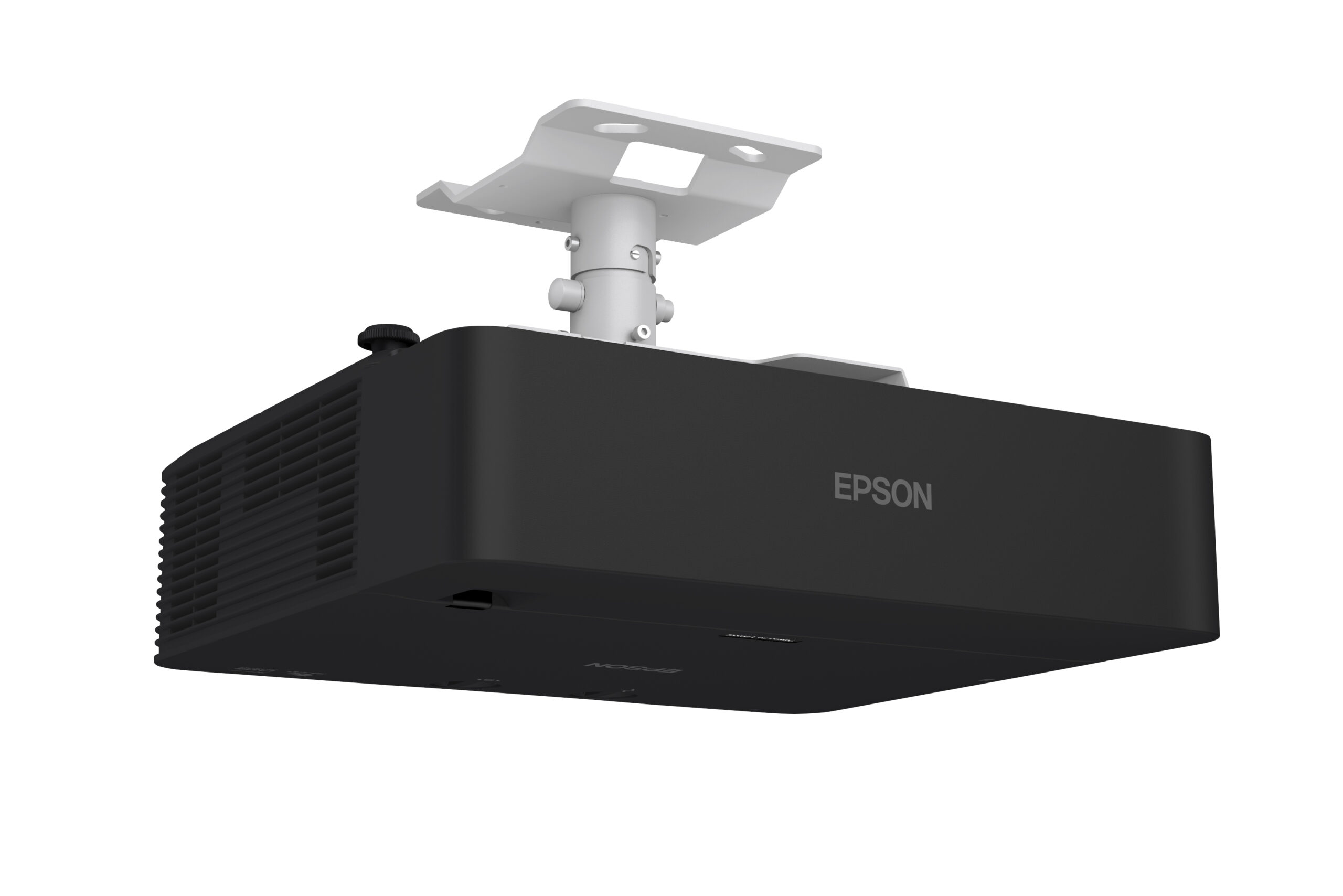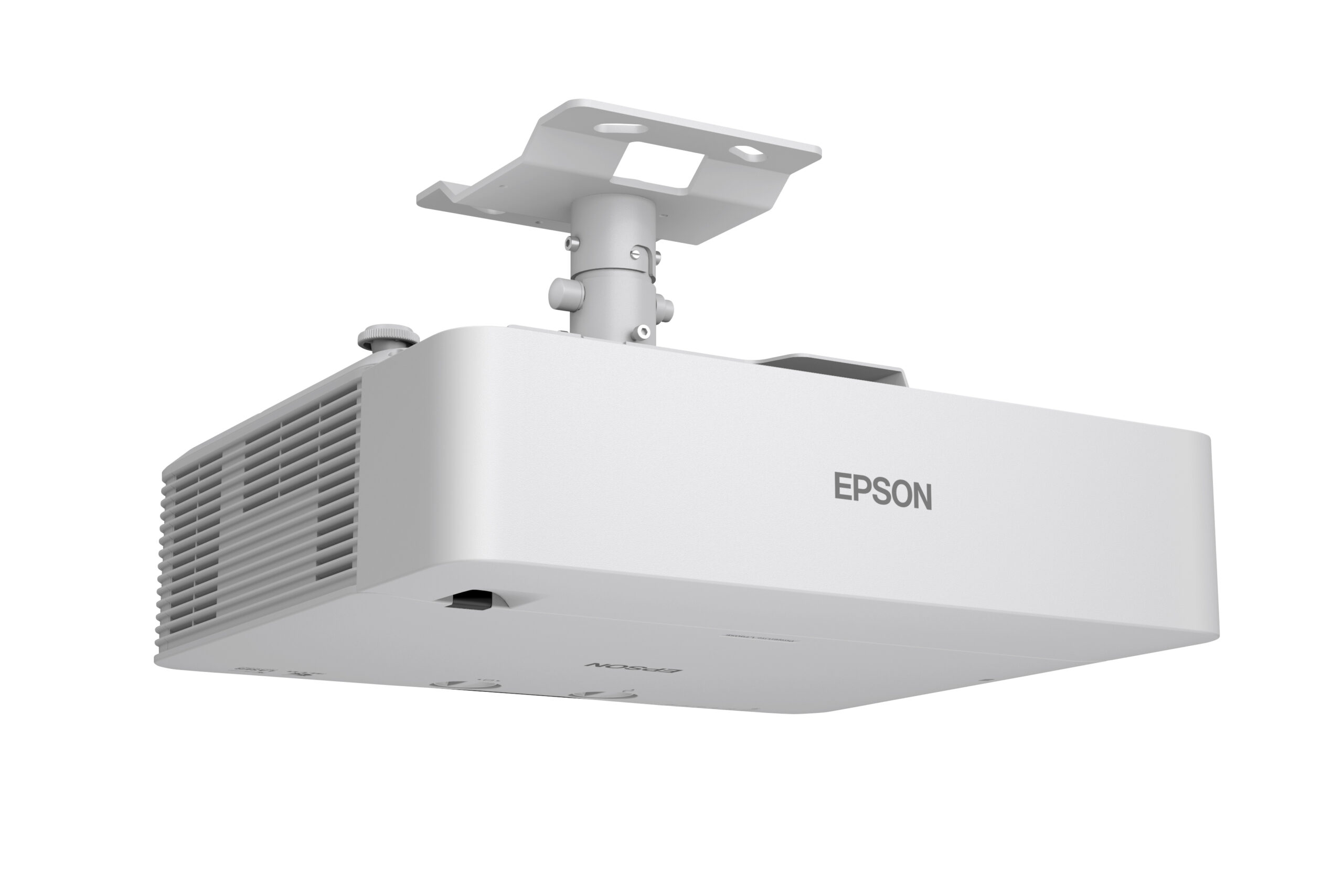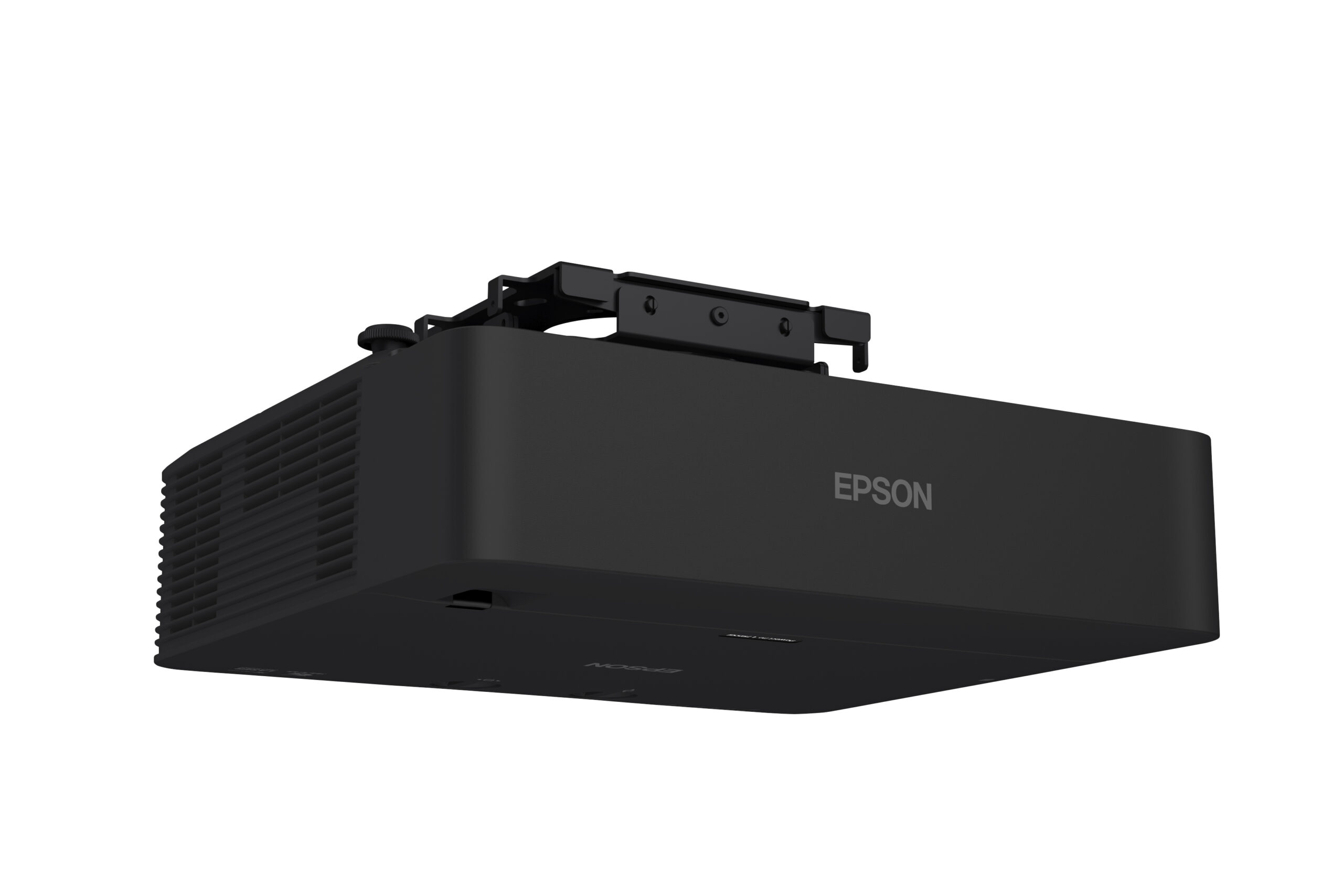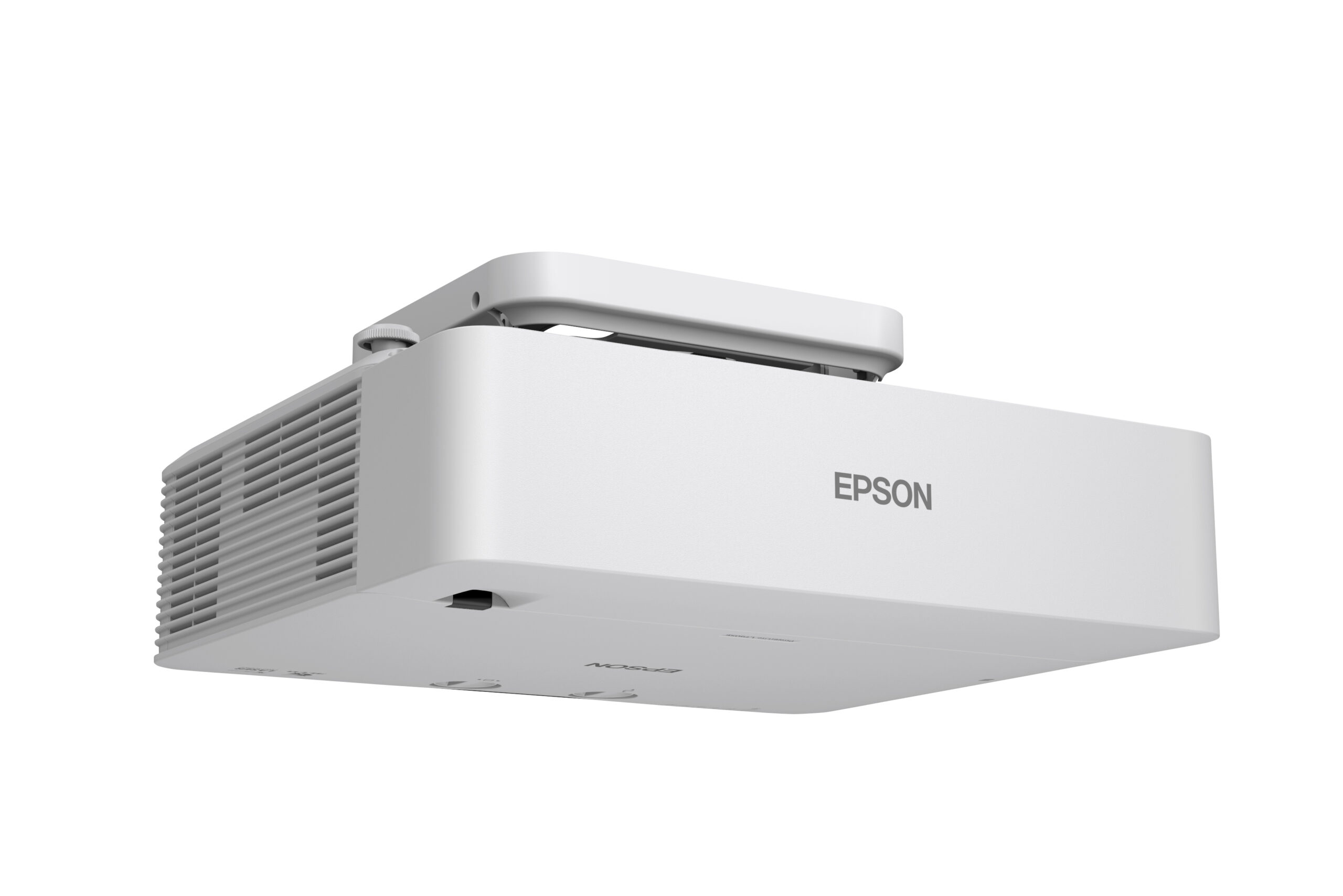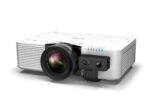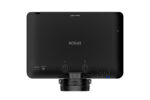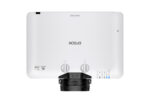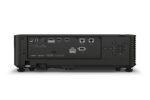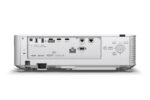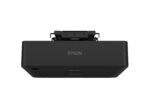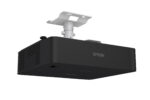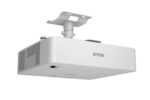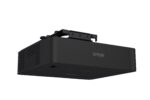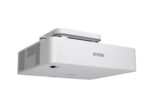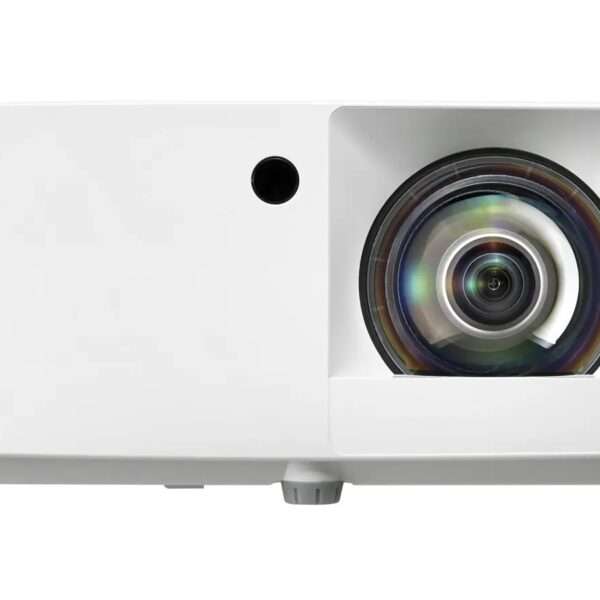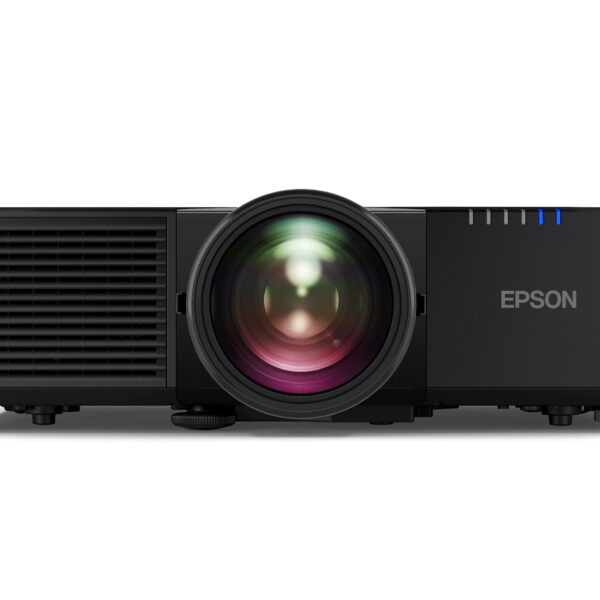
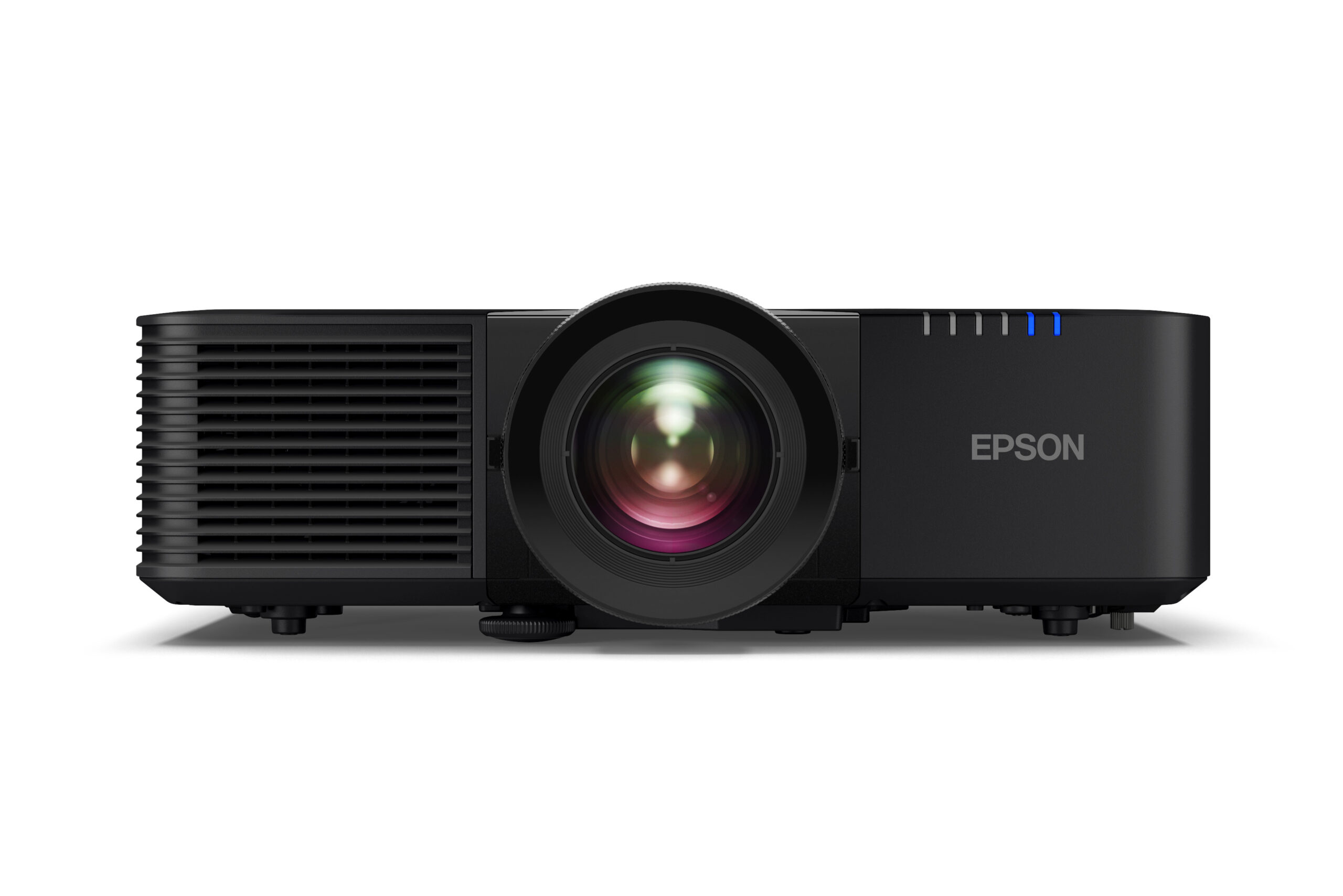
The Epson PowerLite L795SE is a 7,000-lumen short-throw laser projector — the brightest in our lineup, built to hold a clear image even in rooms with significant ambient light. WUXGA resolution with 4K Enhancement Technology, 0.79–1.36:1 throw ratio with 1.7x optical zoom, up to 400″ display size. A fit for bright home rooms and commercial sim bays alike.
Description
Epson PowerLite L795SE/L790SE Golf Projector
Epson PowerLite L795SE/L790SE Golf Projector is built for indoor golf simulator rooms that need bright visuals, clean projection, and a more polished setup. It is a strong option for home golf rooms, garage simulator bays, basement builds, training studios, and commercial simulator spaces where image quality and room planning matter.
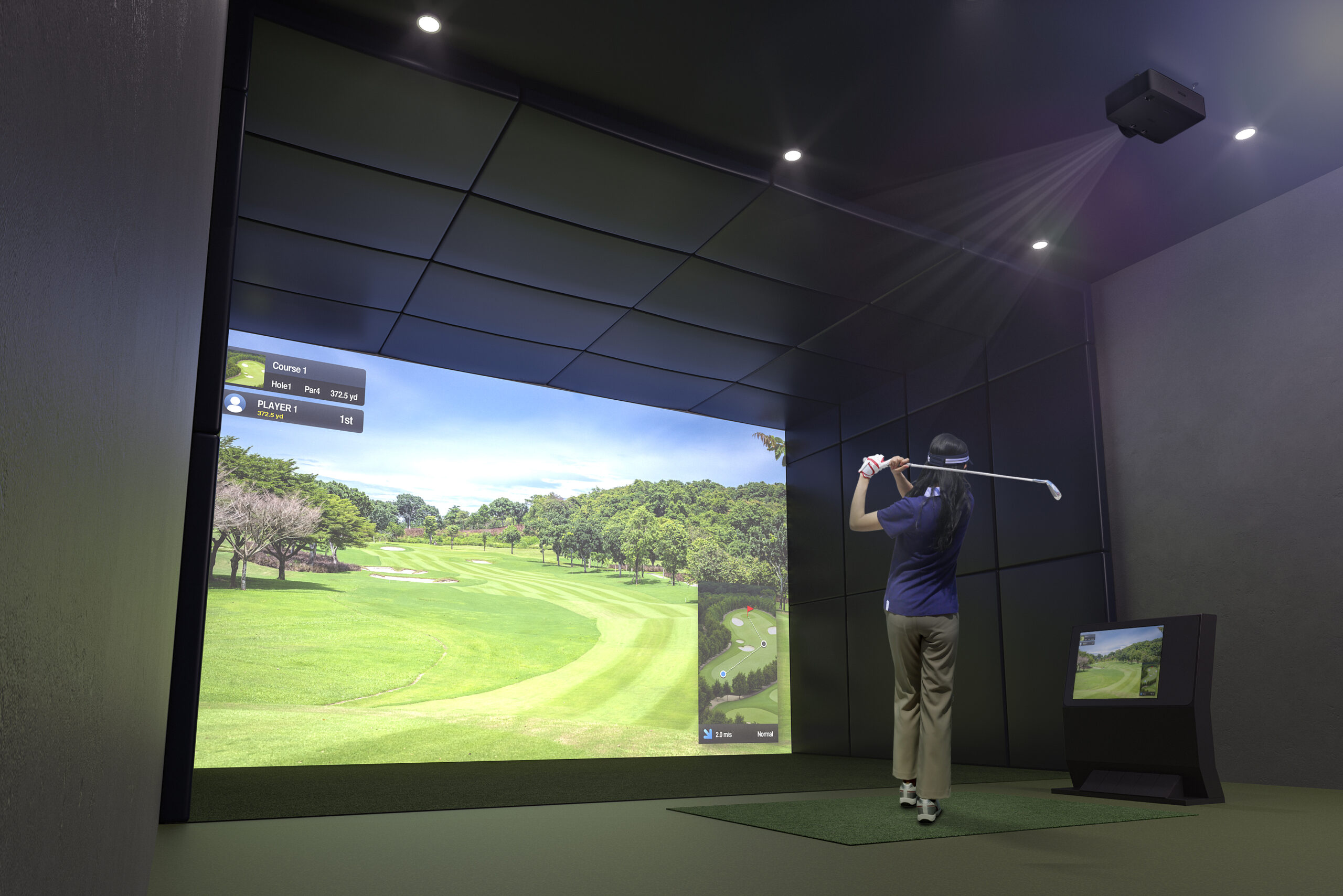
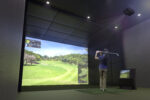
A golf simulator projector is one of the most important parts of the room because it controls what the golfer sees on the impact screen. The launch monitor tracks the shot, the simulator computer runs the software, and the projector displays the course, driving range, shot shape, ball flight, targets, and feedback. When the projector is matched correctly with the room, the simulator feels more complete and easier to use.
The Epson PowerLite L795SE/L790SE Golf Projector is a good fit for golfers who want a larger projected image instead of relying only on a monitor or small display. A full-screen simulator image can make practice sessions, virtual rounds, family golf, and off-season training feel more realistic. It helps turn the hitting area into a more finished indoor golf space.
Projector placement is also important in a golf simulator room. The projector needs to work with the screen size, ceiling height, room depth, hitting position, and mounting location. If the projector is not planned correctly, the room may have shadows, poor screen coverage, awkward alignment, or visuals that do not feel natural during play.
For garage simulator bays, projector choice matters because the room may not be fully dark or perfectly shaped. Garages can have overhead lights, door tracks, openers, storage racks, lighter walls, and other items that affect the image. Choosing the right projector helps the simulator look cleaner and makes the room more useful for regular practice.
This projector is also useful for golfers who want their simulator room to feel more permanent. Instead of moving equipment around before every session, a planned projector setup can stay in place and be ready for practice, simulator play, lessons, or family use. That convenience can help golfers use the simulator more often.
For teaching studios and commercial simulator spaces, presentation matters. A clean projected image can make lessons, fittings, customer sessions, and simulator play feel more professional. It gives players a better view of the course, targets, feedback, and ball flight during use.
The Epson PowerLite L795SE/L790SE Golf Projector works best when planned with the full simulator system. Screen size, throw distance, projector mount location, ceiling height, launch monitor position, hitting mat location, computer setup, and room lighting should all be considered together. When those pieces are matched correctly, the simulator room feels cleaner, safer, and more polished.
For golfers building an indoor simulator setup, the Epson PowerLite L795SE/L790SE Golf Projector is a practical projector option. It supports cleaner visuals, better room planning, and a more complete golf simulator experience for practice, play, lessons, or customer use.
Space Requirements — What to Know Before You Set Up
⚠️ The L795SE/L790SE has an expansive 0.79–1.36 throw ratio with 1.7x optical zoom, producing a display up to 400″ diagonal. Measure your available space before ordering. Not sure if it fits your setup? Email [email protected] with your room dimensions and screen size and we’ll confirm.
Key Specs
| SPEC | DETAIL |
|---|---|
| Resolution | WUXGA (1920 × 1200) with 4K Enhancement (pixel-shift, not true 4K UHD) |
| Brightness | 7,000 lumens (color and white, equal) |
| Contrast Ratio | 5,000,000:1 |
| Throw Ratio | 0.79–1.36:1 |
| Optical Zoom | 1.0–1.7x |
| Screen Size Range | 60″–400″ |
| Lens Shift | Vertical ±50%, Horizontal ±20% |
| Keystone Correction | Vertical ±30°, Horizontal ±30° |
| Light Source | Laser diode |
| Light Source Life | 20,000 hrs (Normal/Quiet), 30,000 hrs (Extended) |
| Curved Surface Support | Yes — Arc Correction, Edge Blending, Corner Wall |
| Connectivity | Wi-Fi 802.11ax, Miracast, Epson iProjection, Apple AirPlay 2 |
| Speaker | 10W mono, built-in |
| Weight | 20.5 lbs |
| Dimensions | 17.32″ × 11.97″ × 4.80″ (excluding feet) |
| Warranty | 3-year limited, U.S. and Canada |
Golf Mode and Screen Fill
The L795SE/L790SE doesn’t have a factory-preset “Golf Mode”, and it doesn’t auto-detect the edges of your impact screen — you’ll manually size and position the image rather than relying on an automated fit tool.
What it does have is flexible manual control to compensate: multiple aspect ratios (16:10, 16:9, 16:6, and 21:9), 1.7x optical zoom, wide lens shift, and geometric correction tools including Quick Corner and curved surface correction to square up the image edge-to-edge on your hitting bay. Standard picture modes can be manually adjusted to suit your room, even without a dedicated golf preset.
What It Works With
The L795SE/L790SE works with any simulator software and any launch monitor. It connects to your simulator PC via HDMI, and also supports wireless casting via Wi-Fi 6/6E, Apple AirPlay 2, and Miracast for non-simulator use.
Installation
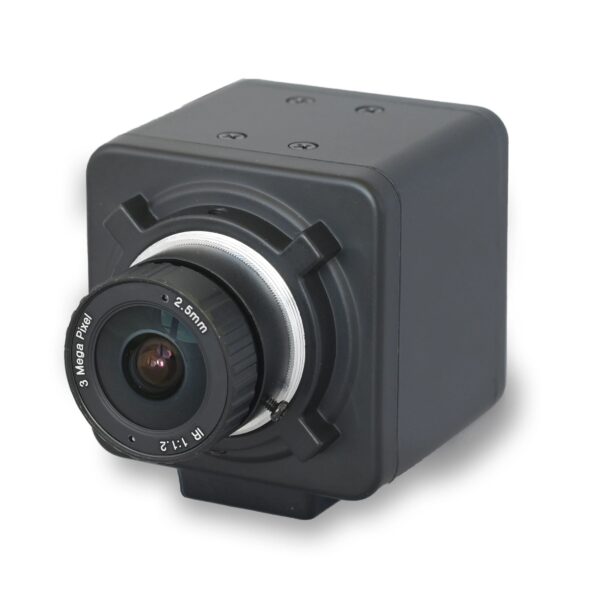
The L795SE/L790SE supports 360-degree mounting, wide vertical and horizontal lens shift, and geometric correction tools for flexible installation. Built-in NFC speeds up setup when installing multiple projectors, and an optional attachable PixAlign camera adds screen matching and auto color calibration for multi-projector setups — not something most single-projector home builds will need, but relevant for commercial installations.
How the Epson Lineup Compares
| L695SU | L695SE | L795SE/L790SE | |
|---|---|---|---|
| Resolution | WUXGA (native) | WUXGA + 4K Enhancement (not true 4K) | WUXGA + 4K Enhancement (not true 4K) |
| Brightness | 6,200 lumens | 6,000 lumens | 7,000 lumens |
| Contrast Ratio | 5,000,000:1 | 5,000,000:1 | 5,000,000:1 |
| Throw Ratio | 0.79–1.36:1 | 0.5–0.7:1 — shortest in the lineup | 0.79–1.36:1 |
| Optical Zoom | 1.0–1.7x | 1.4x | 1.0–1.7x |
| Max Screen Size | Up to 400″ | Up to 500″ — largest in the lineup | Up to 400″ |
| Curved Screen Support | Yes — confirmed (Arc Correction, Edge Blending, Corner Wall) | Yes — confirmed (Arc Correction, Edge Blending, Corner Wall) | Yes — confirmed (Arc Correction, Edge Blending, Corner Wall) |
| Light Source Life | 20,000 hrs (Normal/Quiet), 30,000 hrs (Extended) | 20,000 hrs (Normal), 30,000 hrs (Extended) | 20,000 hrs (Normal/Quiet), 30,000 hrs (Extended) |
| Weight | 22 lbs | Not confirmed from official spec sheet | 20.5 lbs |
| Golf Mode | No dedicated preset | No dedicated preset | No dedicated preset |
| Best For | Balanced brightness, confirmed curved-screen support | Tightest throw distance, largest max screen size | Brightest overall, confirmed curved-screen support |
💡 The L795SE/L790SE stands apart from the other two with its much shorter 0.5–0.7:1 throw ratio — useful if you’re working with a very tight room — and it’s the only one of the three built with curved-screen warping, which matters if you’re pairing it with a Curved Enclosure Kit rather than a flat screen. The L795SE/L790SE remains the brightest option if ambient light is your main concern; the L695SU/L690SU sits in between on both brightness and throw flexibility.
What Else You'll Need
The L795SE/L790SE is the projector. To build a complete simulator setup around it you’ll also need:
| COMPONENT | WHAT IT DOES | FIND IT AT PORTERSGOLF |
|---|---|---|
| Launch monitor | Tracks ball and club data | Launch Monitors |
| Enclosure / frame | Contains shots, holds screen | Carl’s Place DIY Enclosure |
| Impact screen | Ball target and projection surface | Impact Screens |
| Hitting mat | Turf surface to swing from | Hitting Mats |
| Simulator PC | Runs the software | Computers & Monitors |
💡 Not sure if this projector fits your room? Email your room dimensions and screen size to [email protected] and we’ll confirm the right throw distance and mounting position before you order.
For official golf rules and playing guidance, visit the USGA Rules of Golf resource page.
Price: $
Reviews (0)
Rated 0 out of 5
0 reviews
Rated 5 out of 5
0
Rated 4 out of 5
0
Rated 3 out of 5
0
Rated 2 out of 5
0
Rated 1 out of 5
0
Only logged in customers who have purchased this product may leave a review.
Returns & Policy
Returns & Policy
Full details of our returns, refunds, and arbitration policy for all products.
View Full Terms »Related products
$6,099.00
Select options
This product has multiple variants. The options may be chosen on the product page
$4,999.00
Select options
This product has multiple variants. The options may be chosen on the product page

Reviews
Clear filtersThere are no reviews yet.