What You're Getting
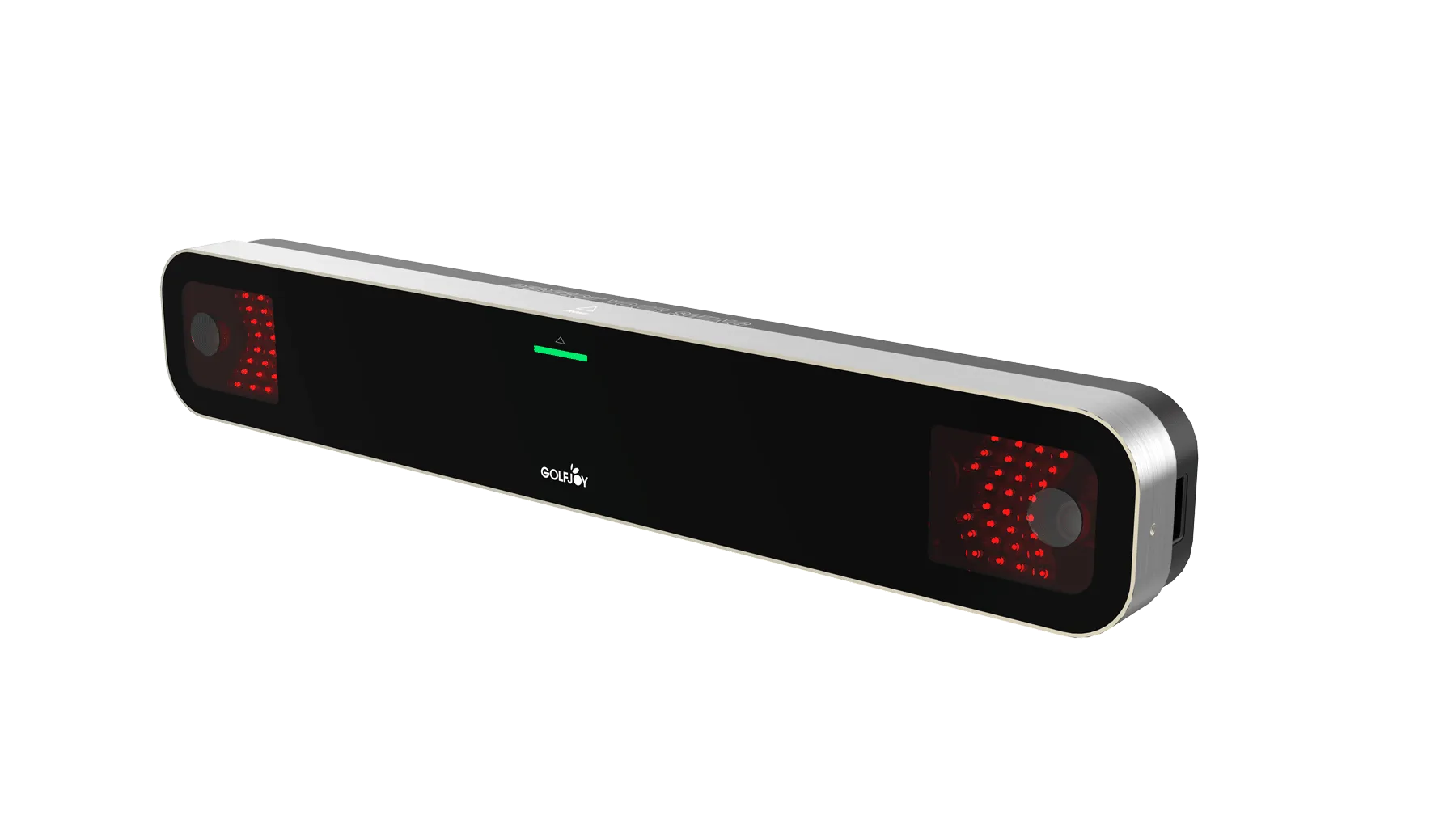
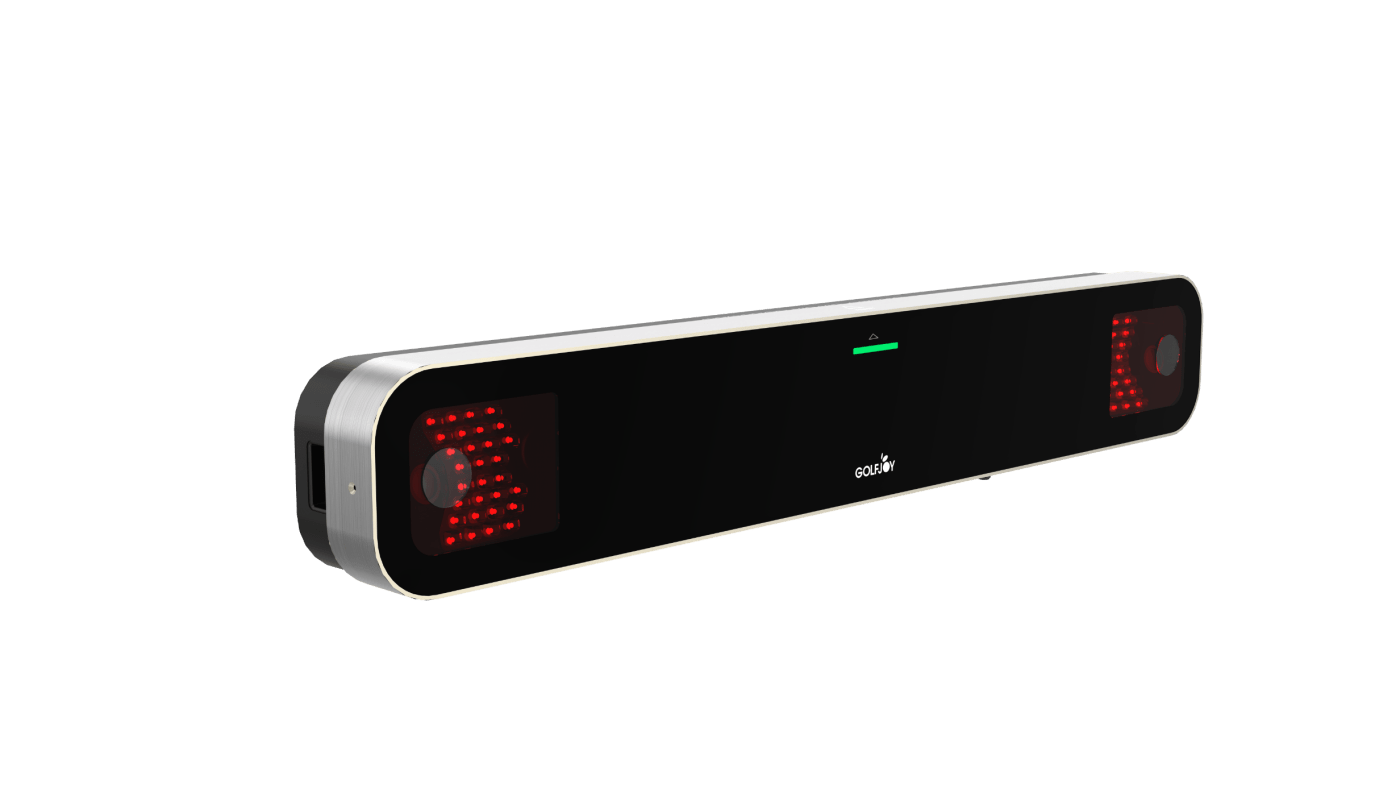
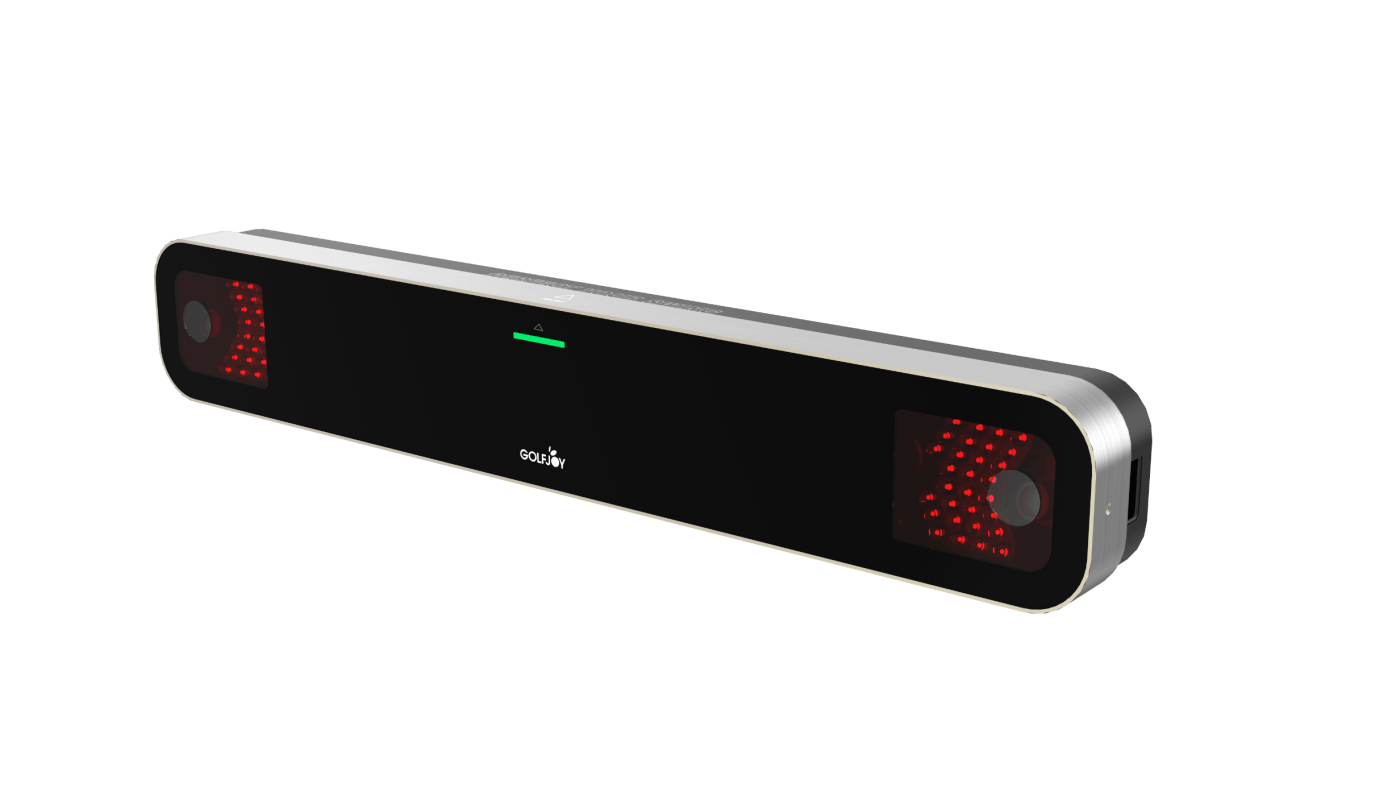
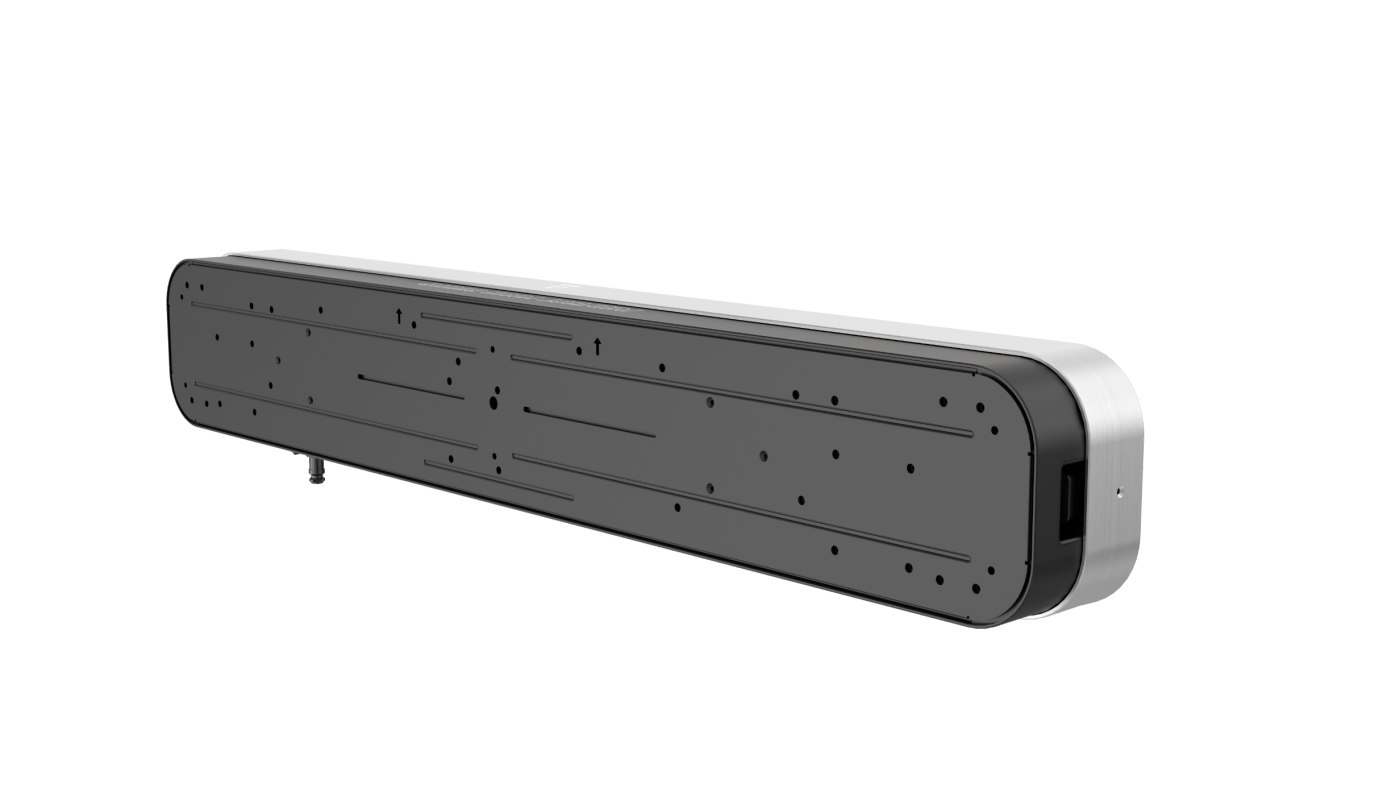
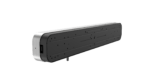
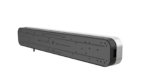
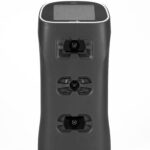
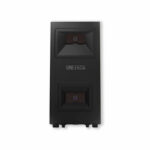
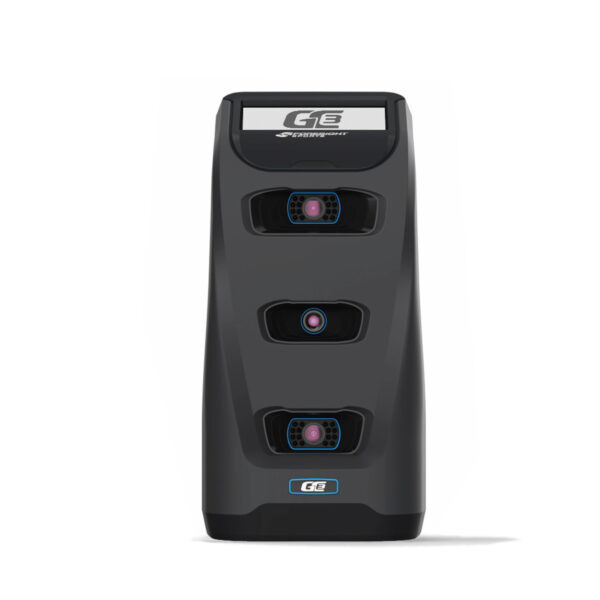
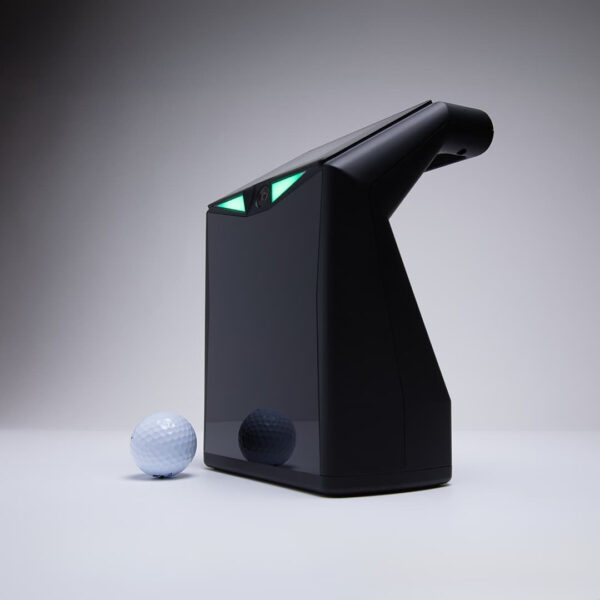
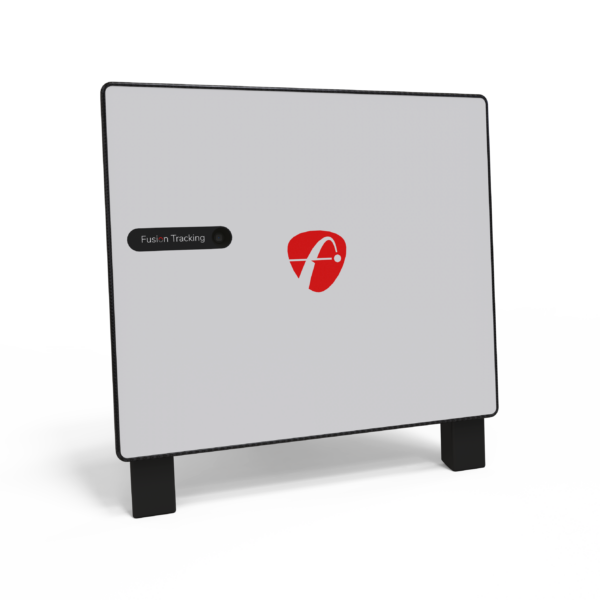
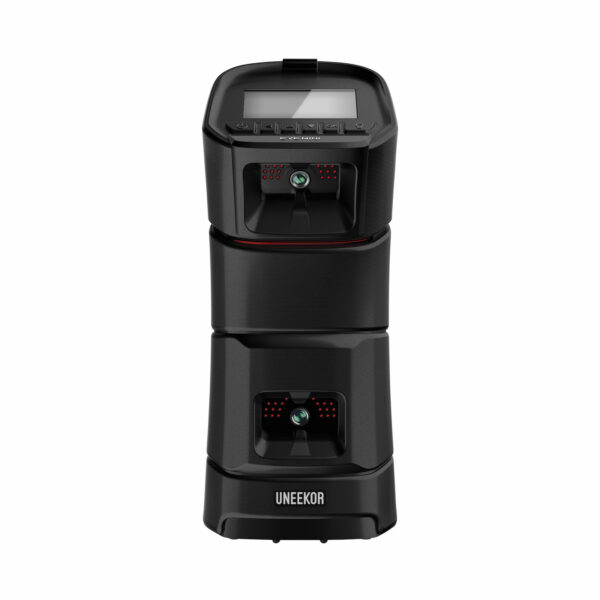
GolfJoy GR2 is an overhead launch monitor built for indoor golf simulator rooms, home golf setups, training spaces, and commercial simulator bays. It uses dual-camera tracking to capture ball and club data from above the hitting area, giving golfers a clean setup with no launch monitor sitting on the floor.
The GR2 is a strong fit for golfers who want an overhead system that keeps the hitting area open and works well for both right-handed and left-handed players. It is designed for serious practice, simulator play, swing feedback, and indoor performance tracking in a dedicated golf simulator space.
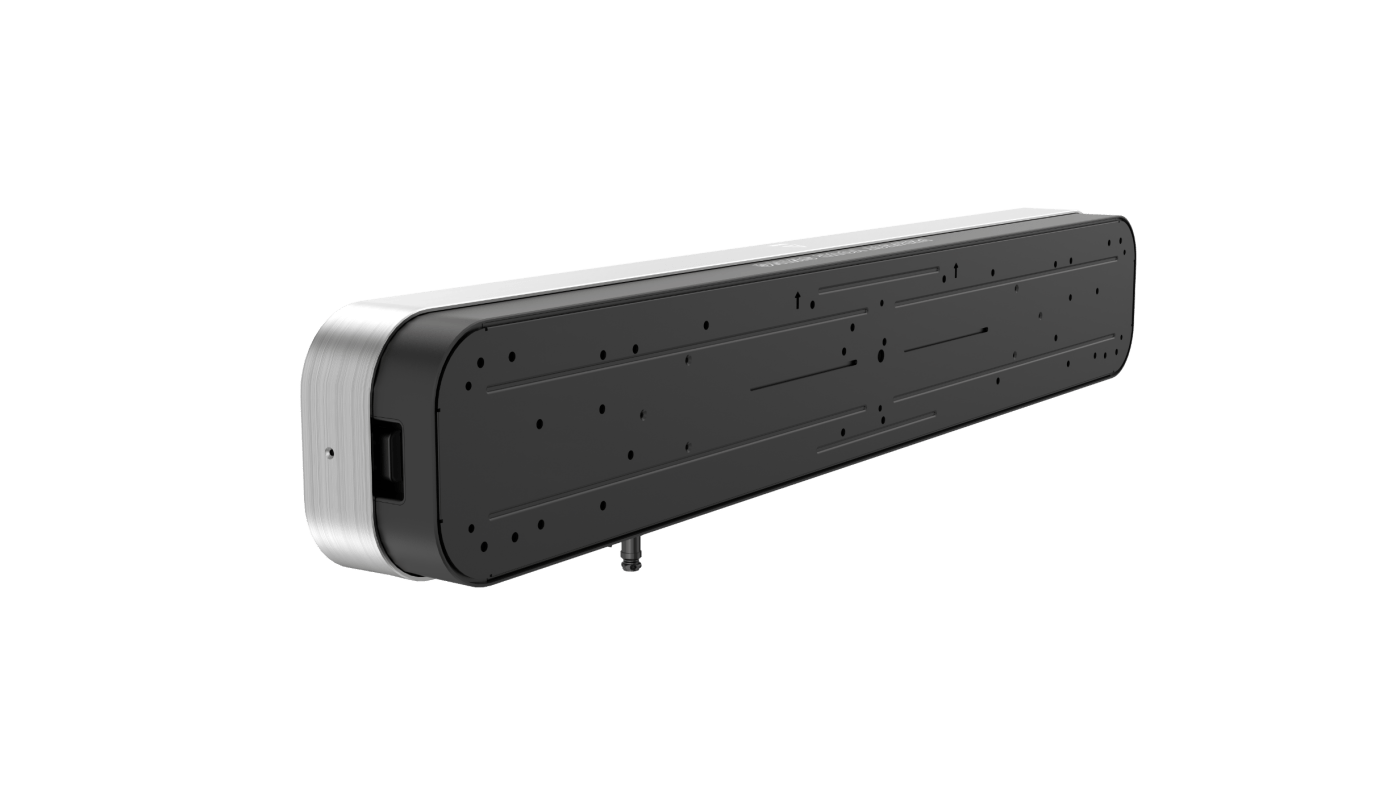
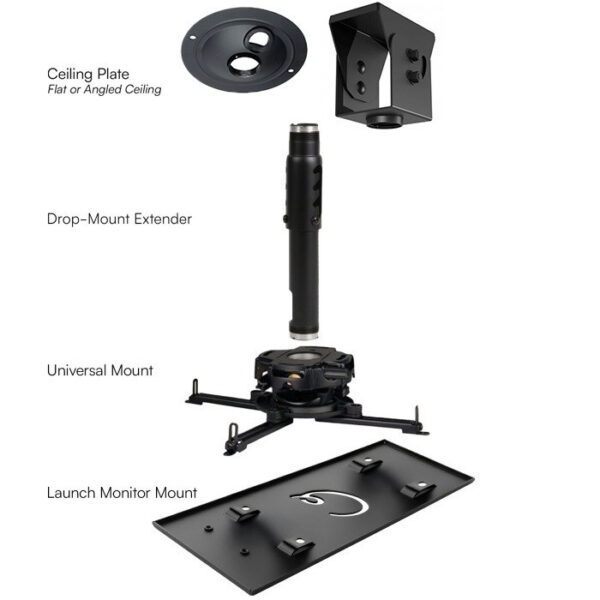
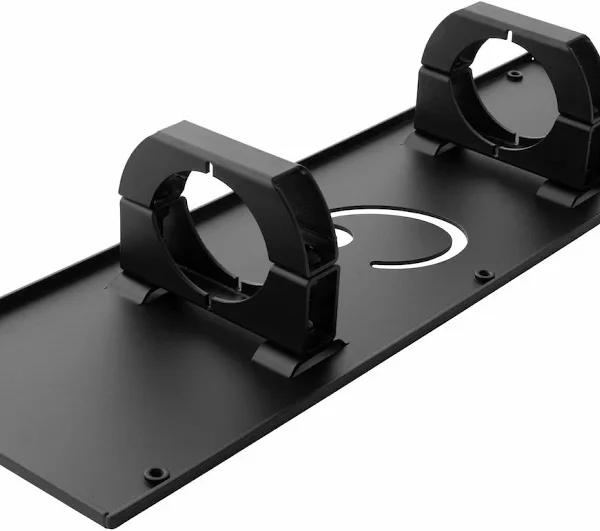
The GR2 clips to the front of your enclosure frame at ceiling height — above the screen, pointed down at the tee. Your whole swing area stays completely clear. No box on the floor to watch out for, no sensor in your line of sight. You walk in, grab a club, and swing. It captures every shot and sends back your data in under a third of a second.
This is a permanent setup for a dedicated room. Once it’s in, it stays in. If you ever want to take your launch monitor to the range or move it between rooms, the Spica 3 is the better choice. But for a home simulator bay that you want to walk into and just play — the GR2 is built for that.
At a Glance
| Spec |
Detail |
| Data Points |
32 (7 ball + 9 club + 16 trajectory) |
| Cameras |
Dual high-speed |
| Mount Position |
Front-facing overhead |
| Club Stickers |
Included — 5 sheets, 100 stickers each |
| Sensing Area |
40 × 40 cm (15.7″ × 15.7″) |
| Distance to Tee |
Fixed at 110–120 cm (43.3–47.2 in) |
| Smart Putting |
Yes — 200+ scenarios, 3 cup groups, 11 power settings |
| Software |
GolfJoy 4K, GSPro, E6 Connect, Creative Golf |
| Handedness |
No automatic left/right swing adaptation |
Will It Fit Your Space?
| Measurement |
Recommended |
Notes |
| Ceiling Height |
9.0–10.2 ft |
GolfJoy’s stated indoor installation range for the front-mounted GR2 |
| Dynamic Platform Setup |
9.5–10.2 ft ceiling recommended |
GolfJoy recommends this range when a dynamic platform is used |
| Distance to Tee |
Fixed at 110–120 cm (43.3–47.2 in) |
Confirm your hitting position and room layout before mounting |
⚠️ The GR2 doesn’t support left/right-handed switching without physically repositioning the unit — worth knowing if multiple golfers with different handedness will share the same bay.
📏 Measure your ceiling height before ordering. The GR2 clips to your frame at a fixed distance from the ball, so your room layout determines the positioning.
What Comes in the Box
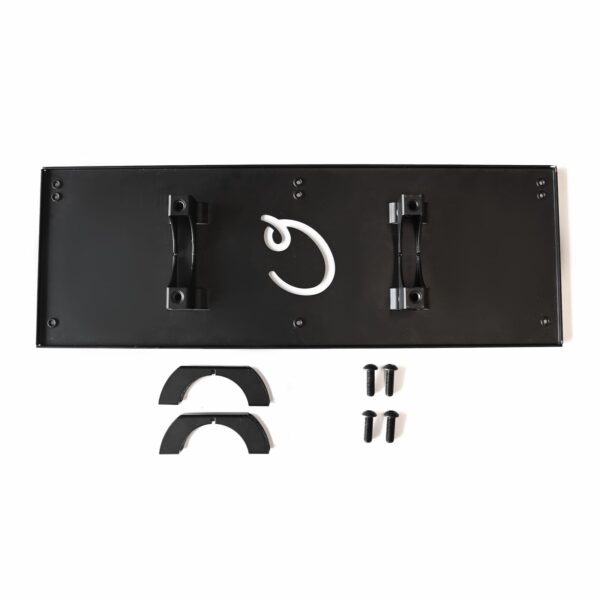
- GR2 launch monitor unit
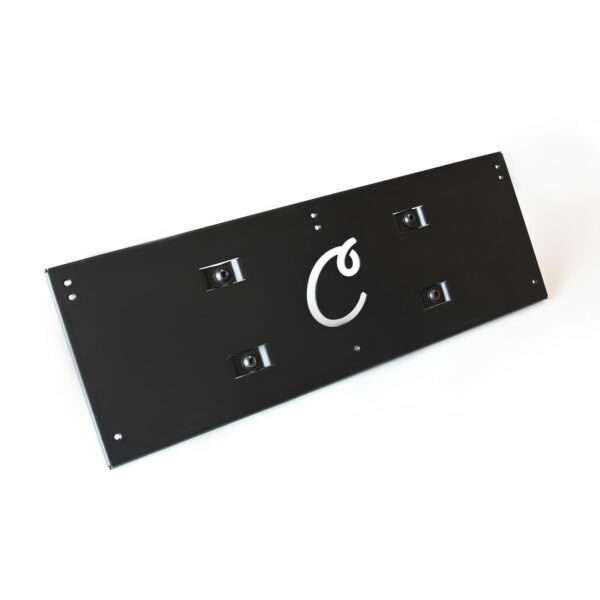
- Calibration board
- Power adapter
- Ethernet cable
- Club stickers — 5 sheets, 100 stickers per sheet
⚠️ Enclosure, projector, impact screen, hitting mat, PC, and third-party simulator software are not included. The GR2 includes the launch monitor and the accessories listed above. GolfJoy software and compatible third-party platforms are handled separately, and everything else needed for a complete simulator setup is sold separately on PortersGolf.
The 32 Data Points
Ball Data (7 metrics)
| Metric |
|
| Ball Speed |
✅ |
| Launch Angle |
✅ |
| Launch Direction |
✅ |
| Back Spin |
✅ |
| Side Spin |
✅ |
| Spin Axis |
✅ |
| Spin Rate |
✅ |
Club Data (9 metrics)
| Metric |
|
| Club Speed |
✅ |
| Smash Factor |
✅ |
| Attack Angle |
✅ |
| Club Path |
✅ |
| Face Angle |
✅ |
| Face to Path |
✅ |
| Dynamic Loft |
✅ |
| Dynamic Lie |
✅ |
| Closure Rate |
✅ |
Trajectory Data (16 metrics)
| Metric |
|
| Apex |
✅ |
| Total Distance |
✅ |
| Deviation |
✅ |
| Center Line |
✅ |
| Gap |
✅ |
| Target Line Carry |
✅ |
| Carry % |
✅ |
| Deviation Angle |
✅ |
| Landing Angle |
✅ |
| Hang Time |
✅ |
| Roll Distance |
✅ |
| Curve |
✅ |
| Side Carry |
✅ |
| Curve Carry |
✅ |
| Roll % |
✅ |
| Carry Distance |
✅ |
ℹ️ Club stickers come in the box and need to be applied to your clubhead to capture the 9 club metrics. Ball data works without them.
⚠️ Full club data — including Face Angle, Face-to-Path, Dynamic Loft, Dynamic Lie, and Closure Rate — requires the front-mounted GR2. The rear-mounted version captures fewer club parameters.
Smart Putting Mode
⚠️ The Smart Putting System activates automatically when you’re within 4 yards (12 feet) of the green. It offers 200+ short-putt experiences with 3 cup groups and 11 actuators that recreate different green conditions. The system is directly synced with GolfJoy’s data core for integrated putting simulation.
Software
| Platform |
Cost |
What It Gets You |
| GOLFJOY Software Professional |
$249/year |
30 golf courses, practice modes, games, online multiplayer, and club video replay |
| GSPro |
$250/year |
Realistic ball physics, practice features, and a large course library |
| E6 Connect |
Separate license / subscription |
Simulator course play and additional content depending on the license or subscription selected |
| Creative Golf |
Separate purchase |
Course play, practice, games, and additional simulator options |
ℹ️ The GR2 connects to a compatible Windows PC by Ethernet. It has no built-in display, so you’ll need a PC running compatible software such as GOLFJOY, GSPro, E6 Connect, or Creative Golf to view shot data and play simulator courses.
What Else You'll Need
| Component |
What It Does |
Find It at PortersGolf |
| Enclosure / frame |
Contains shots and supports the impact screen |
Golf Simulator Enclosures
|
| Impact screen |
Catches the ball and provides the projection surface |
Golf Impact Screens
|
| Projector |
Projects the simulator image from your PC onto the impact screen |
Projectors & Cameras
|
| Hitting mat |
Provides the hitting surface for full swings, chips, and practice |
Hitting Mats & Base
|
| Compatible Windows PC |
Runs the GR2 and your selected golf simulation software |
Computers & Monitors
|


Reviews
Clear filtersThere are no reviews yet.