What You're Getting
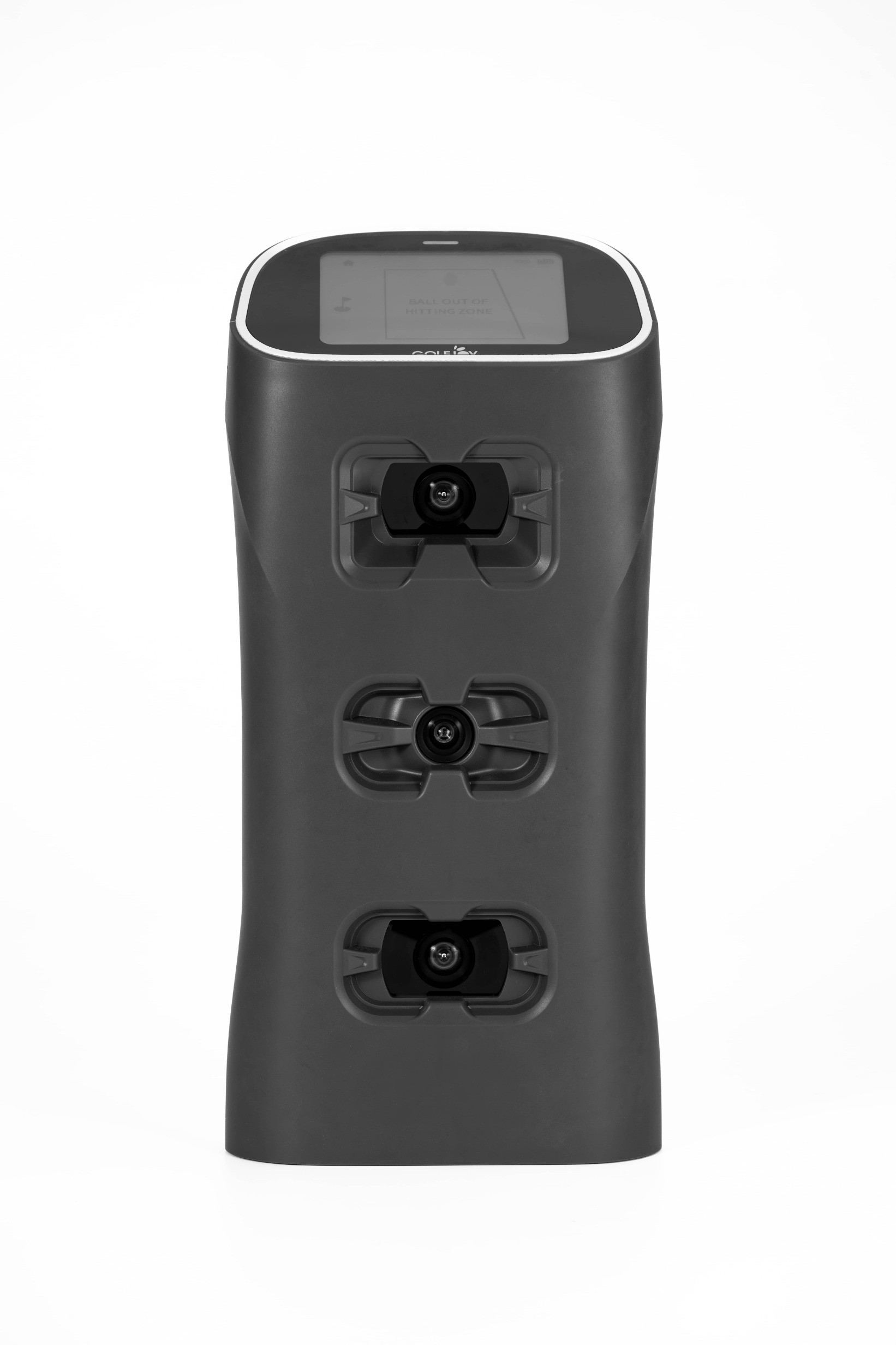
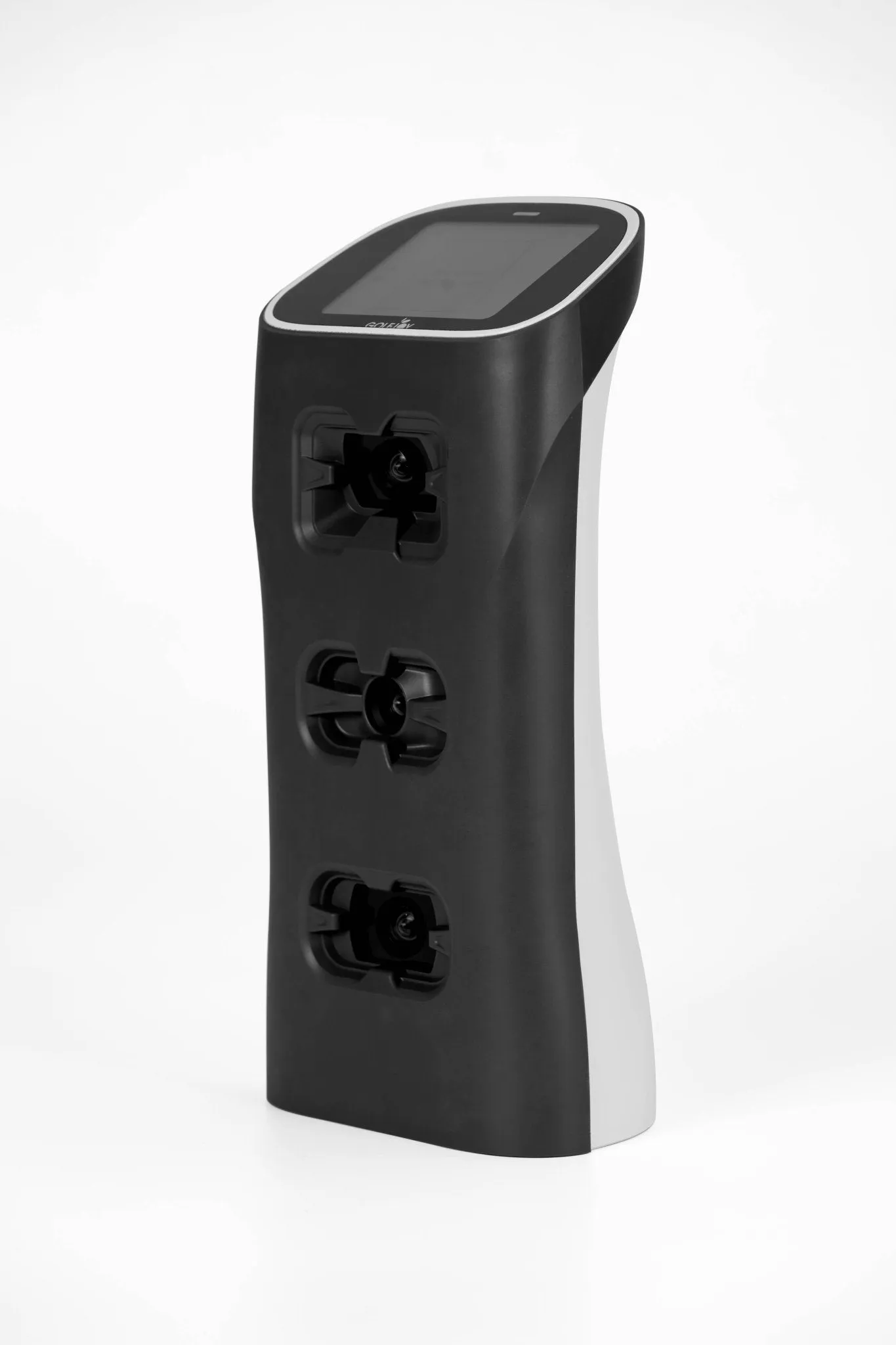
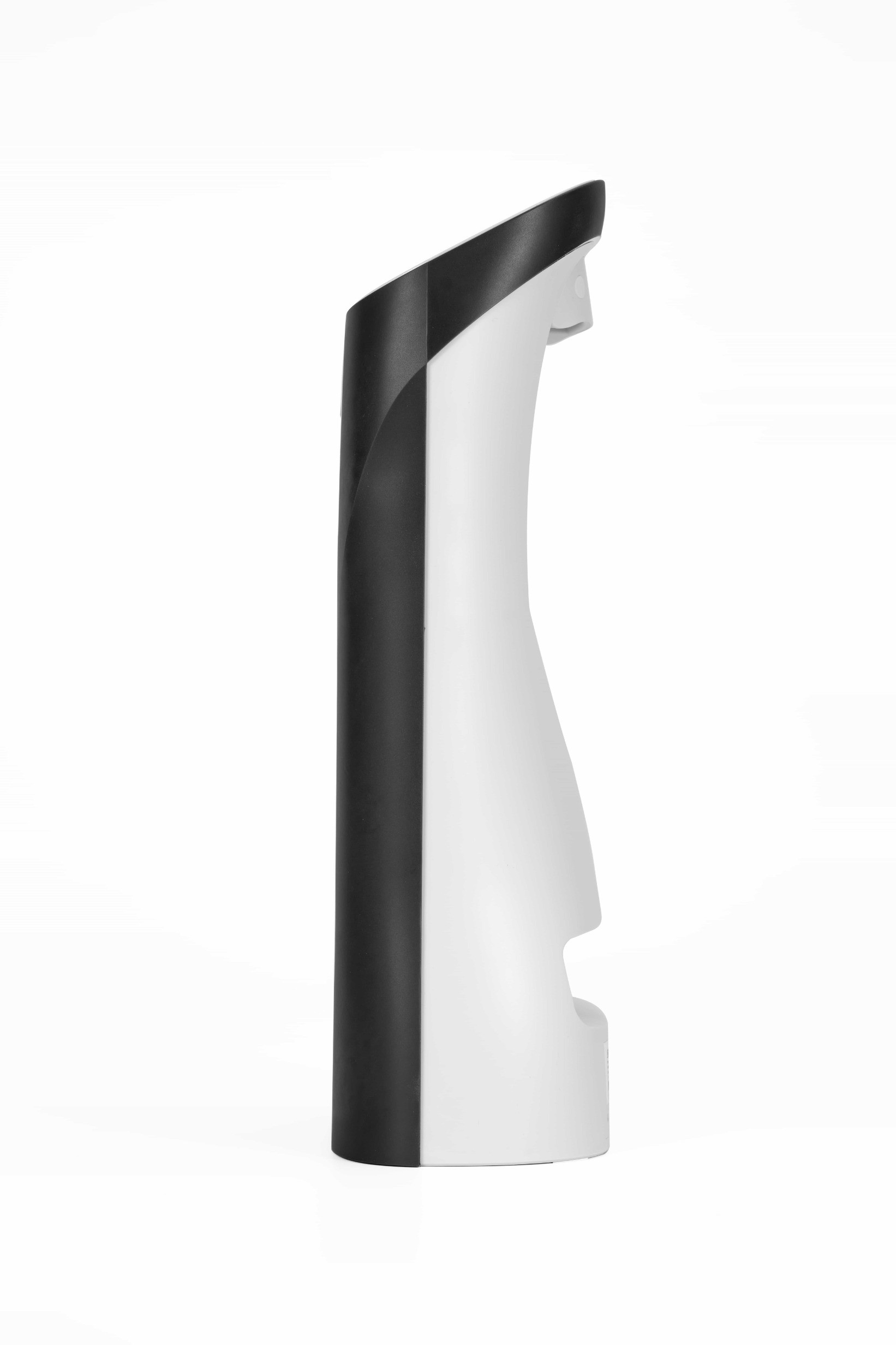
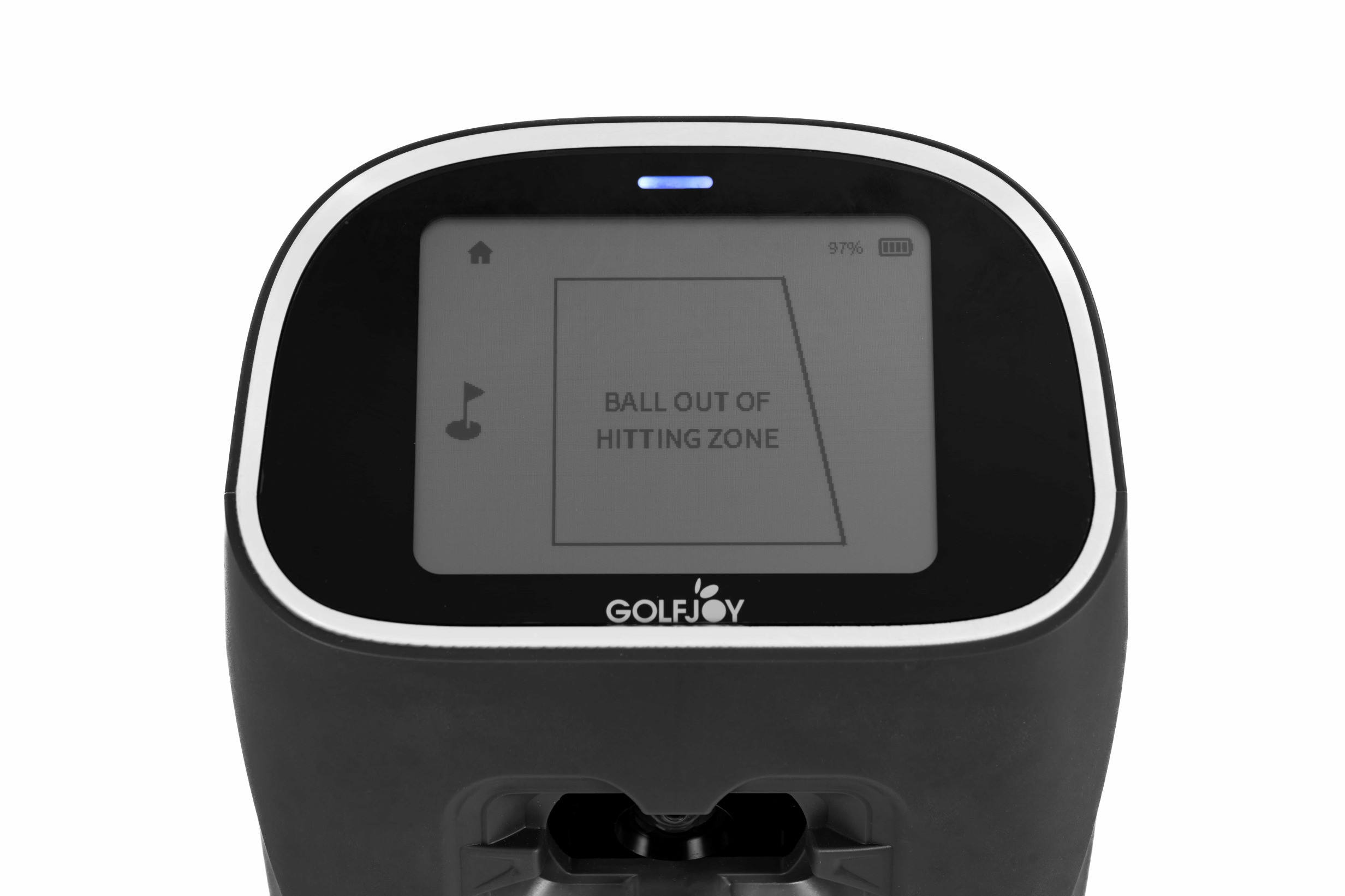
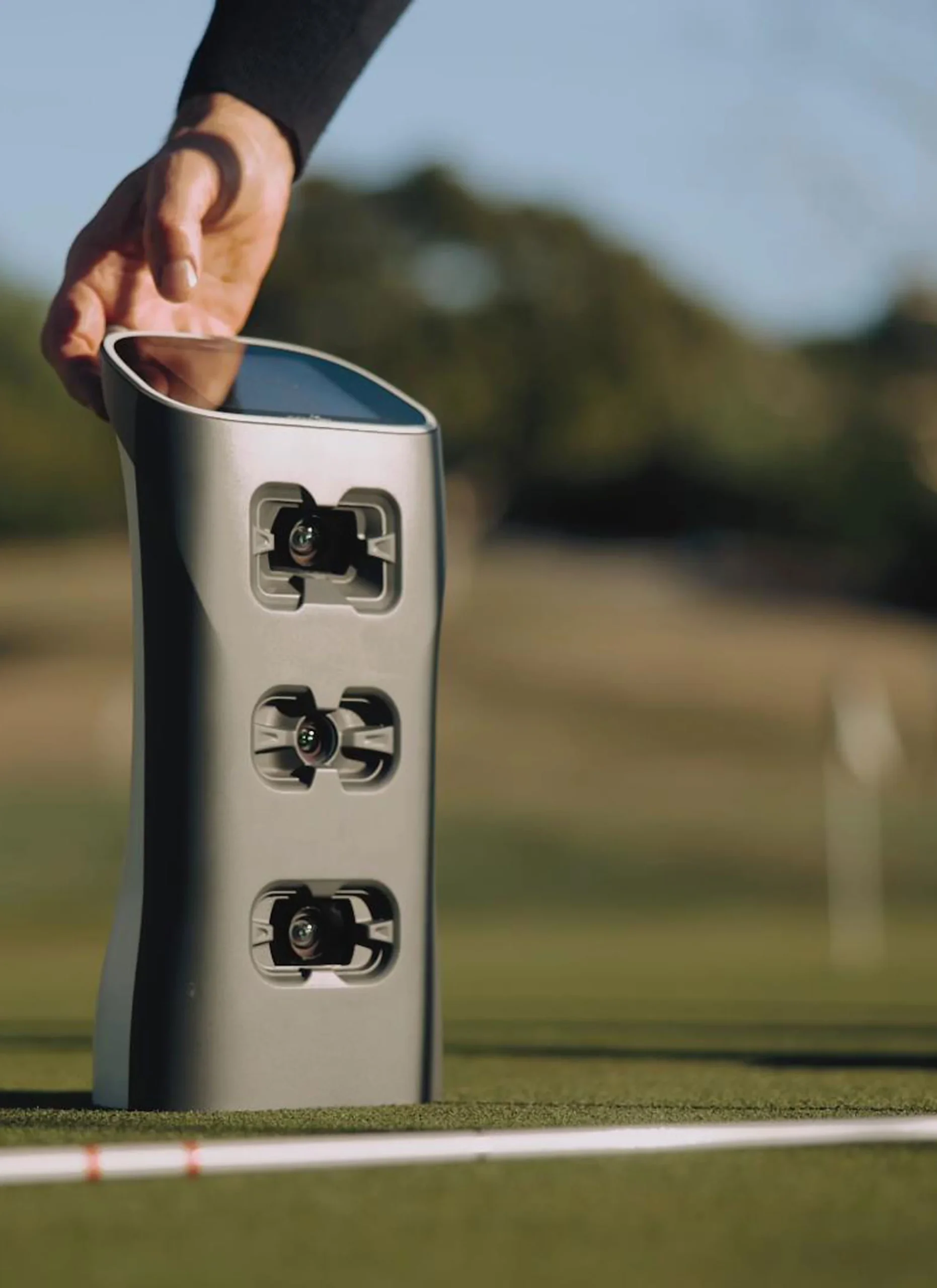
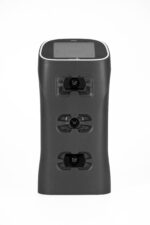
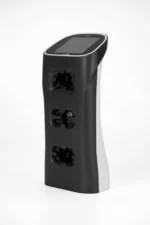
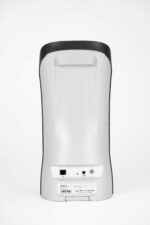
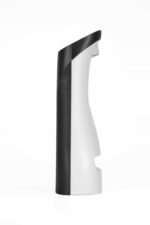
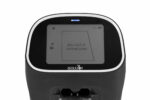
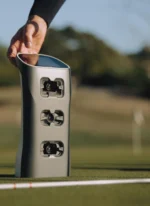
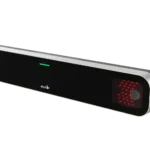
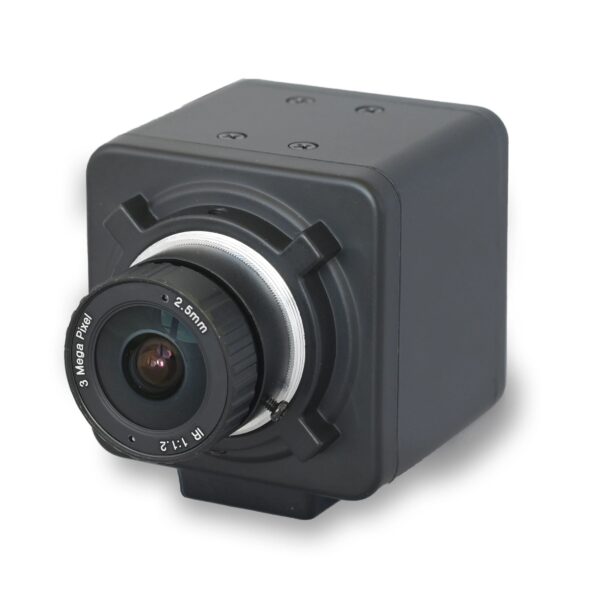
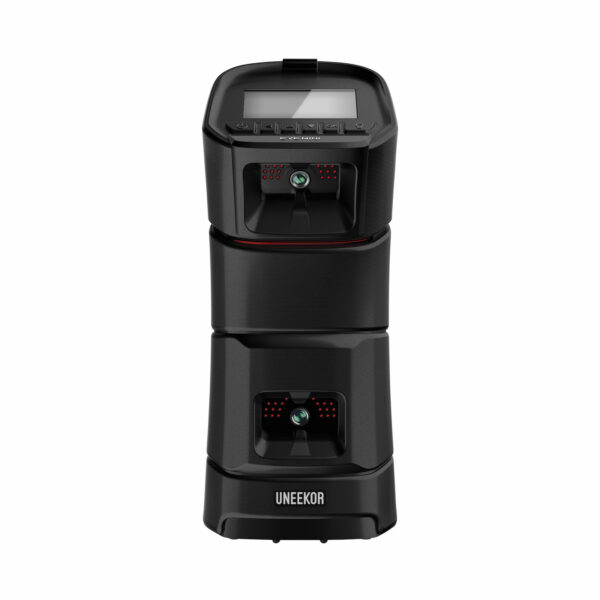
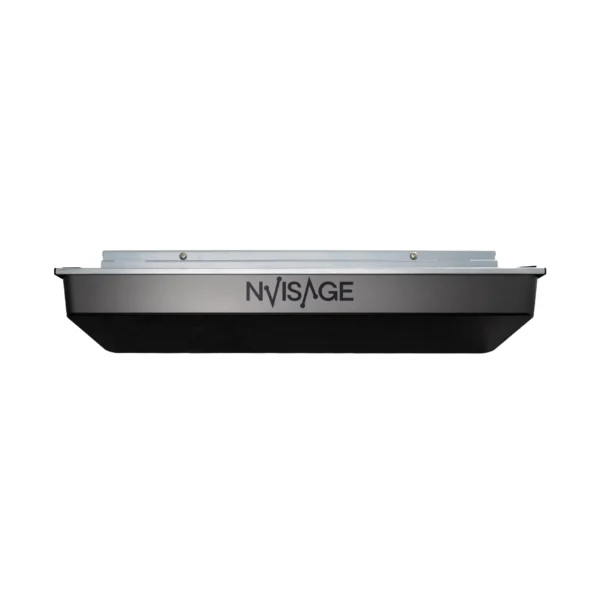
The Spica 3 is a self-contained, floor-placed launch monitor. You don’t bolt it to the ceiling or hire anyone to install it. You put it on the ground, line it up with your ball, and start hitting. Three built-in high-speed cameras fire in milliseconds to capture what happens at impact — ball speed, spin, club path, launch angle, and 23 more data points — and display everything on the device’s own screen before you’ve finished your follow-through.
It’s designed for golfers who want real data without a complicated or expensive permanent setup. Works just as well at the driving range as it does in your garage or basement.
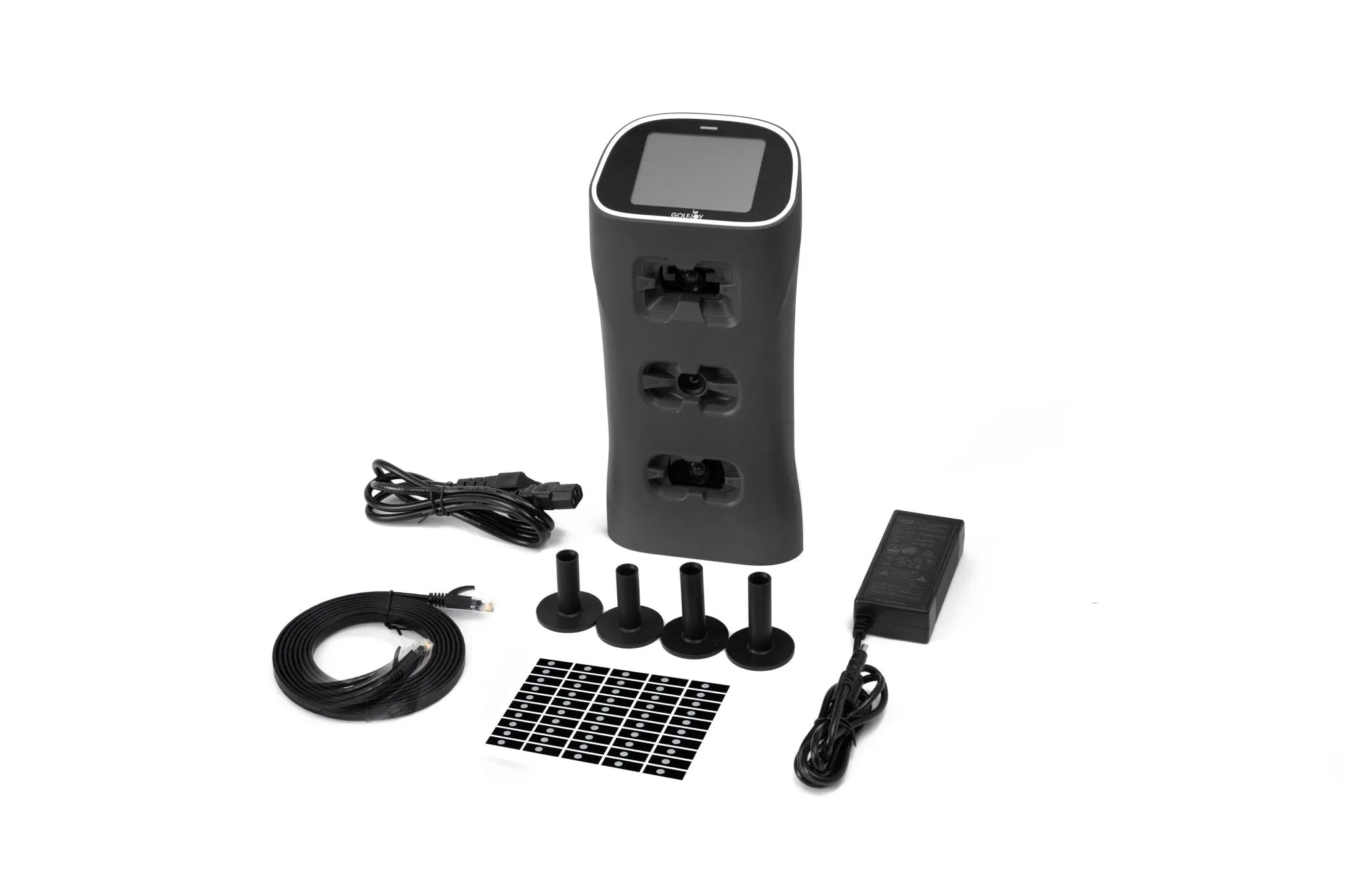
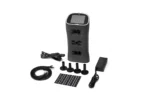
What Comes in the Box
- Spica 3 launch monitor unit
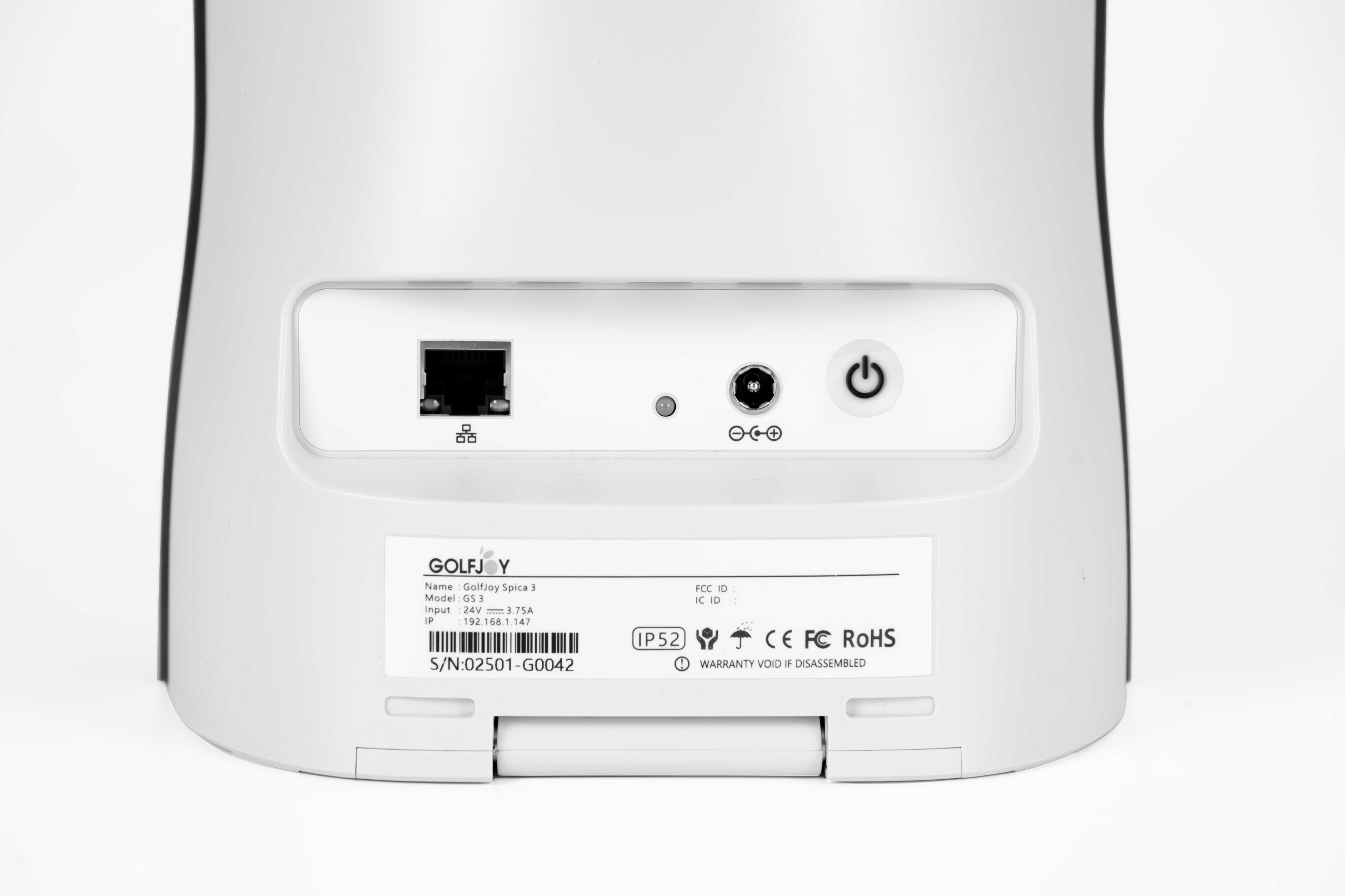
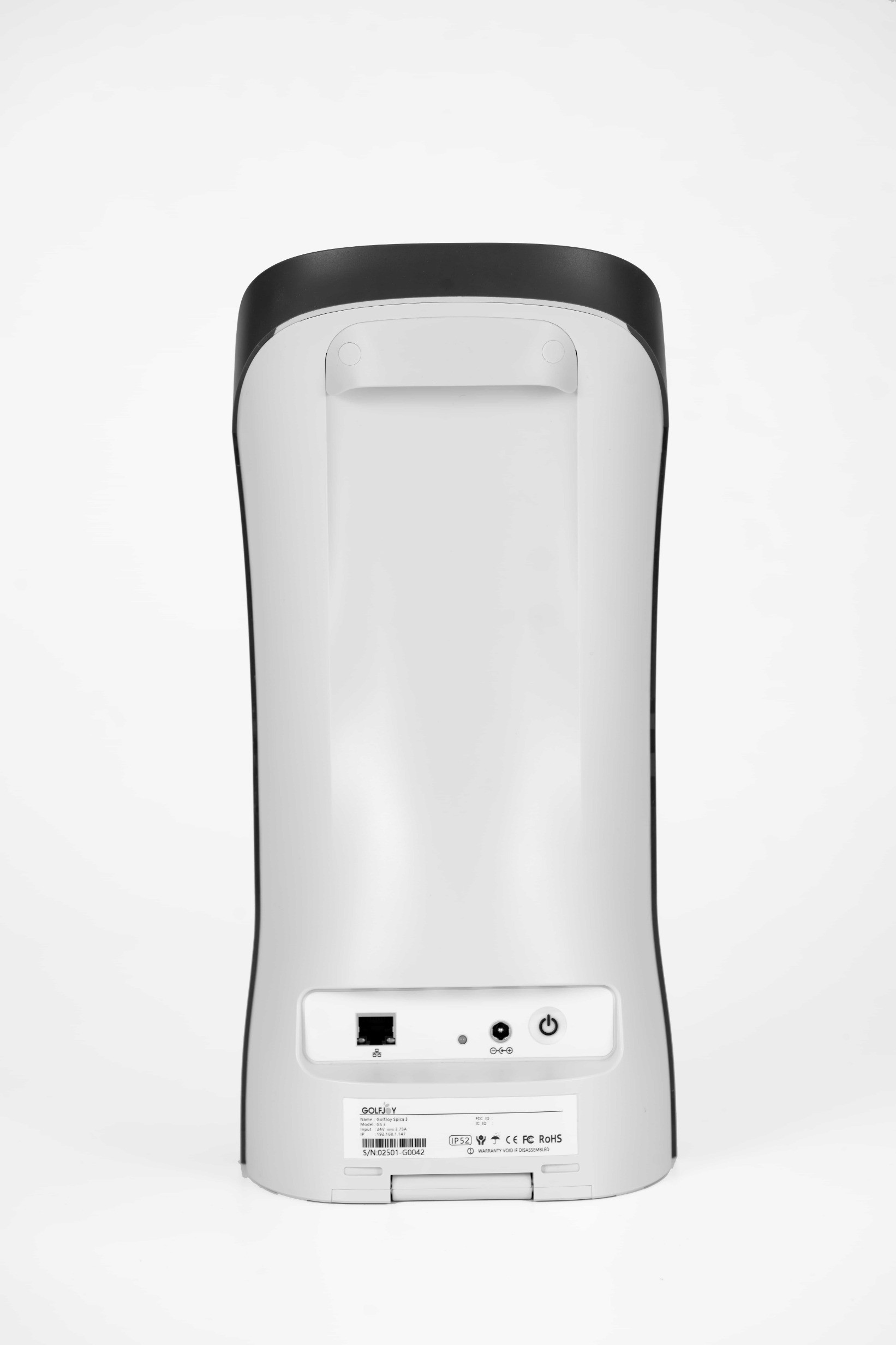
- Power adapter and ethernet cable
- Clubhead stickers — apply these to get full club tracking data
- Rubber tee, lens cloth, and cleaning brush
- 3-month trial of GolfJoy’s PC simulation software — included at no charge
- Free lifetime access to the GolfJoy mobile app
⚠️ A hitting net, impact screen, projector, and hitting mat are not included in this purchase. If you want a full simulator experience, see ‘Building a Complete Setup’ below.
Will It Fit Your Space?
📏 These are the minimum dimensions. If your room is close to the minimums, measure it — don’t guess.
Dimension | Minimum Needed | More Comfortable |
Width of the room | 10 ft | 12 ft or wider |
Depth of the room | 12 ft | 15 ft or more |
Ceiling height | 9 ft | 9.5 ft or higher |
Ball to screen/net | 6 ft (2 yards) | 8 to 10 ft |
📏 Not sure? Email us your room dimensions at [email protected] and we’ll tell you what fits.
The 27 Things It Tracks
Every shot gives you data across three categories — the ball, the club, and where the ball ends up:
Ball (11 metrics) | Club (4 metrics) | Flight & Landing (12 metrics) |
Ball speed | Club head speed | Total distance |
Launch angle | Club path | Carry distance |
Backspin | Smash factor | Roll distance |
Sidespin | Attack angle | Peak height (apex) |
Total spin rate | | Hang time |
Spin axis | | Landing angle |
Horizontal launch angle | | Side carry & more |
ℹ️ The included clubhead stickers must be applied to capture the 4 club metrics. Ball data works without them.
Software Options
The Spica 3 connects wirelessly or via ethernet to all the major simulation platforms. Here’s a plain-English breakdown of your options:
Platform | What It Costs | What It Gets You |
GolfJoy mobile app | Free — yours to keep | Shot data on your phone after each swing. Great starting point. |
GolfJoy PC software | Free 3-month trial included | Play virtual courses on your PC. Subscription continues after trial. |
E6 Connect | Around $40–100 per year | Over 100 courses including well-known layouts. Easy to learn. |
GSPro | Around $250 one-time | Realistic simulation with a large course library. Takes more setup but widely used. |
Creative Golf | Subscription-based | More relaxed formats, good for casual play and beginners. |
Building a Complete Home Simulator Setup
The Spica 3 handles the tracking. To turn your space into a full simulator, you’ll need a few more components — all available here at PortersGolf:
Component | What It Does | Find It at PortersGolf |
Impact screen or net | Catches the ball and displays the projected image | Carl’s Place impact screens |
Enclosure frame | Structural surround that holds the screen in place | Carl’s Place enclosures |
Short-throw projector | Throws the simulation image onto the screen | BenQ TH671ST or BenQ TK710STi |
Hitting mat | A turf surface to swing from — protects your floor | Carl’s HotShot hitting mats |
Windows PC or laptop | Runs your simulation software | Computers section on PortersGolf |
💡 You don’t have to build the full setup all at once. The Spica 3 works on its own from day one — just the device, no screen, no projector needed. Add components whenever you’re ready.
** Building a complete setup? Use our free Custom Recommendation form — we’ll put together an accurate total based on your space and budget.



Reviews
Clear filtersThere are no reviews yet.