
Camera-Based vs. Radar-Based Launch Monitors: Which Is Right for You?

Start With the Right Launch Monitor Type
When you're comparing camera vs radar launch monitors for the first time, the decision usually comes down to one thing: how much room you have to work with. Camera-based (photometric) launch monitors need less depth and capture data right at the ball, making them the better fit for most indoor home setups. Radar-based launch monitors need more space in front of and behind the ball to track the full flight, which makes them a stronger fit for garages, backyards, or anywhere you have extra room.
To make sense of camera vs radar launch monitors, it helps to understand what's actually happening inside each device before you compare specs side by side.
How Camera-Based (Photometric) Launch Monitors Work
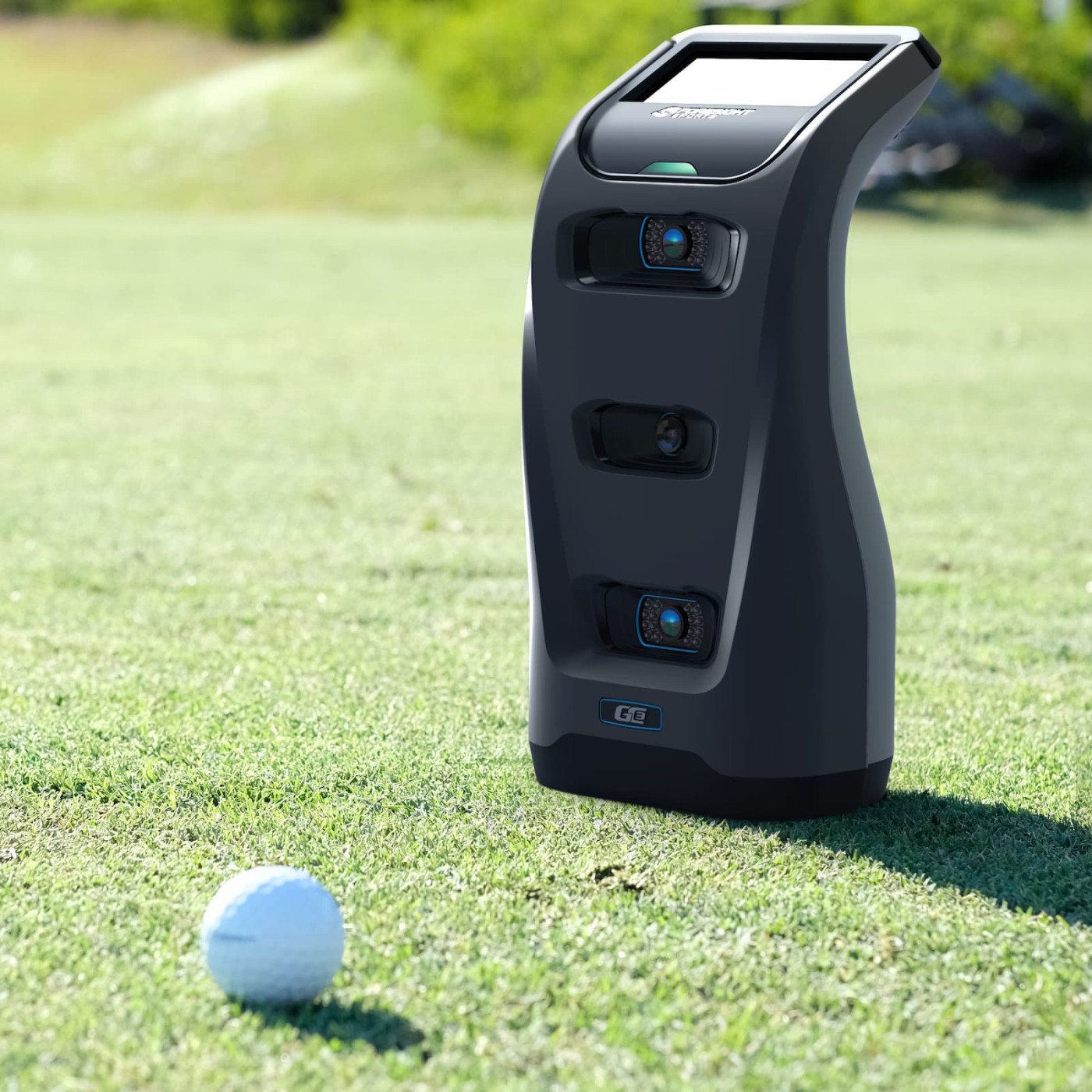
Camera-based launch monitors use one or more high-speed cameras positioned near or above the ball. They capture images in the fraction of a second around impact and calculate ball and club data from those images — things like clubhead speed, face angle, path, and spin.
Because they're measuring what happens at impact rather than tracking the ball as it travels, they don't need a long runway of space behind the ball. That makes them a strong option for smaller rooms, garages with limited depth, or anywhere ceiling height and room length are tight.
How Radar-Based Launch Monitors Work
Radar-based launch monitors use Doppler radar to track the ball as it actually flies, measuring its speed and trajectory over a distance. This is the same basic technology used in the outdoor golf launch monitors you've probably seen on a driving range.
Because they're tracking movement rather than a single moment of impact, radar units typically need more room — space behind the ball for the unit itself, and often several feet in front for the ball to travel before it hits a net or screen. They tend to perform very well outdoors and in larger indoor spaces.
Camera vs Radar Launch Monitors: Side-by-Side Comparison
Here's how camera vs radar launch monitors stack up across the factors that matter most when you're planning a home setup:
| Camera-Based (Photometric) | Radar-Based | |
|---|---|---|
| How it measures | High-speed cameras at/near impact | Doppler radar tracking ball flight |
| Space needed | Shorter — good for tight rooms | Longer — needs runway front and/or back |
| Best environment | Dedicated indoor rooms, garages with limited depth | Larger garages, backyards, indoor/outdoor use |
| Typical strength | Detailed club data (path, face angle, impact location) | Full ball-flight tracking over distance |
Which One Is Right for You?
Now that you know the fundamentals, deciding between camera vs radar launch monitors comes down to three things: your available space, your budget, and what you actually want to track.
Choose camera-based if: your room is tight on depth, you want detailed club data for fitting or improvement, or you're setting up in a dedicated indoor space. Our Uneekor EYE MINI LITE Garage Package is built exactly for this — accurate, camera-based data in a footprint that works for most garages.
Choose radar-based if: you have more room to work with, want the option to practice outdoors too, or you're starting with a simpler net-based setup. The FlightScope Mevo Gen2 Net Practice Package is a great entry point — indoor or outdoor, without a full simulator room.
Want the top-tier camera-based option? The Uneekor EYE XO2 Commercial Package is our most advanced overhead system, built for serious golfers and commercial spaces.
You can browse the full lineup of both types on our Launch Monitors page.
Still Weighing Camera vs Radar Launch Monitors?
Tell us your room dimensions, budget, and goals — we'll recommend the right launch monitor for your setup, free and no obligation.
Get My Free Custom Recommendation